A 3D tabletop that opens in a browser tab
Menyr shows how striking a 3D tabletop can look, with procedural worlds and game-engine graphics, distributed through Steam. TerrainTale aims for the same sense of place with nothing to install: a 3D table in the browser, built for grid combat.
Side by side
| Topic | TerrainTale | Menyr |
|---|---|---|
| Install | Browser | Desktop download via Steam |
| The map | Built from a realistic library with a room tool and brushes | Procedural 3D worlds |
| Grid and measuring | Feet with diagonal rule, waypoints and height | Tactical tools in a 3D world |
| Initiative and HP | Tracker, HP, conditions, round counter | Supported |
| Hardware | Starting quality from the GPU, adjustable in settings; runs on integrated graphics | Game-engine graphics, benefits from a capable PC |
| Remote play | Shared rooms by link | Yes |
| Status | Live | In development (beta) at the time of writing |
| Pricing | Free plan with one saved scene; Premium $6/month | Free to play, cosmetic purchases |
Menyr is a trademark of its owners and is not affiliated with TerrainTale. Feature notes describe the other product in general terms as we understand it at the time of writing; check its site for current details.
Nothing to install for players
Players open a link, sign in and see the table. No launcher, no download, no checking whether everyone's machine meets a spec sheet. That matters most for the player who joins late, uses a work laptop or plays on a borrowed machine. The 3D rendering runs in the browser, and quality settings let each person lower or raise it to suit their hardware. The DM shares the link once, and it brings players back each session until the DM stops sharing.
Built on the 5-foot square
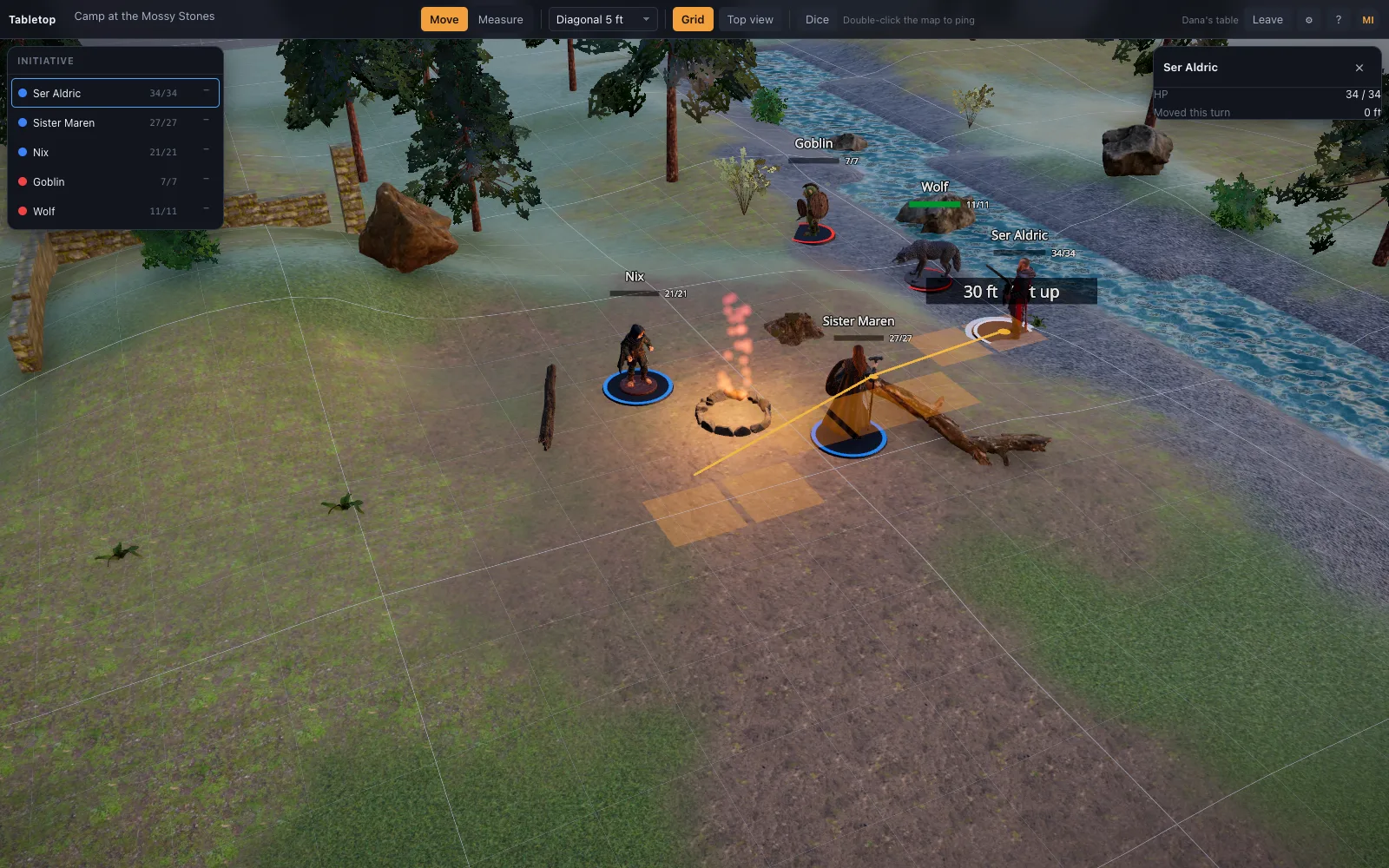
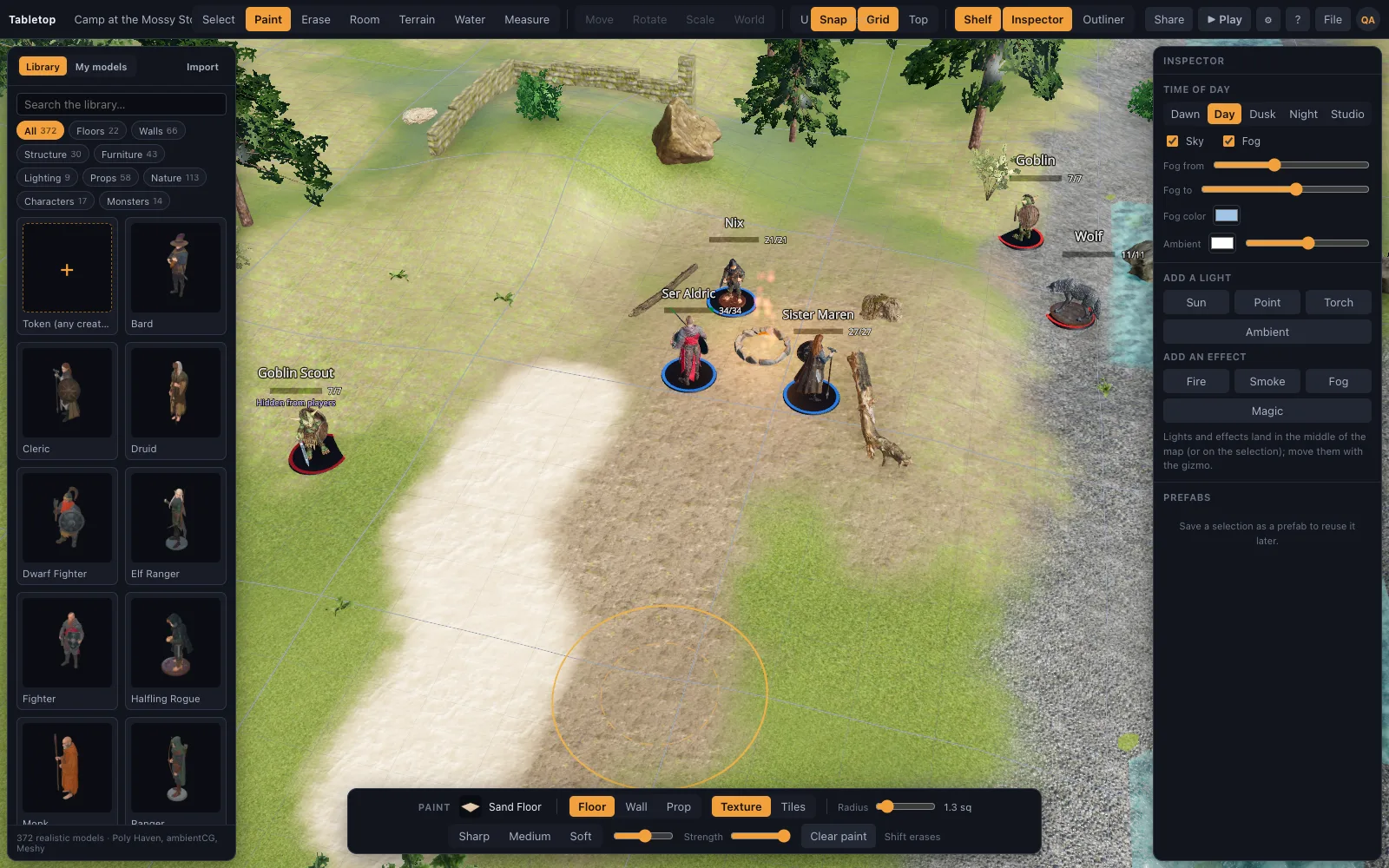
Every model is authored to the same cell, so floors tile, walls meet and a Medium creature takes one square. Terrain and water brushes shape the ground under it. A worked example: a forest clearing 12 squares across is 60 feet, so a 30-foot move crosses half of it. Raise a hill with the terrain brush, and when an archer on top measures down to the road the ruler reports the height as well as the distance. A water brush cuts a stream through the clearing, and props placed near it stand on the ground rather than floating.
Where Menyr is still the better pick
Groups who want sweeping procedural landscapes and maximum visual spectacle from a desktop engine, and who do not mind installing an app. TerrainTale is more modest in scale and closer to a miniature table. Menyr was in development at the time of writing, so check its current state on its own site. TerrainTale works at the scale of one encounter: a room, a cave, a courtyard or a stretch of road.
Moving across
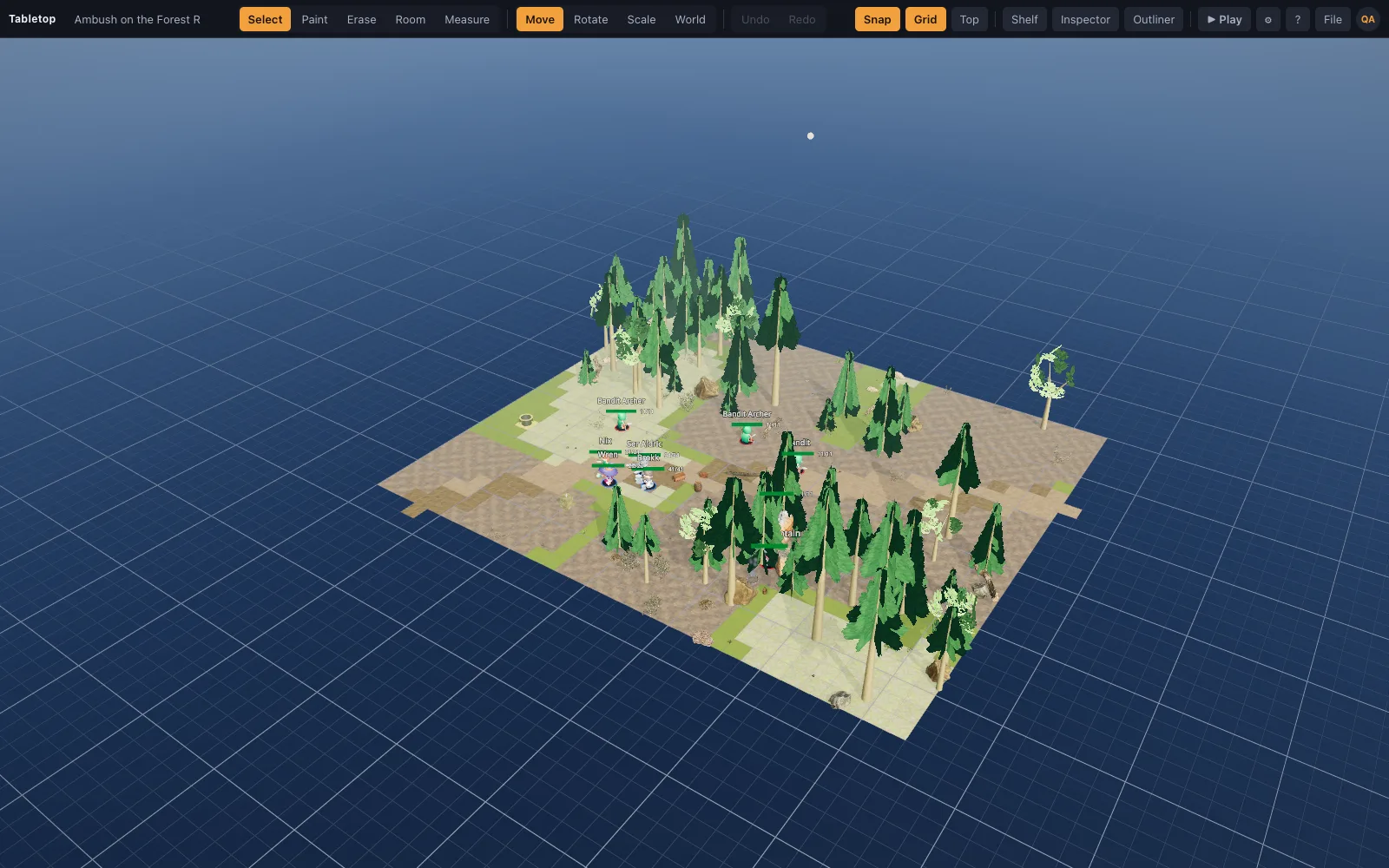
There is no importer between the two. Rebuild locations with the room tool and terrain brushes, start from a starter scene, or import a scene recipe as JSON. For an outdoor fight, open the forest road starter scene, reshape the ground with the terrain brush and add trees and rocks from the shelf. For a dungeon, the room tool and a kit build walls and floors with correct corners in one drag.
How a fight runs
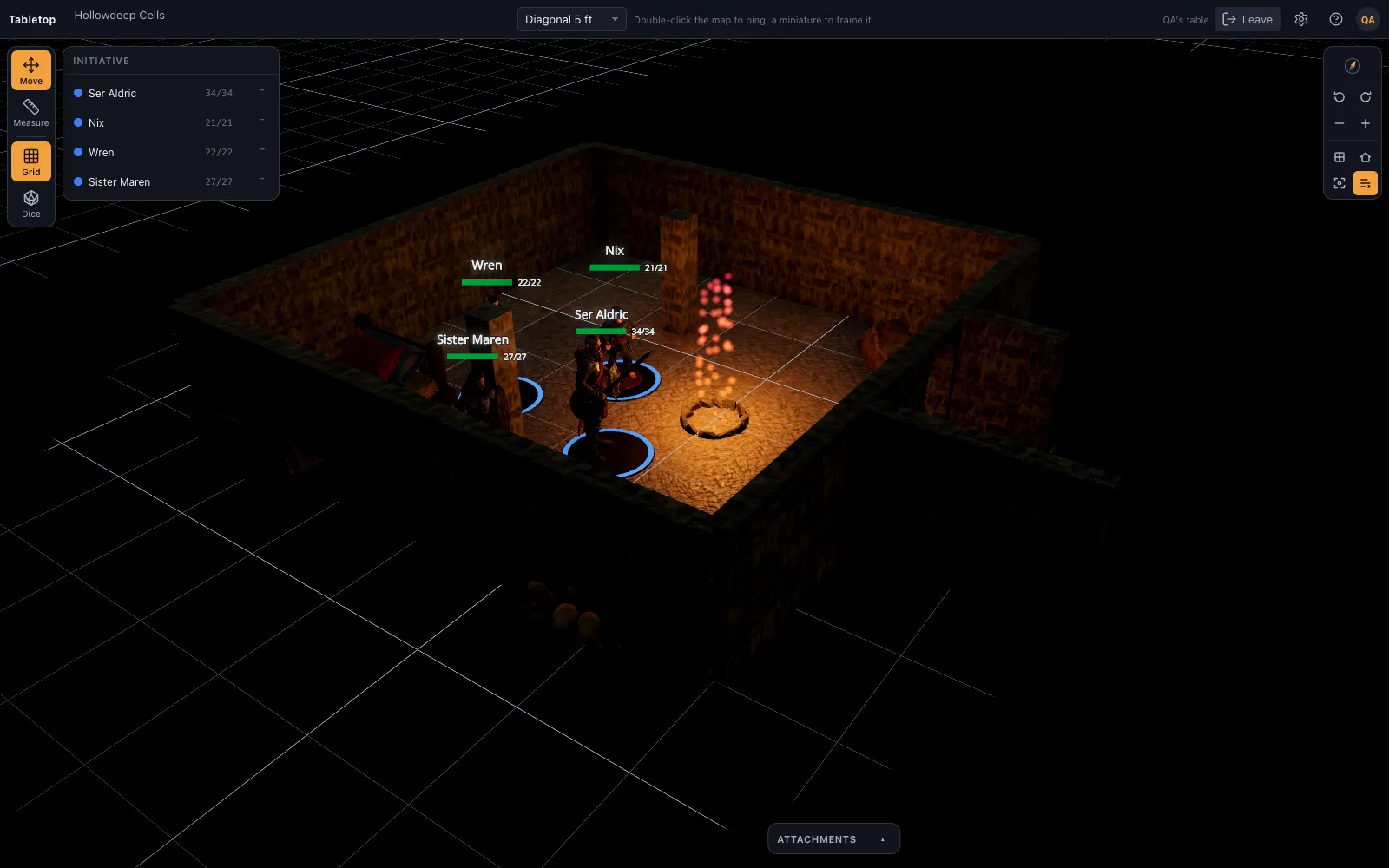
Start combat and every mini on the map joins initiative. Roll or type each number, press N for the next turn, and the active mini glows while its movement allowance resets. HP sits on the token card with damage and heal buttons, conditions show as badges, and the round counter is in the top bar. The ruler counts in feet with the diagonal rule your table picks: every diagonal 5 feet as in 5e, 5/10/5 as in Pathfinder and the 5e DMG variant, or true distance. Players roll from a dice tray the whole table sees.
Fog, hidden minis and the DM's screen
The DM paints fog over unexplored ground and reveals it room by room. Players see black there, and what stands in the fog is not sent to their browsers. A single mini can also be hidden from players, which suits an ambusher who should appear only when the trap springs. Neither is a line-of-sight system; the DM decides what the party sees, as at a physical table with a cloth over the map.
Hardware and devices
TerrainTale runs on integrated graphics. The renderer starts at a quality tier suited to the GPU, and the quality settings let you change it by hand. Discrete GPUs get ambient occlusion, MSAA and higher-resolution shadows. A desktop game engine can push further on a strong PC; a browser table trades some of that for reaching every player without an install.
Questions
Do I need Steam?
No. TerrainTale runs in the browser.
Will it run on a laptop?
Yes. It starts at a quality tier suited to the GPU, works on integrated graphics, and the quality settings let you adjust it by hand.
Can I shape terrain?
Yes. Terrain and water brushes shape the ground, and everything placed stands on it.
Can I import my own models?
On Premium, drop a .glb, .obj, .fbx or similar file on the window.
Is it free?
There is a free plan with the whole table that keeps one saved scene. Premium, $6 a month or $48 a year, keeps up to 200 saved scenes and imports your own models.
Does it have fog of war?
Yes. The DM brushes fog on and reveals it, in the editor or mid-game. Players see black there and are not sent what stands in it. There is no automatic line of sight.
Can players move their own miniatures?
Yes. In a shared room players drag minis, measure, ping and roll. The feet they move are charged to the token's turn, and they cannot edit the scene.
Can an AI assistant build a scene for me?
Yes. Scene recipes are a documented JSON format. Describe the place to an assistant, have it write the recipe using the asset catalogue, and load it with File, Import Scene JSON. The scene builder keeps floors tiled, walls meeting and everything standing on the terrain.
Keep reading
TaleSpire alternative
A browser-based TaleSpire alternative: realistic 3D battle maps with photoscanned props, no download or purchase, a free sign-up, and a builder that makes a map in minutes.
3D Virtual Tabletop (3D VTT): Free, in the Browser
A 3D virtual tabletop that runs in a browser tab: realistic battle maps with walls, light and height, painted-miniature figures, a ruler in feet and initiative.
3D Battle Maps for Tabletop RPGs
Make 3D battle maps in the browser from a realistic, CC0/CC BY library: PBR floors and walls, photoscanned props, trees and lights.
Import Your Own 3D Models Into the VTT
Drop your own .glb, .obj, .fbx, .stl and more onto the table: Meshy, Sketchfab and Blender exports, Draco/meshopt files.
The library
Realistic, CC0/CC BY, and all on one grid.
From the blog
Area of effect templates on a square grid, counted in squares
How many squares a fireball covers, how to lay cones, lines and cubes on a 5-foot grid, the DMG token method for spheres, and the fast rulings that keep a spell from stopping play.
· 6 min read
Boss fight arena design: how to build a battle map for the villain
What a boss battle map needs that an ordinary room does not: a stage for the villain, something to fight over, height, changes the map itself triggers, and floor enough for a Huge creature to move.
· 7 min read
Cave battle maps: building caverns that do not look like rooms
How to make cave and cavern battle maps for D&D that feel organic: irregular chambers, stalagmites as cover, water and rubble as terrain, ledges and pits for height, and light that shapes the dark.
· 6 min read
All articles on battle maps, grid rules and running the game
Ready to put a map on the table?
Open the builder and start, no account needed. Sixteen starter scenes are on the welcome screen; sign up free when you want to save one or play it with your group.