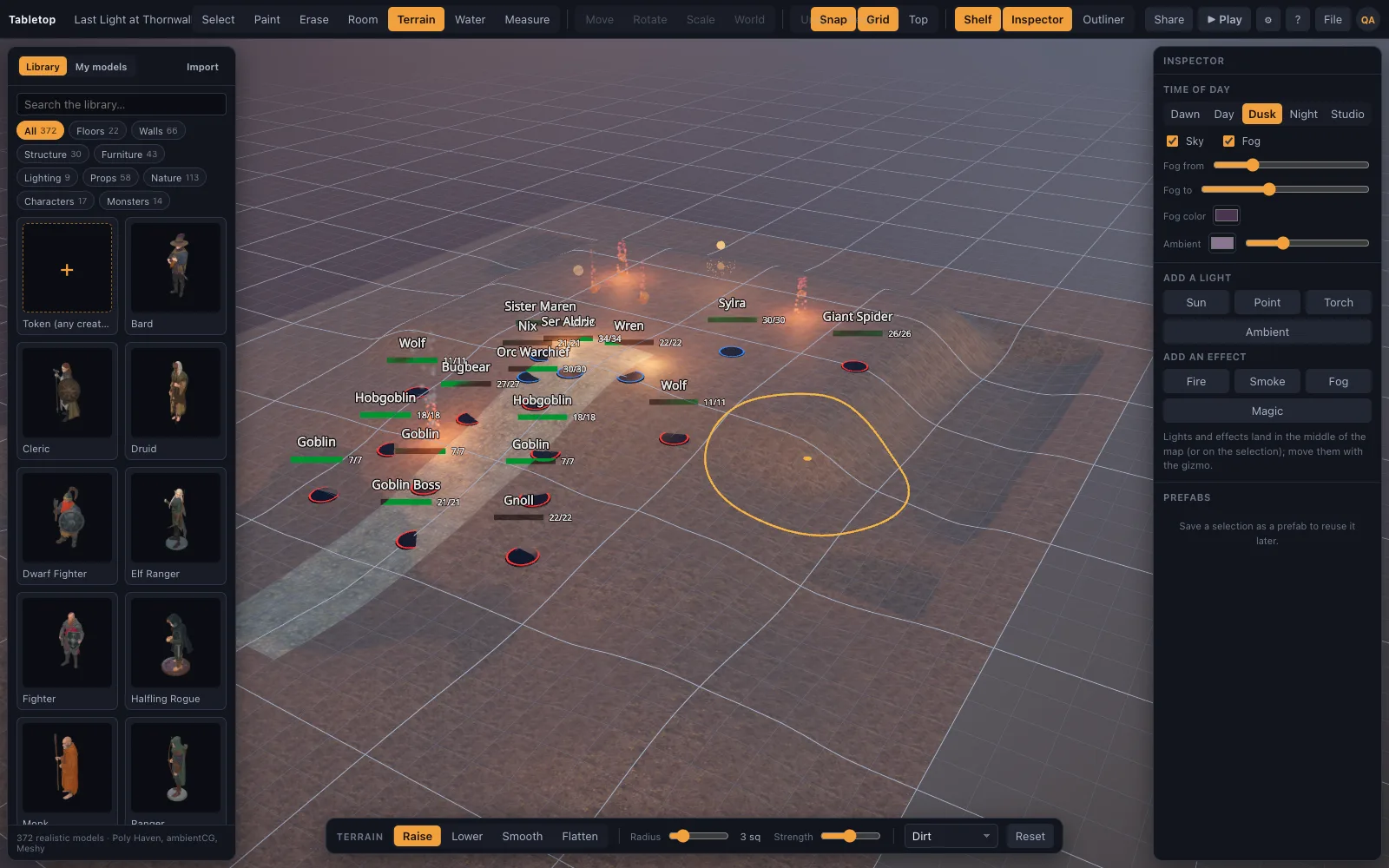
Shape the land
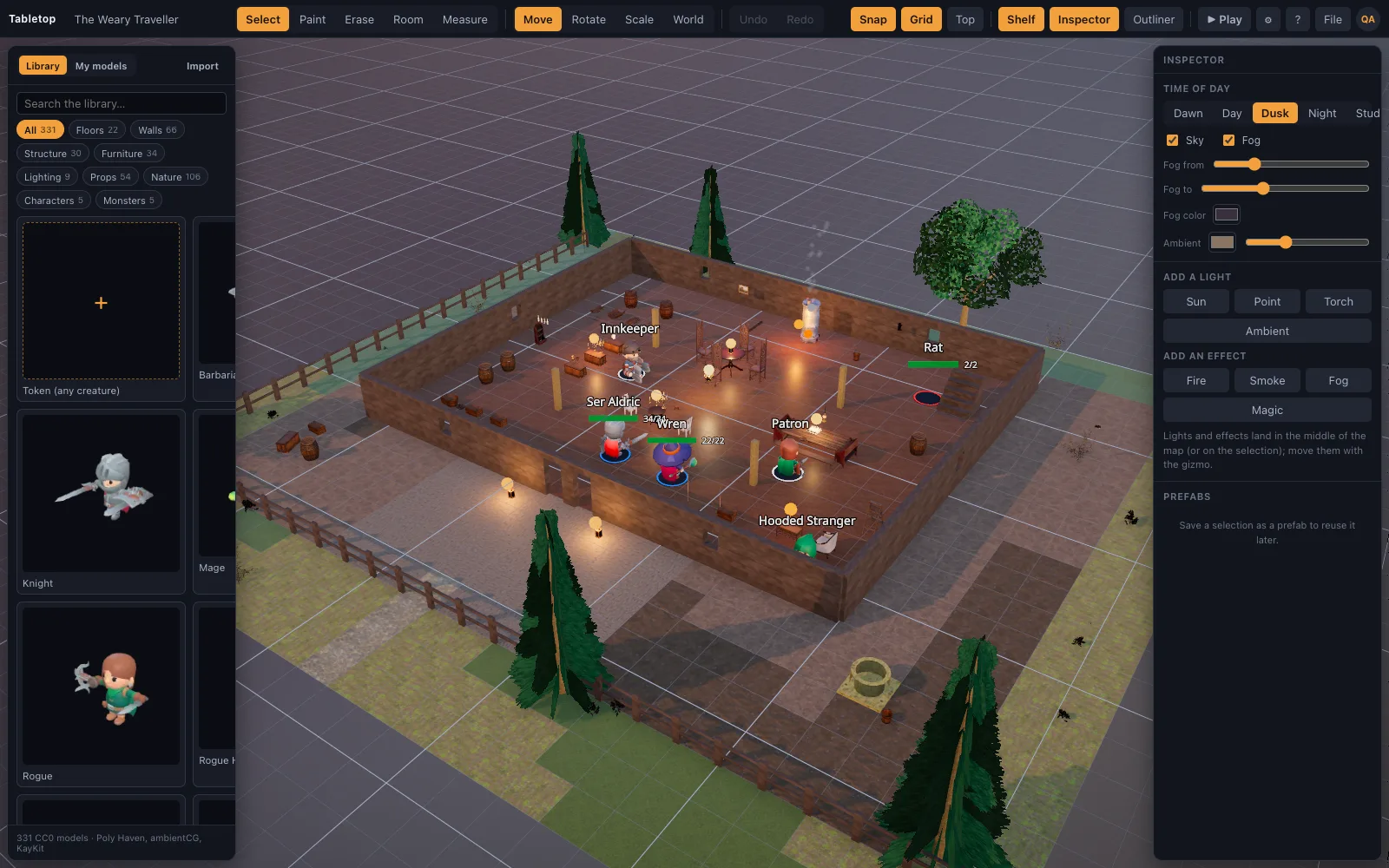
Raise hills, cut ridges and flatten a courtyard with the terrain brush. Walls, trees and minis stand on whatever ground you sculpt.
Shape the ground, dig a river, raise the walls and set painted minis on the table. Then send your players a link: they join from their own browsers and see every move, measurement and roll as it happens.
Free plan, no card · 649 CC0/CC BY models built in · runs on integrated graphics
This is TerrainTale's own renderer running in your browser, drawing a scene from a recipe of 29 steps: a knoll with a ruin, a brook, painted ground, a campfire and a goblin ambush. Drag to look around.
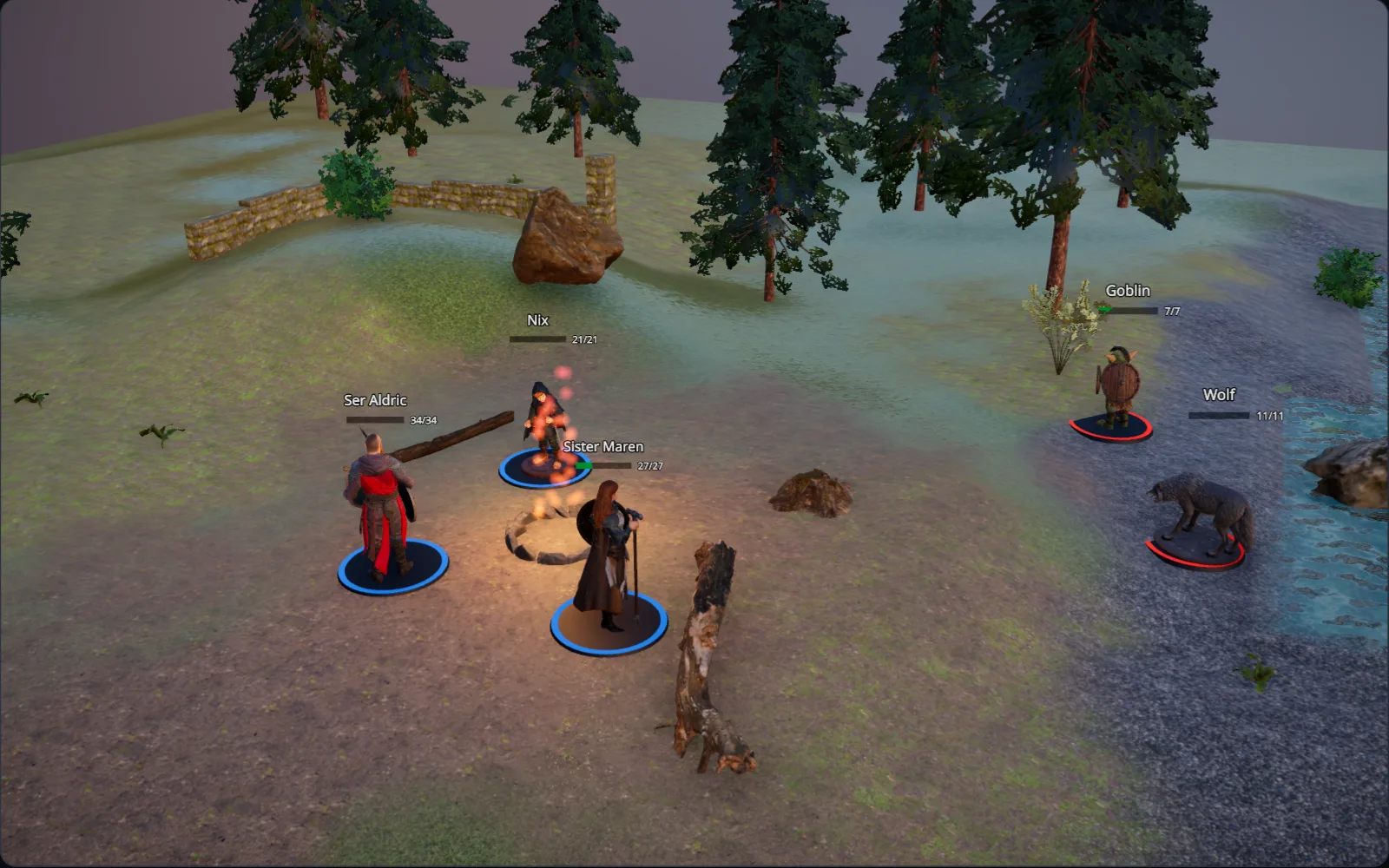
You are the DM here: the goblin scout in the ferns is hidden from players. Switch to the player's view to see what they see.
Everything lands on a 5-foot grid and stands on the ground you shape. No modelling, no image editing, nothing to install.
Raise hills, cut ridges and flatten a courtyard with the terrain brush. Walls, trees and minis stand on whatever ground you sculpt.
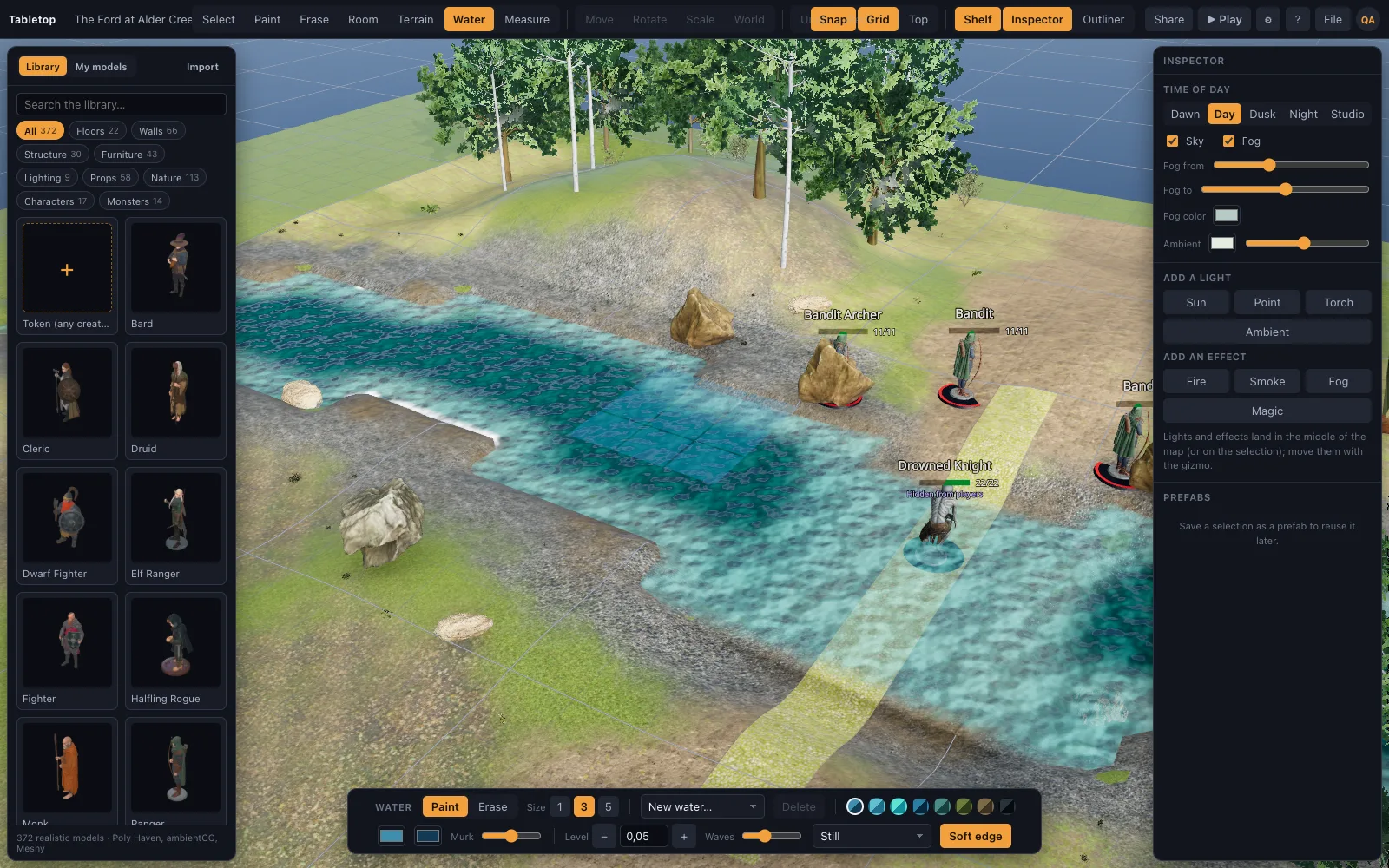
Paint a river, a pond or a stretch of coast. The water carves its own bed, and a river flows the way you drew it.
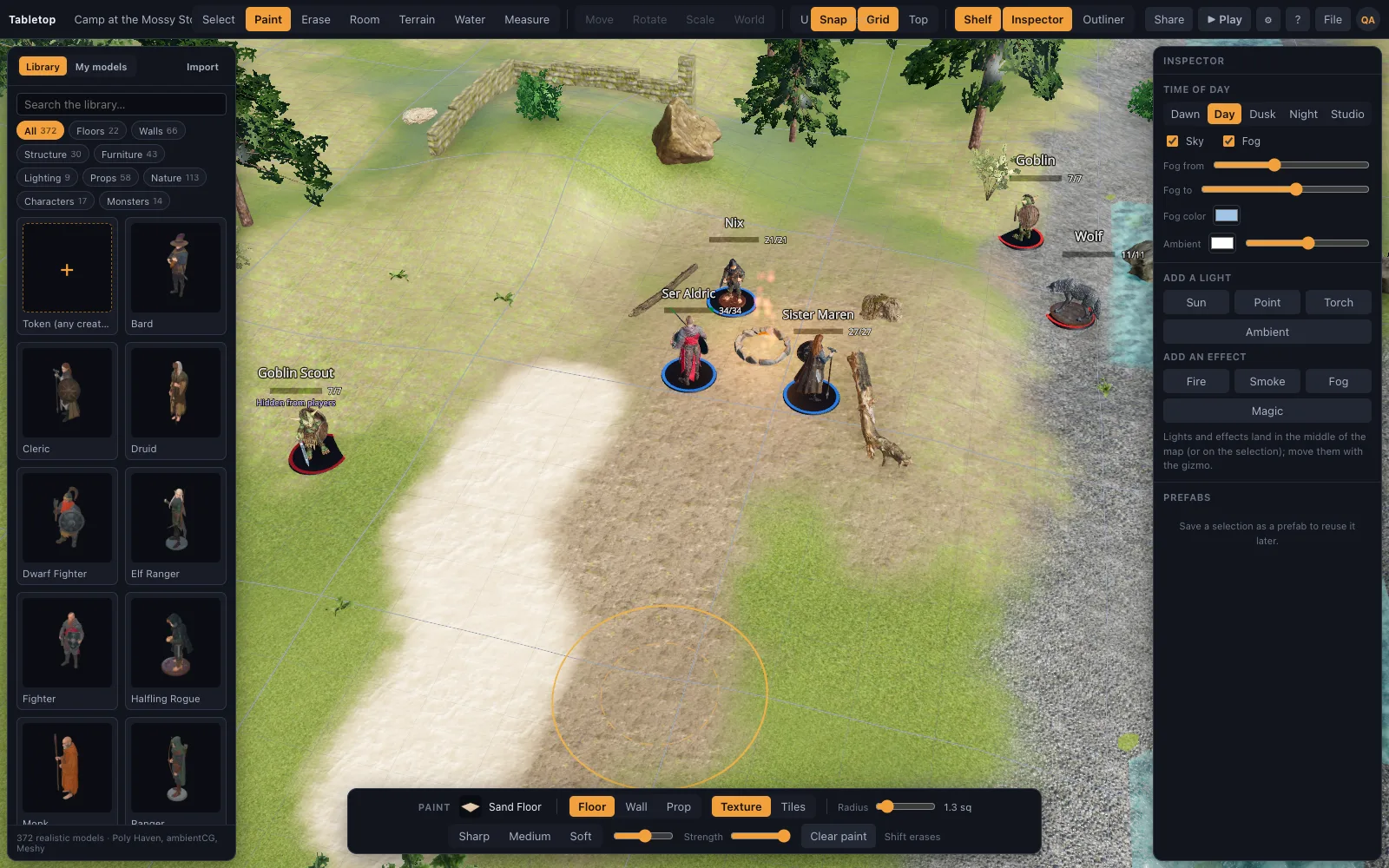
Grass, mud, gravel and moss go on with a soft brush, free of the grid, and blend into each other the way real ground does.
Drag a rectangle with a room kit and get floor and walls with the corners right. Doorways, arches and windows drop into any wall.
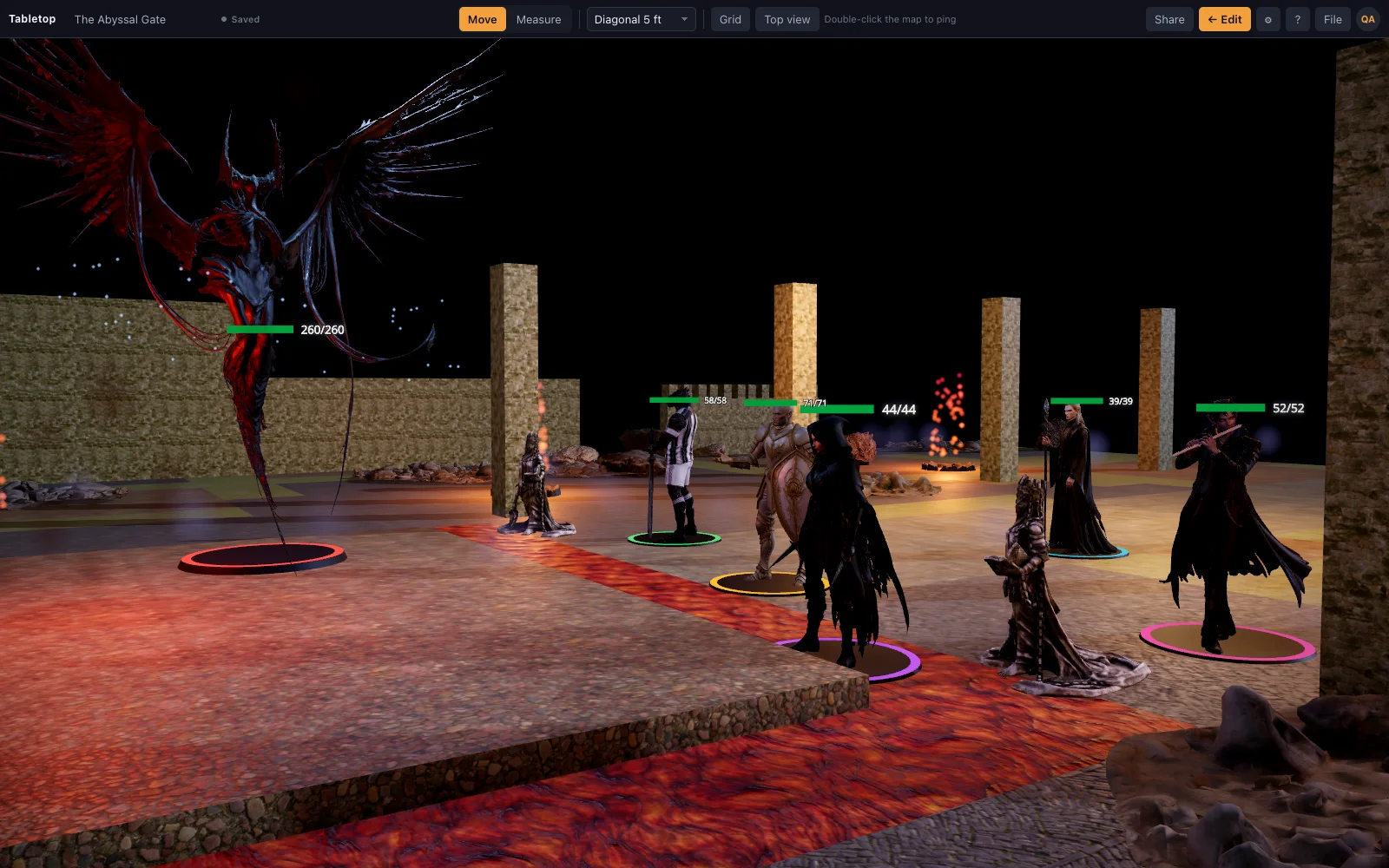
649 realistic models: photoscanned props, grown trees, furniture and painted minis for the party and the monsters. Premium adds your own .glb files.
Browse the library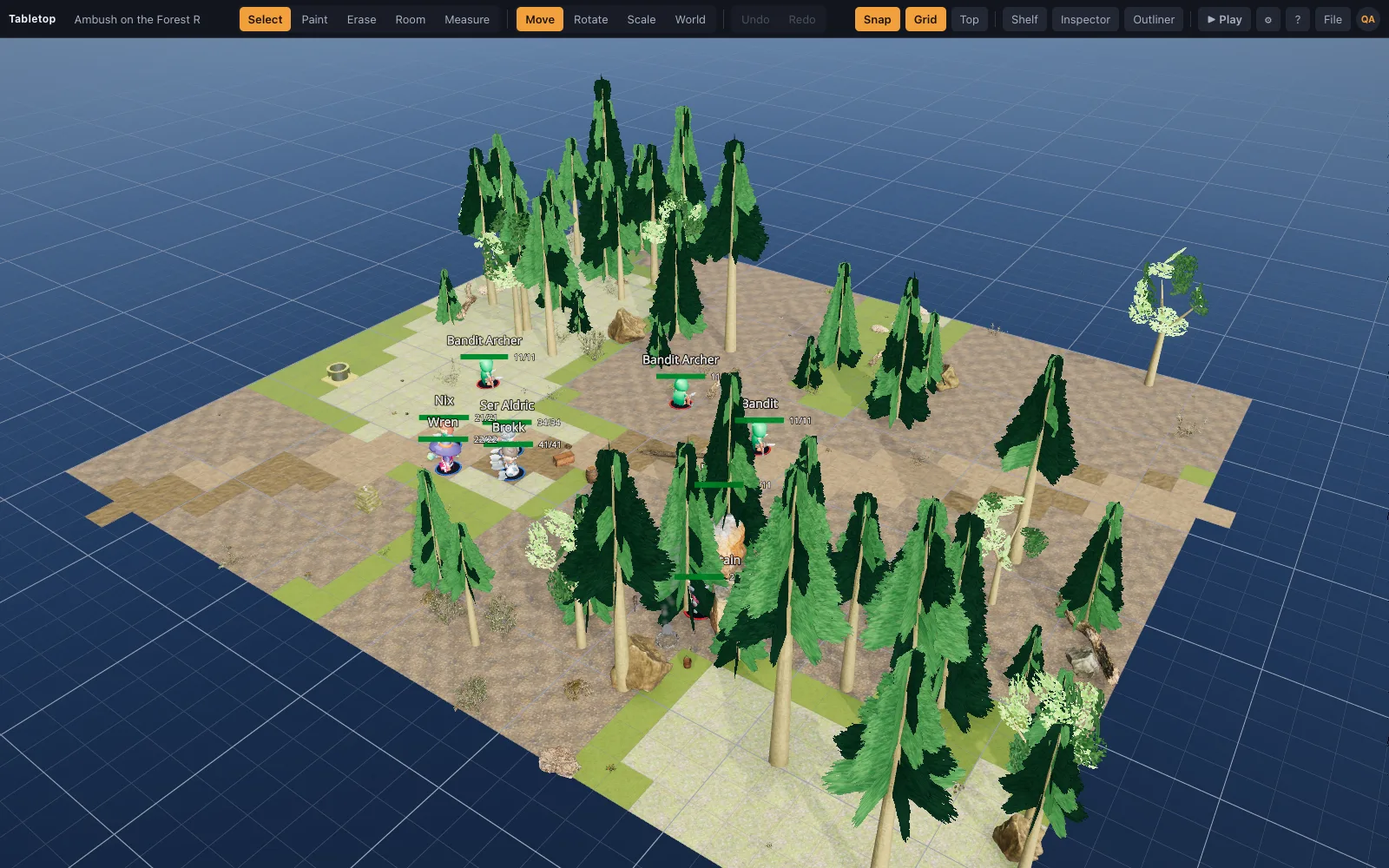
Scene recipes turn a sentence into a grid-correct map with the help of an AI assistant. The scene above is one.
How recipes workAny saved scene becomes a live table. Your browser runs the game, your players join from theirs, and nobody installs anything.
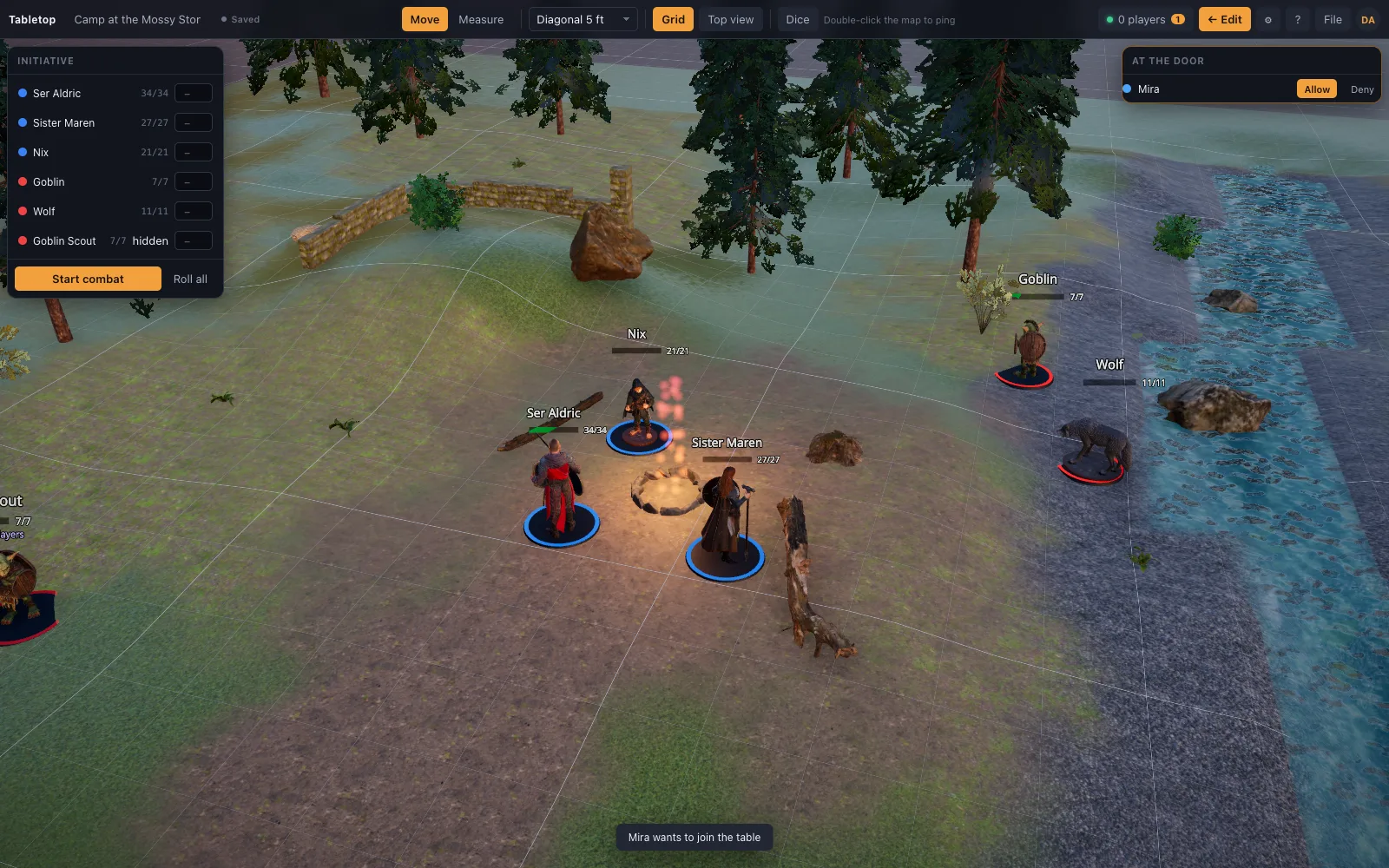
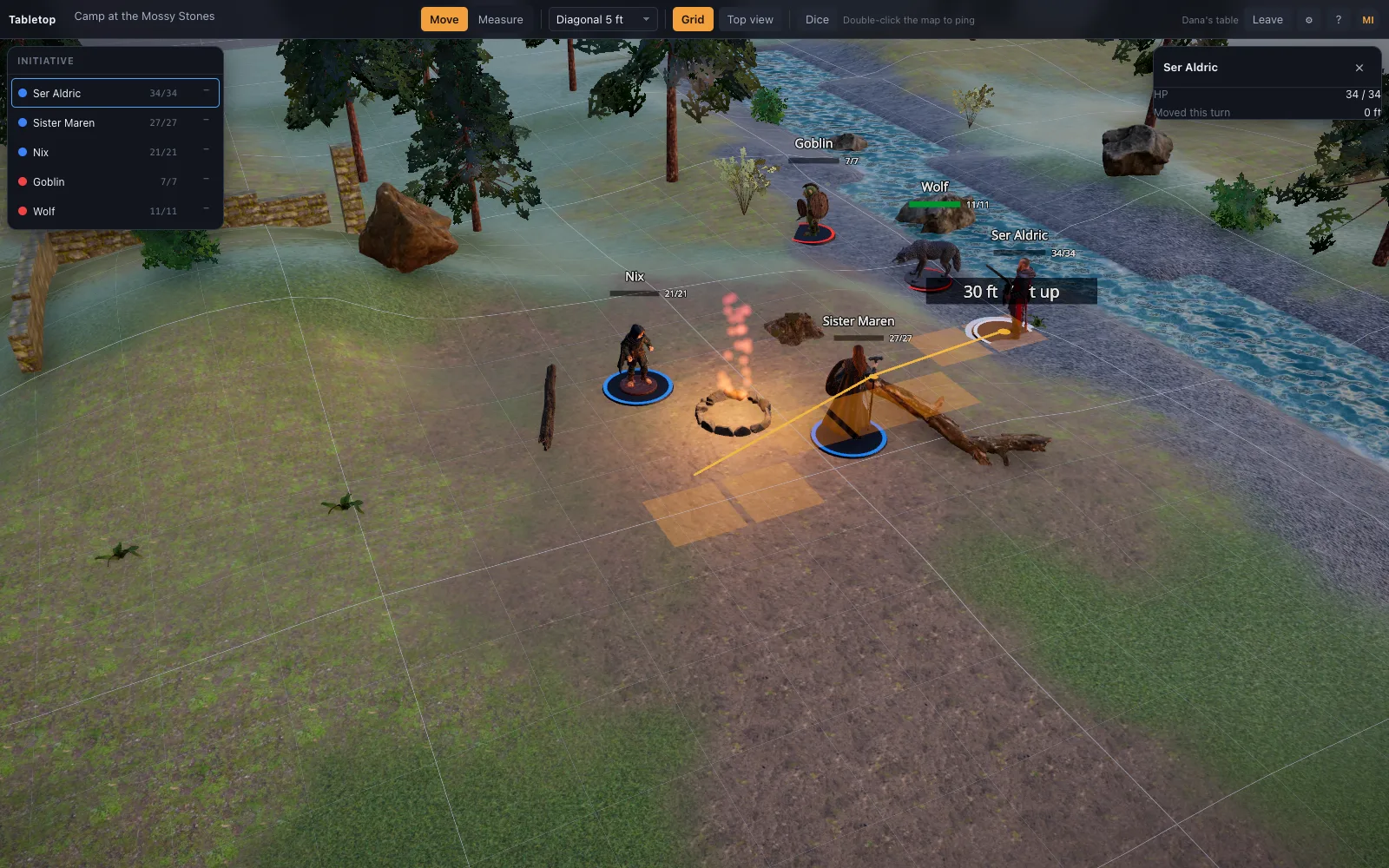
Press Play and the editor disappears. What is left is the map, Move and Measure, the grid toggle, the top-down view and the initiative tracker. Drag a mini and the ruler counts the feet; Space adds a waypoint so a route around a pillar is charged fairly.
The d20, the ruler and the tracker below import the app's own dice, measuring and turn-order code. They are the product, not a mock-up of it.
Sixteen finished scenes on the welcome screen, built from the library in a few seconds. Real screenshots, not renders.
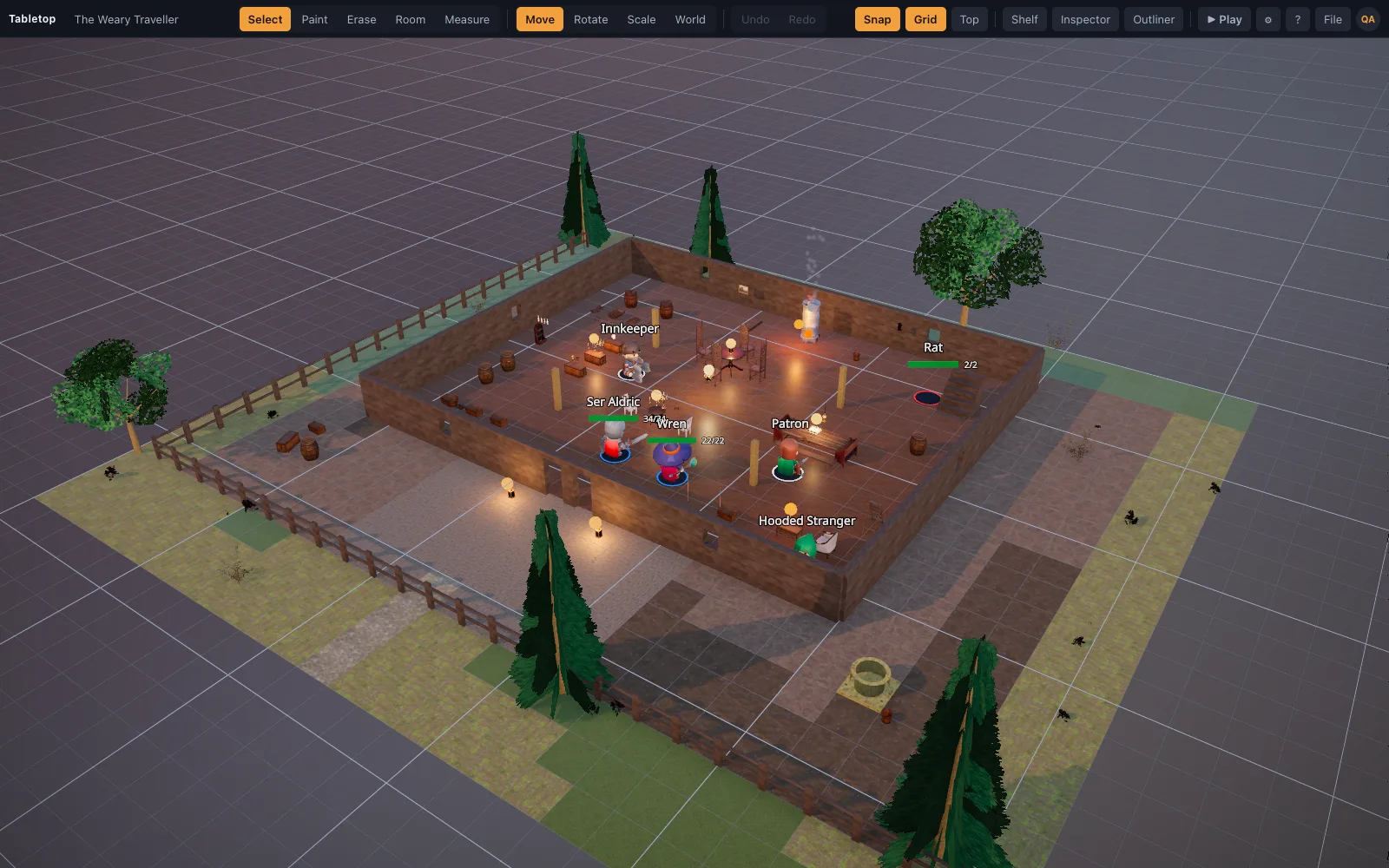
A roadside inn at dusk: bar, hearth and long tables, a stranger in the corner.
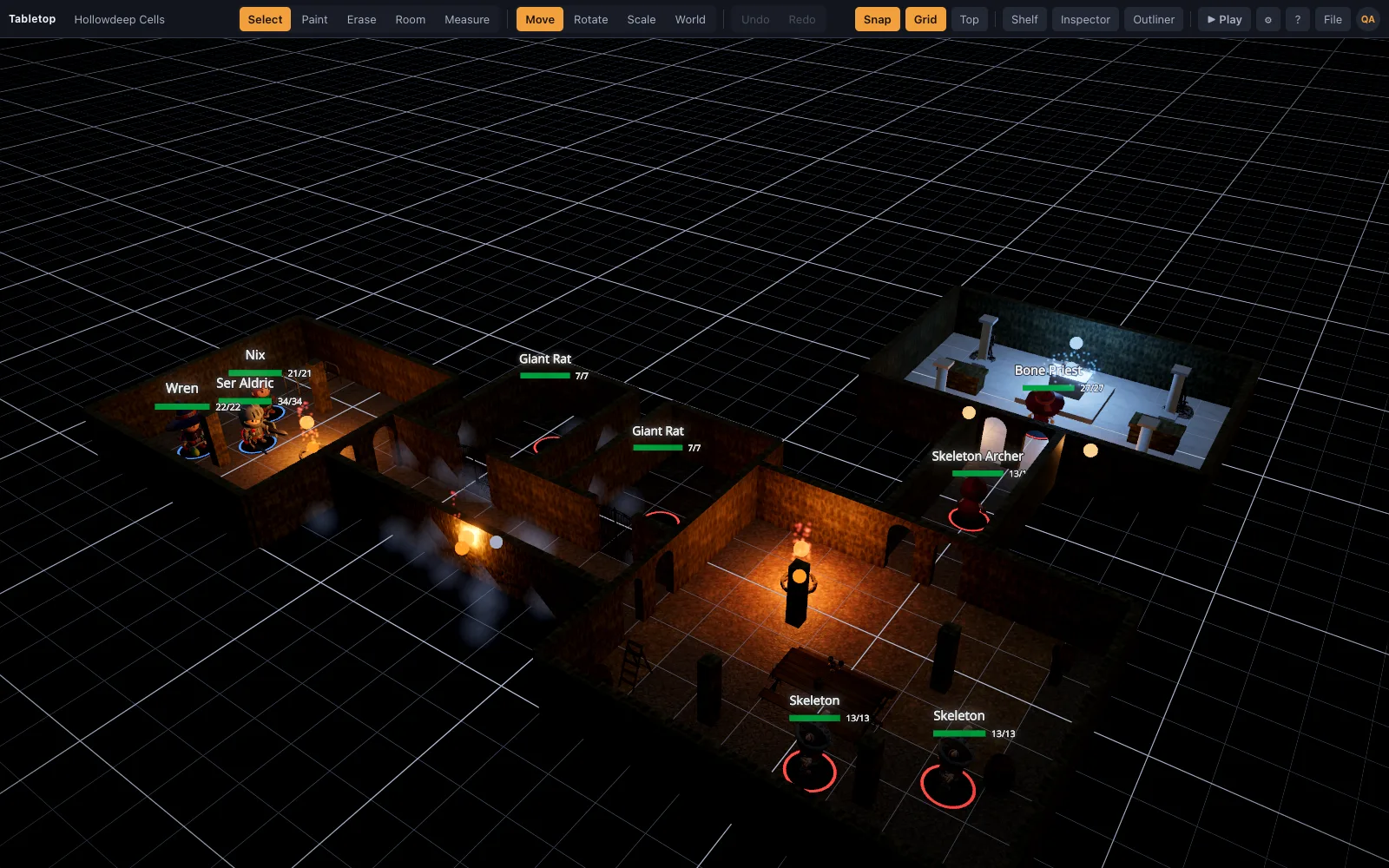
Torchlit stone corridors, a guard room, cells and a treasure vault.
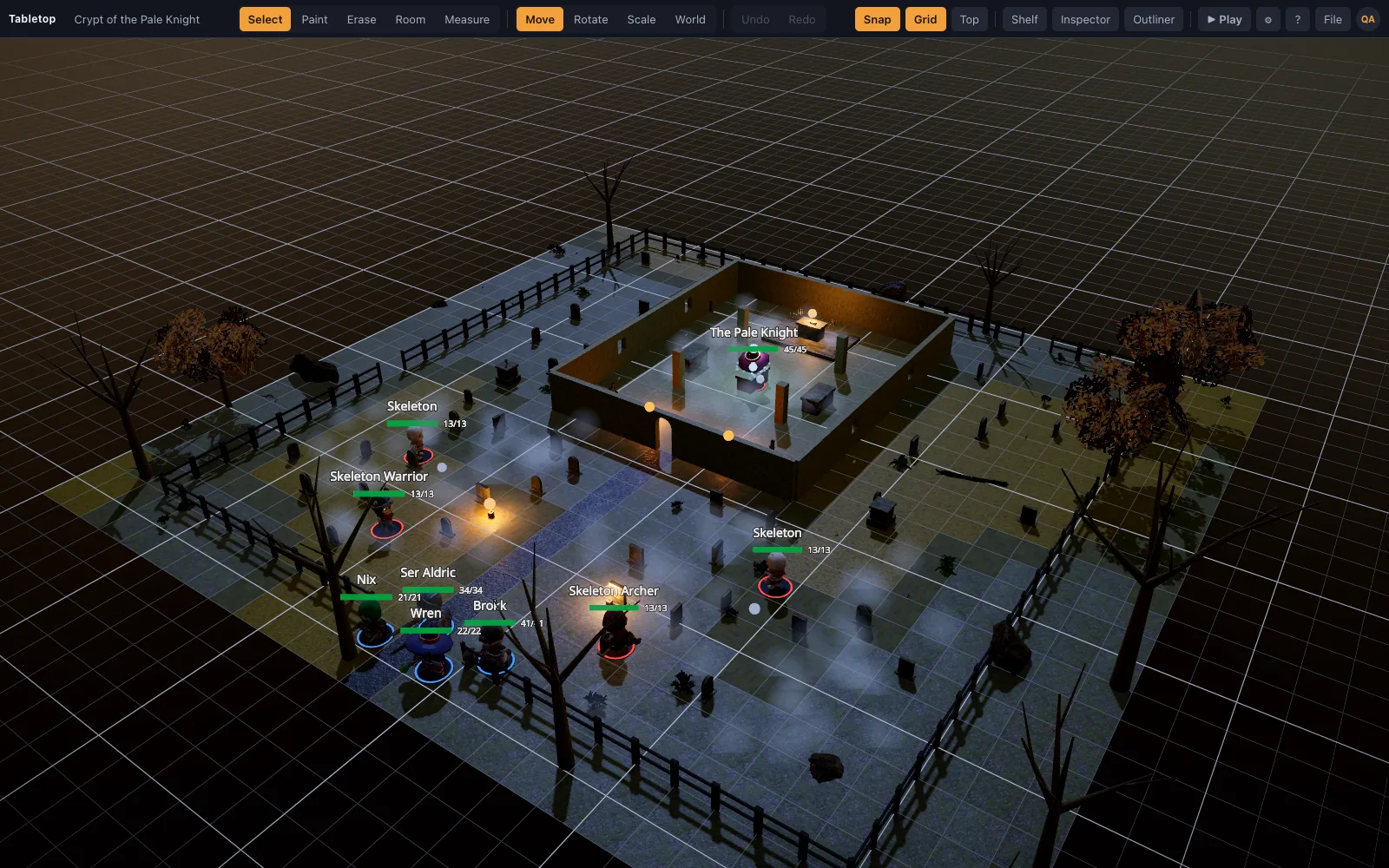
A moonlit graveyard above a black mere, its crypt standing open and the dead rising.
A felled pine across a forest road at dawn: goblins in the trees, a ford ahead.
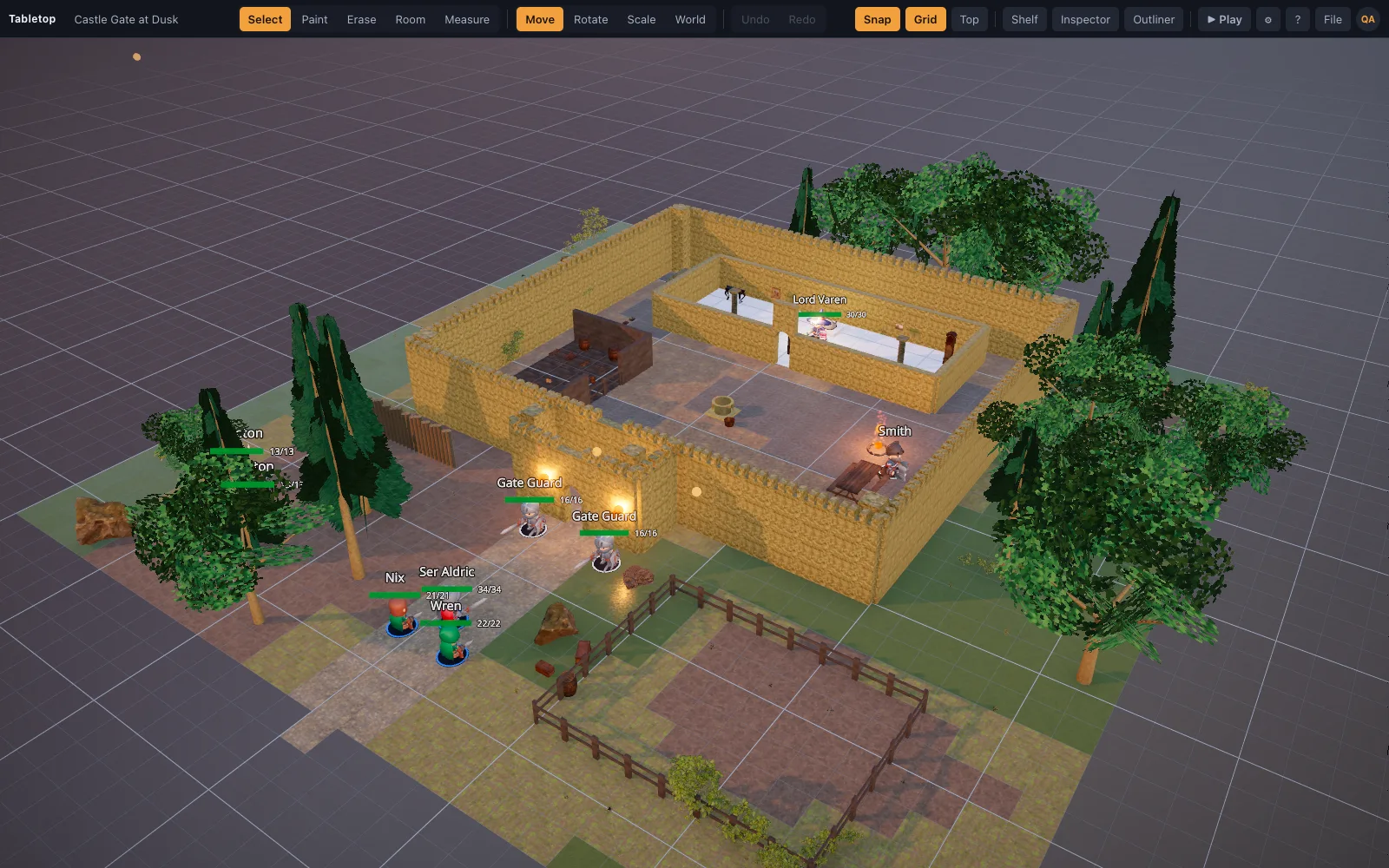
A moated castle at dusk: gatehouse, wall walk, bailey and the keep's great hall.
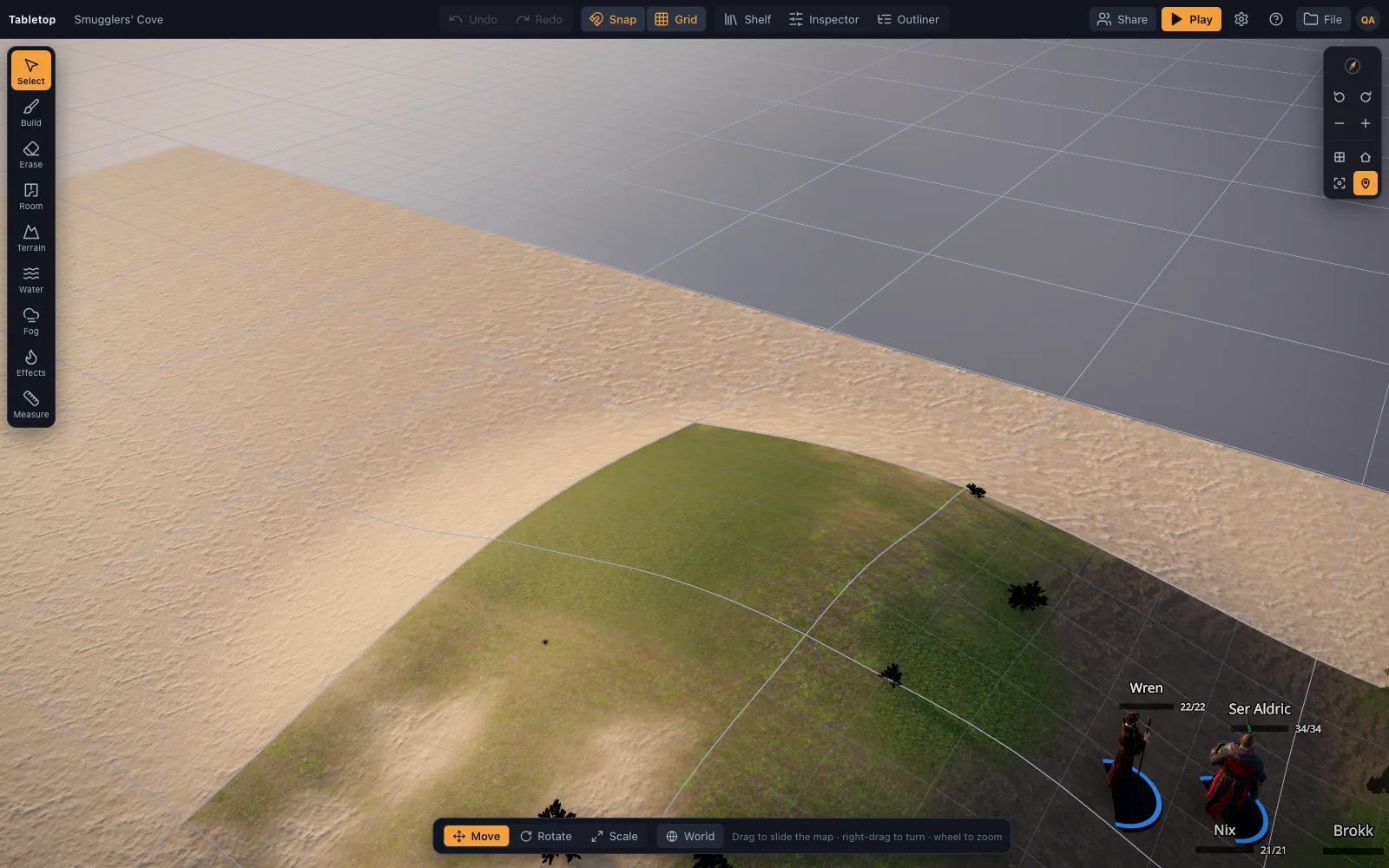
A golden-hour beach: smugglers' bonfire, a boathouse, a sea cave, a ship at anchor.
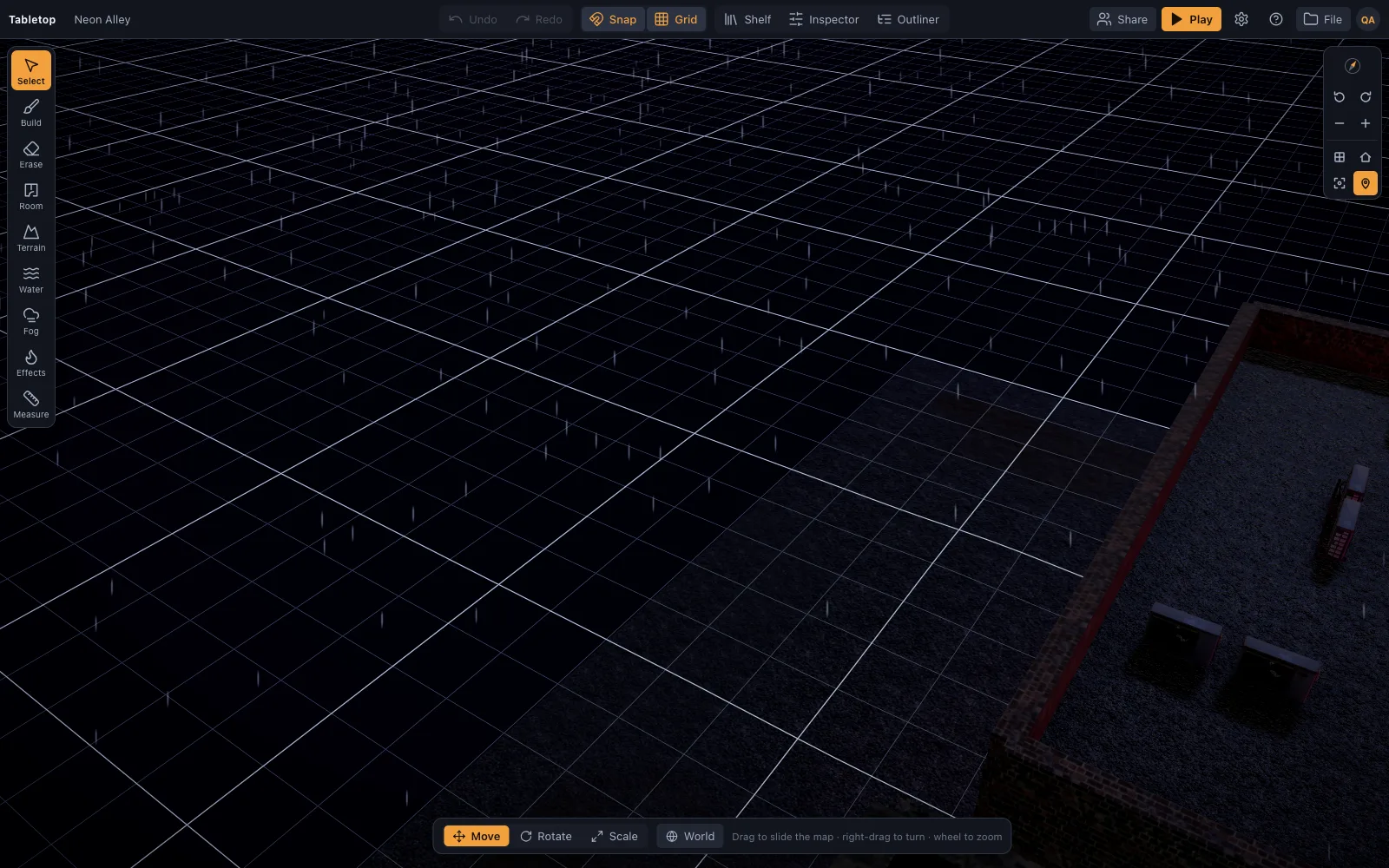
A rain-soaked neon street at night: a noodle bar, a corporate checkpoint and a warmech.
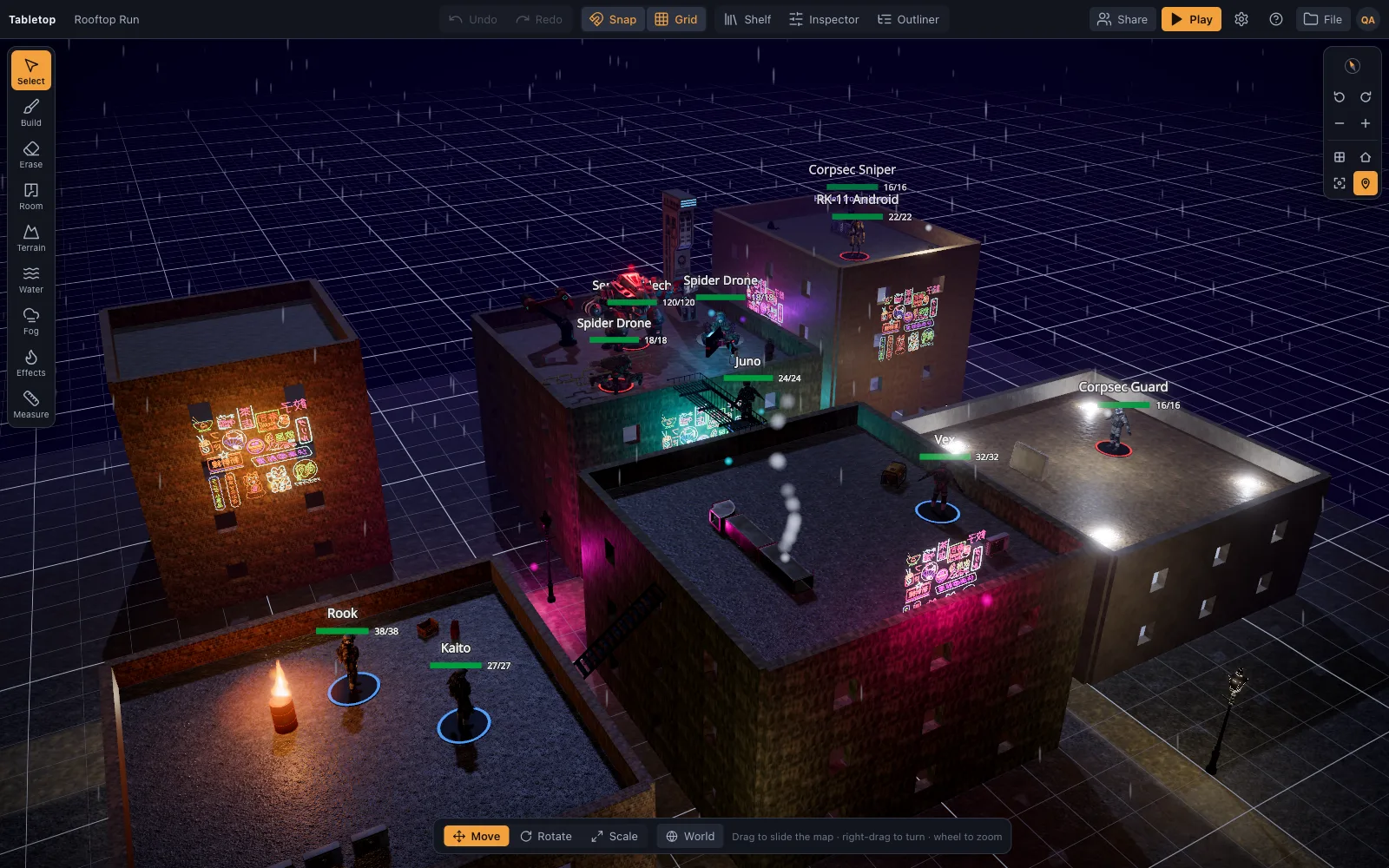
A cyberpunk heist across rain-slick rooftops: stairs, a gangway, a gap to leap, a mech.
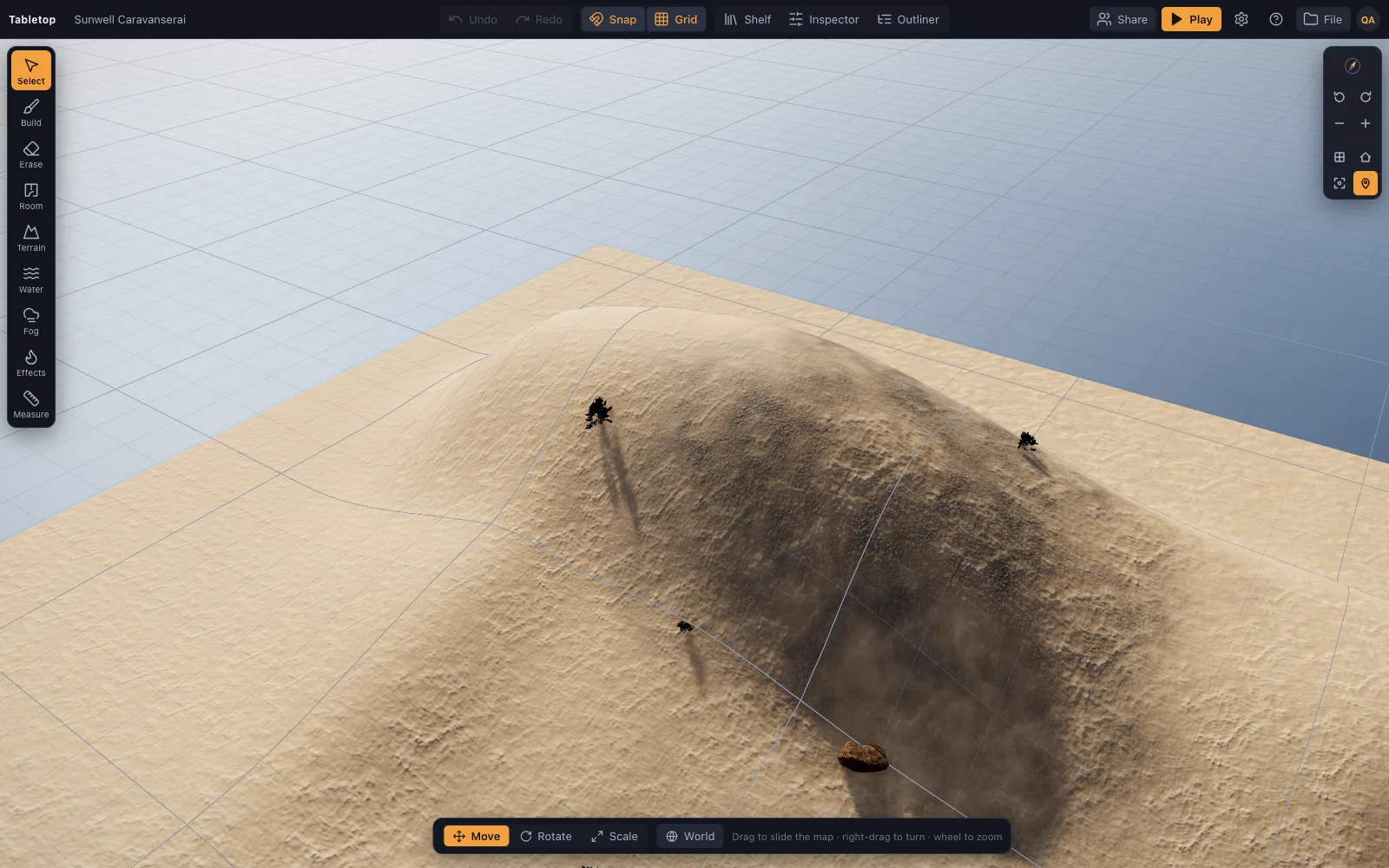
A desert caravanserai by a palm-ringed spring, its market raided by gnolls off the dunes.
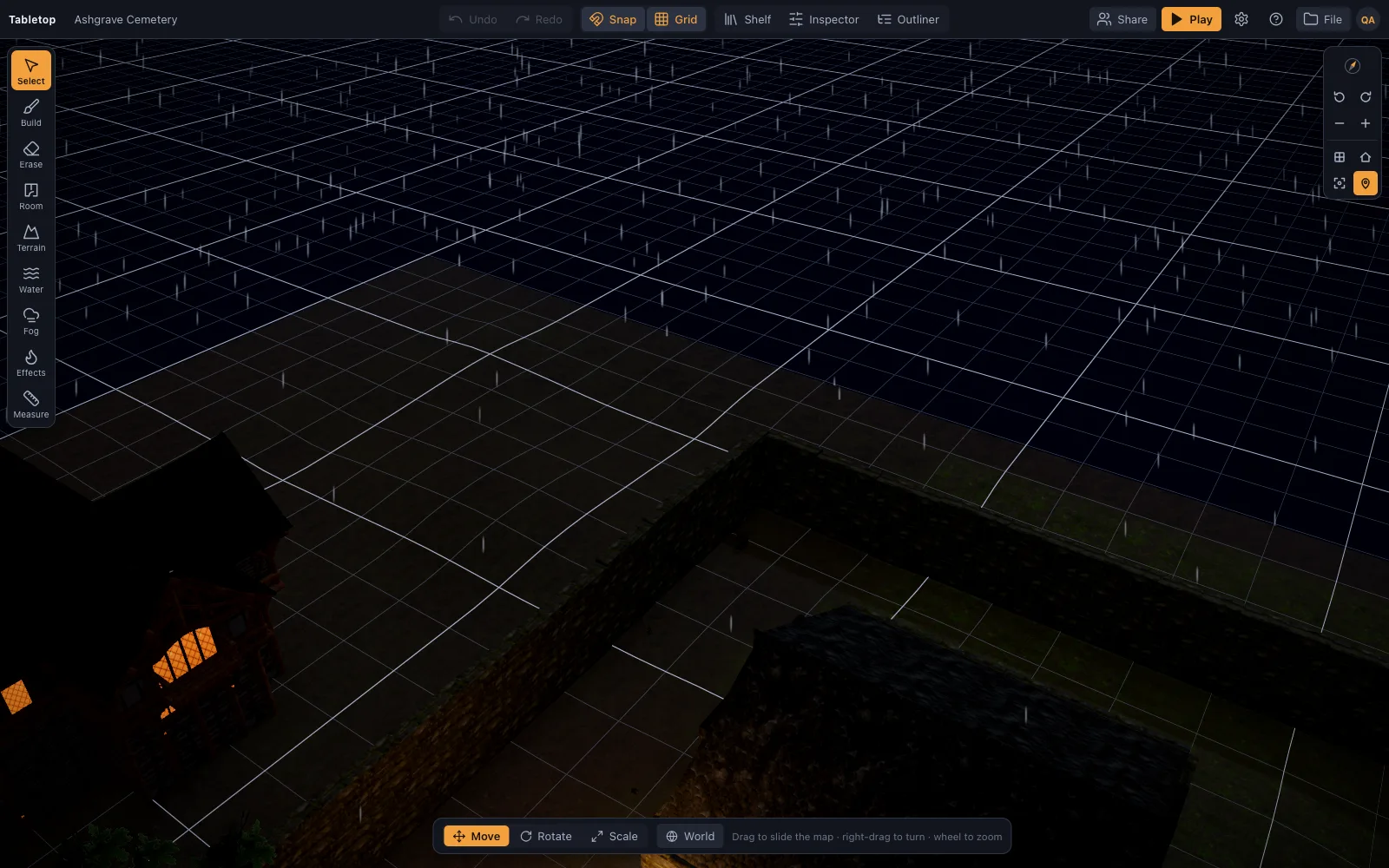
A walled cemetery in a storm: a necromancer's circle, ghouls, the dead clawing up.
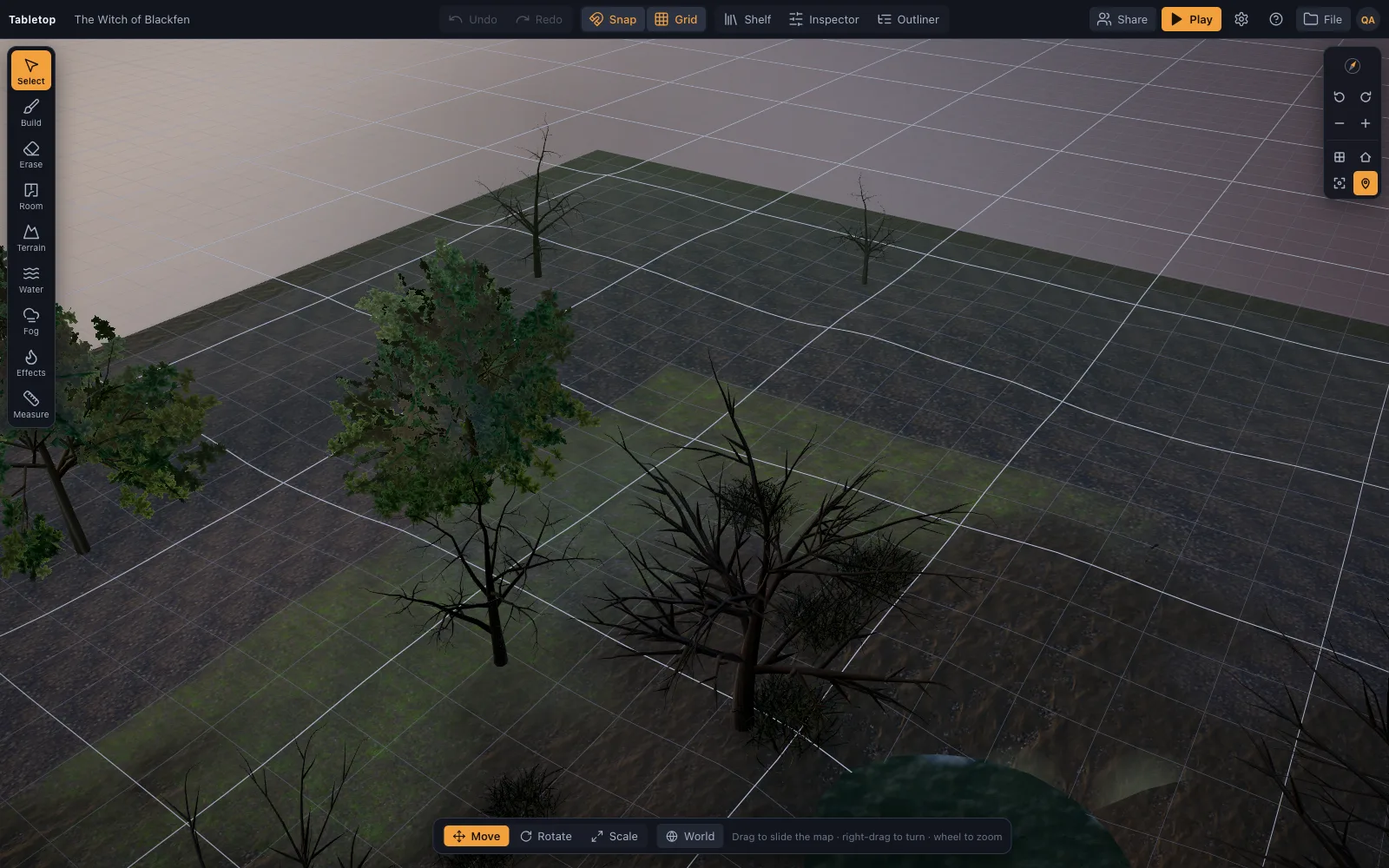
A foggy swamp at dusk: wisps over black pools, a witch's hut, spiders in the dead wood.
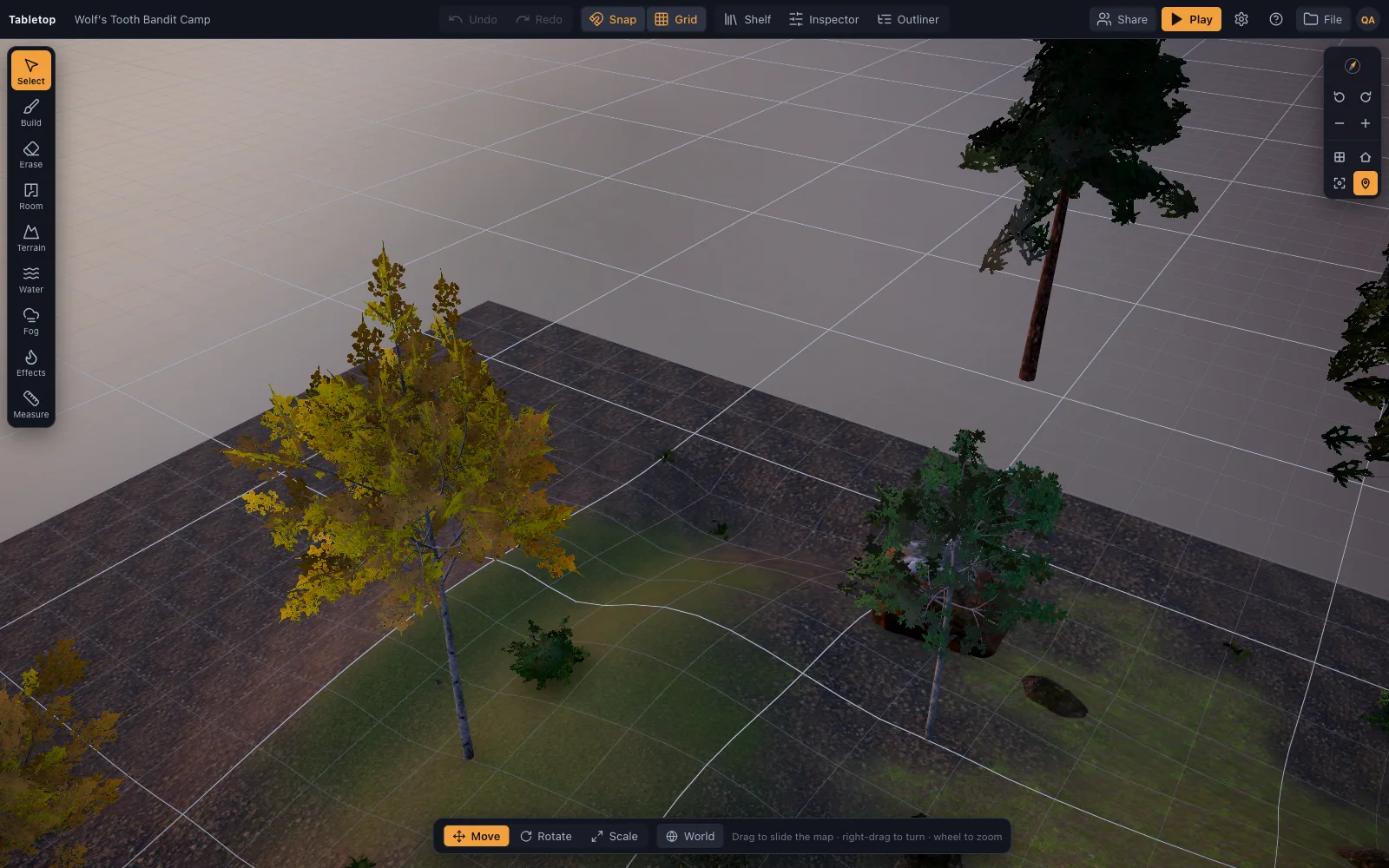
A bandit palisade in the pines: the chief's hall, campfires, captives, a watchtower.
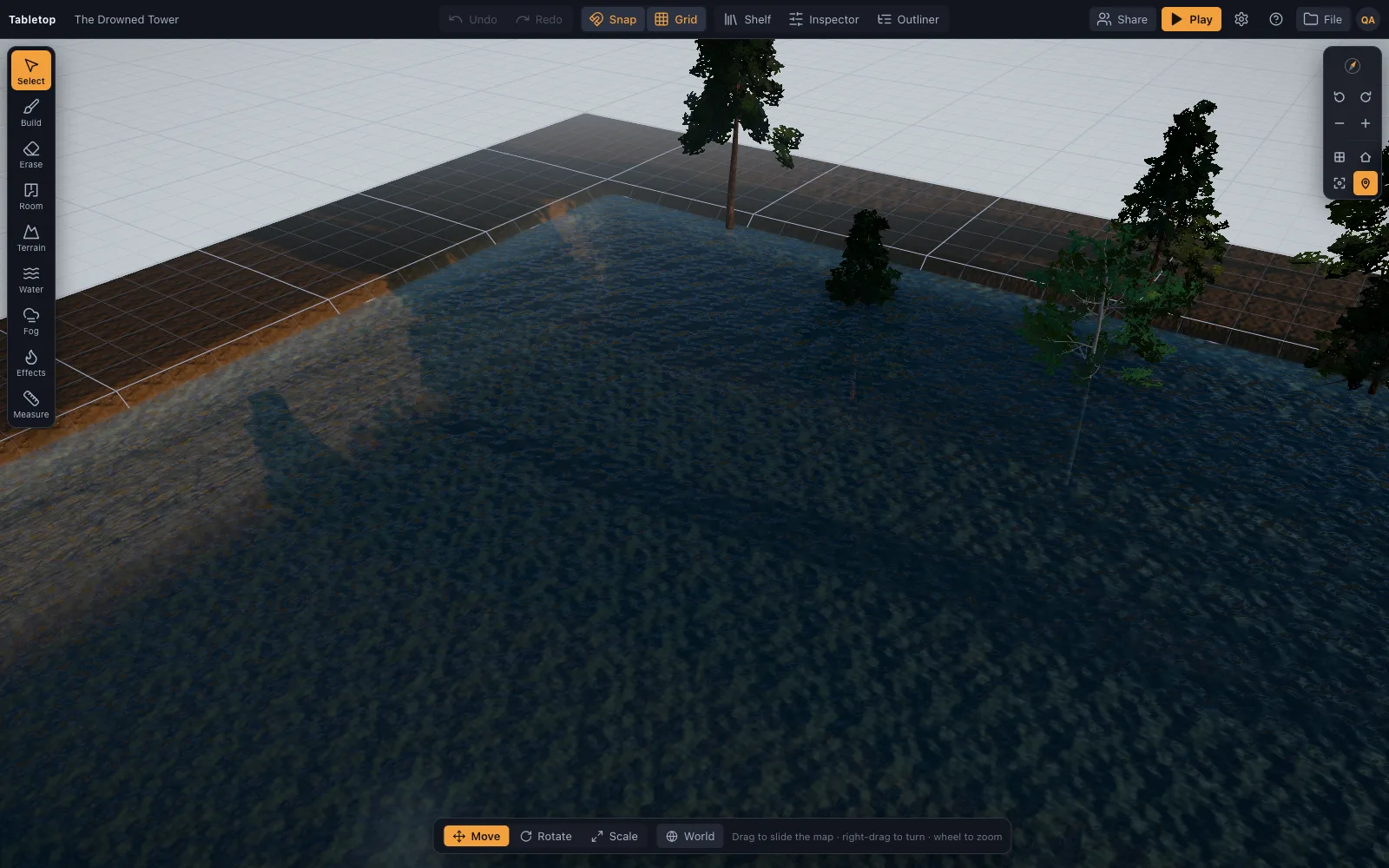
A wizard's tower on a misty lake isle: standing stones, a drowned causeway, a jetty.
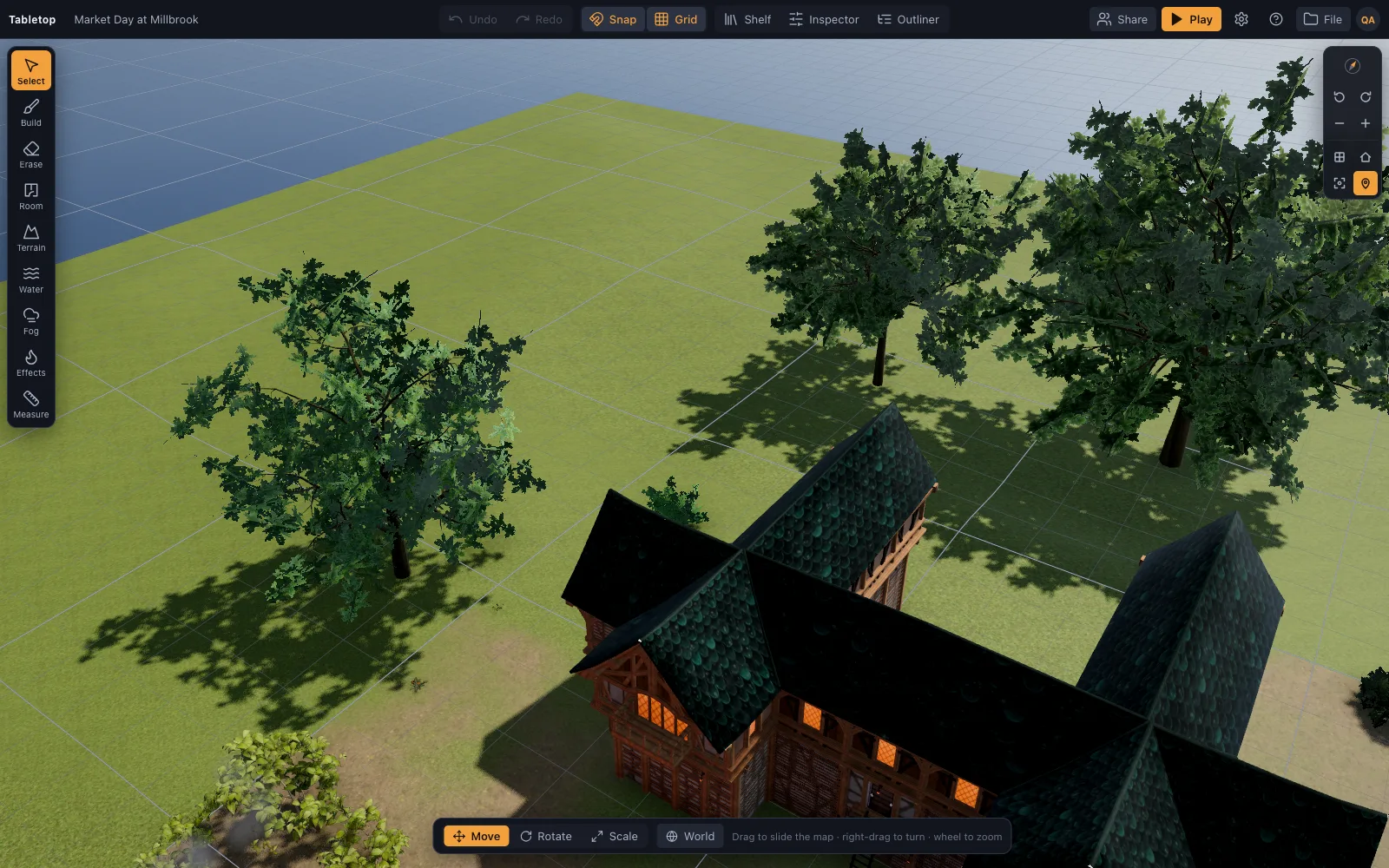
A cobbled market square on a bright morning: stalls, a fountain, a church, a smithy.
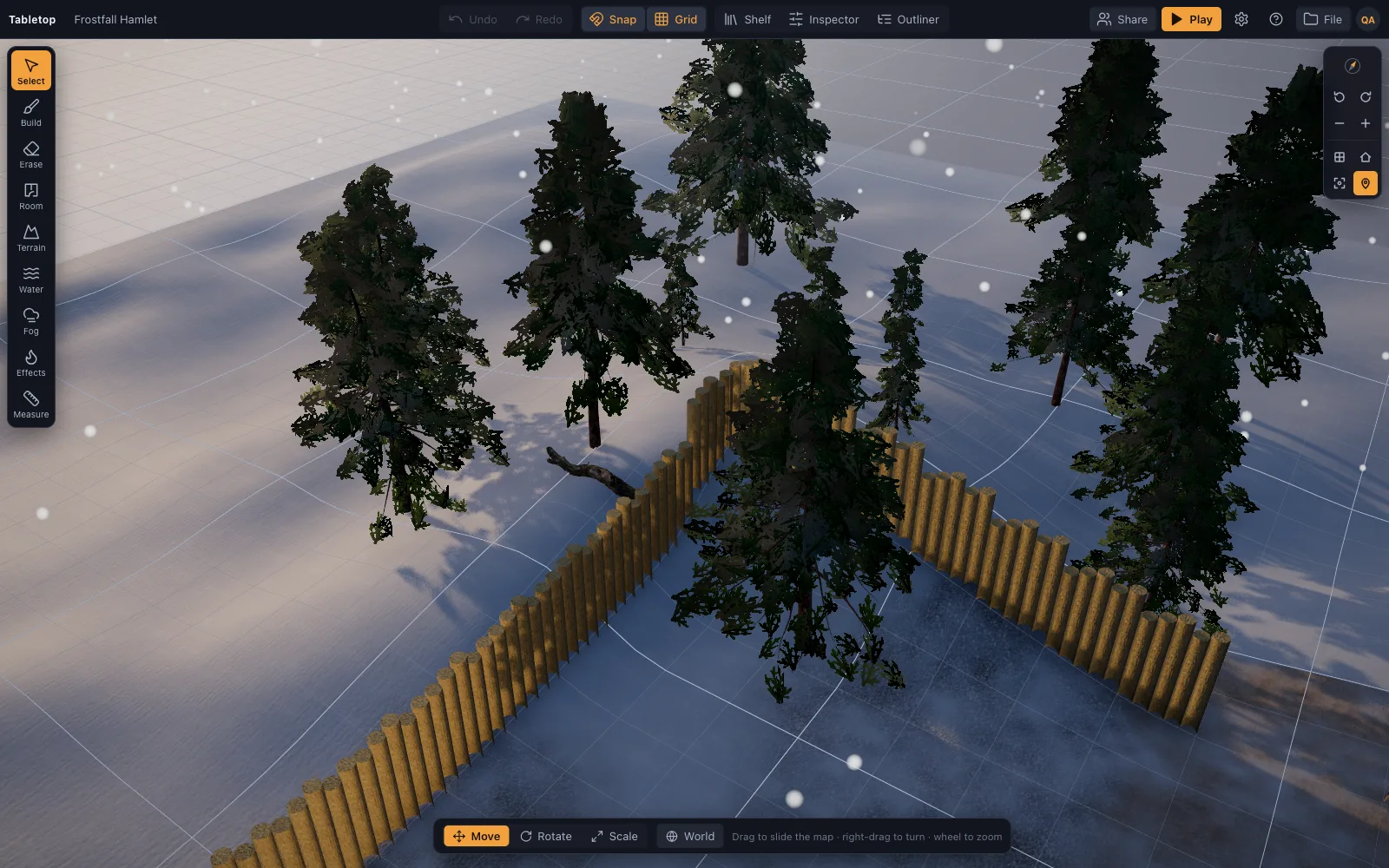
A snowbound hamlet at dusk: a mead hall, a frozen pond and wolves at the palisade.
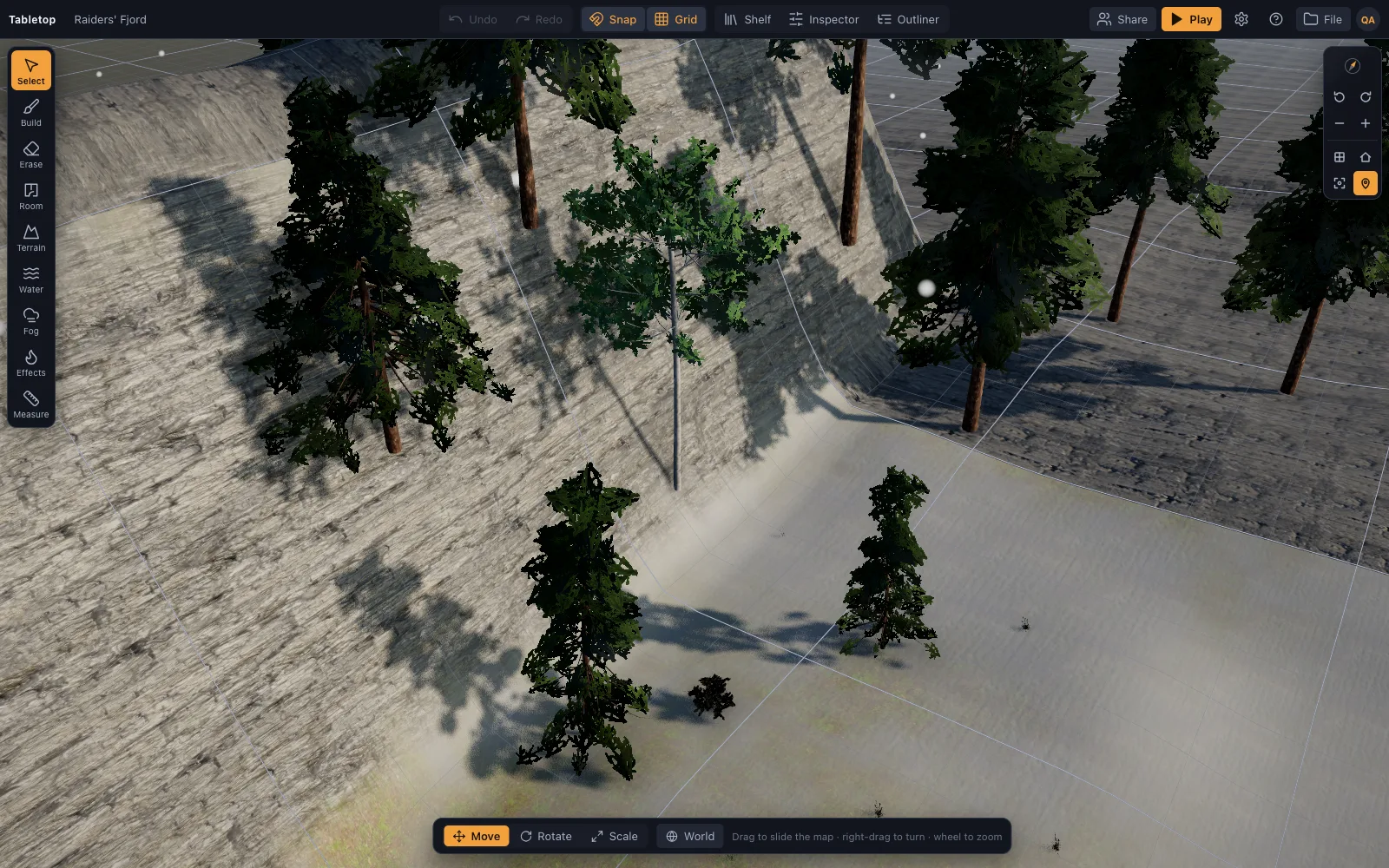
A fjord at cold dawn: a longhouse on the shingle, raiders running their longboat ashore.
What is in each, and the encounters they were built for.
The whole table is in the free plan. Premium adds room in your library, up to 200 saved scenes instead of 1, and your own files on the table: imported 3D models and pictures as token portraits. Cancel any time; nothing is deleted.
The whole table, one scene at a time.
Every campaign, every map, kept.
Everything on the pricing page: what is the same on both plans, refunds, and what happens when you cancel.
A 3D virtual tabletop built for Dungeons & Dragons: realistic battle maps, painted-miniature figures, a ruler in feet, initiative and HP.
Make 3D battle maps in the browser from a realistic, CC0/CC BY library: PBR floors and walls, photoscanned props, trees and lights.
A fast battle map maker in the browser: drag a room, paint tiles, drop props and lights, then play on the same map with miniatures, a ruler and initiative.
A 3D virtual tabletop that fits Pathfinder: 5-foot squares, the 5/10/5 diagonal rule, Large and bigger creatures, a ruler with height, and initiative.
Use a 3D virtual tabletop on a TV or projector for in-person D&D: top-down view, big grid, drag miniatures, measure in feet, run initiative.
A 3D virtual tabletop that runs in a browser tab: realistic battle maps with walls, light and height, painted-miniature figures, a ruler in feet and initiative.
A free virtual tabletop in the browser: open a 3D battle map, drag minis, measure in feet, run initiative.
Make a 3D dungeon map in the browser: drag rooms with the Dungeon kit, paint corridors with the tile brush, add doorways, torches, a treasure chest and a skeleton, then play on it.
What Dungeons & Dragons is, how a session actually works, what a DM does, what you need to start (almost nothing), and where a battle map fits.
How to run D&D online with friends: voice on Discord, a free browser tabletop for the map, sheets and dice, and how to keep remote sessions fun.
How to get a D&D group going with friends: who runs it, what to buy (almost nothing), a first adventure, a schedule that survives adult life, and a free 3D battle map for the first fight.
A virtual tabletop for any tabletop RPG on a grid: D&D, Pathfinder, OSR, Shadowdark, Savage Worlds and more.
The DM tools a fight needs, in one browser tab: a 3D battle map you build in minutes, an initiative tracker, HP and conditions, a ruler in feet with height, pings, and an AI that writes scenes.
Digital miniatures for D&D with nothing to paint: realistic 3D minis with bases, standee tokens, your own images and .glb models on Premium, all on the 5-foot grid.
How to get a Hero Forge character onto a virtual tabletop: the PNG screenshot as a standee token or a purchased STL as a full 3D mini (both Premium), and what Hero Forge actually exports.
How to put a digital D&D battle map on a TV or projector: three hardware setups that work, a cheap computer to drive it, matching the grid to one-inch minis, and a free 3D map in the browser.
A free library of realistic 3D battle-map pieces: PBR-generated floors and walls, Poly Haven photoscanned props, and D&D minis and furniture made in Meshy.
An initiative tracker that lives on the same 3D map as your minis: turn order, a round counter, HP with damage and heal buttons, conditions, size, and hostile/ally/neutral rings — no separate app.
Measure distance in feet on a real 3D grid: pick 5e's every-diagonal-5-ft, the 5/10/5 DMG/Pathfinder variant, or true distance.
Battle maps with real light: a time-of-day slider that moves the sun and every shadow with it, a moon at night, torch lights on lamps and bloom on flames.
Drop your own .glb, .obj, .fbx, .stl and more onto the table: Meshy, Sketchfab and Blender exports, Draco/meshopt files.
Scenes autosave to your account and are also plain JSON: export a scene to a file, import one back, or hand a recipe to an AI assistant.
Run TerrainTale yourself: one Node process serves the app, the API and the sign-in gate.
Sigil, the 3D VTT from D&D Beyond, closes at the end of October 2026.
Which virtual tabletop fits Pathfinder 2e: Foundry for full automation, Roll20 and Fantasy Grounds for licensed content, and TerrainTale for a 3D map without a rules engine.
Where to play Daggerheart online: Demiplane for sheets, Foundry and Roll20 for full tables, and TerrainTale for a 3D map with range bands measured by eye or ruler.
The best virtual tabletops for Call of Cthulhu: Foundry and Roll20 for sheets and handouts, Alchemy for atmosphere, and TerrainTale for dark 3D scenes with real light.
The best virtual tabletops for Shadowdark RPG: Foundry for sheets and torch timers, Owlbear Rodeo for a light map, and TerrainTale for real torchlight in 3D dungeons.
The best virtual tabletops for OSR games like Old-School Essentials and B/X: Foundry for sheets, Owlbear Rodeo for simple maps, TerrainTale for 3D dungeons.
The best virtual tabletops for Savage Worlds: Foundry and Fantasy Grounds for automation, Roll20 for the browser, TerrainTale for 3D maps.
The easiest virtual tabletops for new GMs: Owlbear Rodeo for simplicity, Roll20 for ready content, and TerrainTale for a 3D map in the browser with nothing to install.
The best virtual tabletop in 2026, grouped by need: free, automation, beginners, 3D, in-person on a TV, self-hosted and any system.
Owlbear Rodeo made the case that a virtual tabletop should be simple: a map, tokens, a ruler, fog, and nothing you have to learn.
Many tables use a full-featured VTT for one thing: a battle map with tokens.
Foundry can do almost anything with the right modules, including 3D, and maintaining that stack is a hobby of its own.
TaleSpire proved that players love a 3D board.
Sigil showed a lot of D&D groups what a 3D battle map does for a fight, and then its shutdown was announced for the end of October 2026.
D&D Beyond Maps is a good answer to "put the official map on a screen and move some tokens".
Tabletop Simulator can play any board game ever made, which is exactly why it is an awkward home for D&D: the grid, the ruler, the turn order and the minis are all things you assemble from Workshop mods.
Arkenforge is the specialist for in-person play on a screen: 2D animated maps, a dedicated player display with fog of war, and a one-time price.
Fantasy Grounds is built around automation: licensed rulesets, character sheets that roll for you, effects that track themselves.
Alchemy leans into cinematic, theater-of-the-mind play: atmosphere, music, art and scenes that set a mood.
Shard is built for 5E, with a compendium, character tools and a clean second-screen story for in-person play.
AboveVTT turns a D&D Beyond campaign page into a virtual tabletop through a browser extension, which is a clever way to keep sheets and map together.
Quest Portal pitches an AI assistant for the game master, works on desktop and mobile, and leans toward story and theater of the mind.
Menyr shows how striking a 3D tabletop can look, with procedural worlds and game-engine graphics, distributed through Steam.
Role is built around video and flexible character sheets for many indie systems.
Let's Role offers an easy virtual tabletop with many systems, sheets and a strong following among French-speaking players.
The Forge hosts Foundry VTT so a group does not have to run its own server, and adds a marketplace and tools on top.
Dungeon Alchemist builds good-looking 3D maps quickly on the desktop, then exports them as images to run in a virtual tabletop.
Dungeondraft and Inkarnate are well-loved 2D map makers: Dungeondraft a desktop app for battle maps, Inkarnate a browser tool known for world and region maps as well as battle maps.
Astral Tabletop was a browser VTT known for animated maps; development stopped in 2021 and its servers closed in 2022.
A browser-based 3D virtual tabletop for D&D and similar games. You build a battle map from a realistic library, then run the fight on it with miniatures, a ruler in feet and an initiative tracker.
Yes. The app is available to signed-in users. Sign up with an email and password, a one-time email link, or Google, GitHub or Discord where the host has enabled them.
The free plan has the whole table and keeps one saved scene in your library, built from the built-in library. Premium keeps up to 200 scenes and imports your own 3D models, for $6 a month or $48 a year; nothing else is gated, and cancelling never deletes a scene. Prices and the refund policy are on the pricing page. The server is also self-hostable, with no billing at all on your own copy.
No. It tracks HP, conditions, initiative and movement and measures distance, but does not roll attacks or resolve rules.
Yes. Share a saved scene by link; players sign in, ask to join, and once let in they see the table live and can drag their own miniatures. There is no voice, video or chat built in, so pair it with a call; the DM can brush fog over rooms players have not reached.
Anything on a 5-foot square grid: D&D of every edition, Pathfinder, most OSR games. The diagonal rule is a setting.
Tiny to Gargantuan, in squares: the space each D&D creature occupies on a 5-foot grid, what reach means for a Large monster, how squeezing works, and how to size tokens in a VTT.
· 6 min read
How difficult terrain works in D&D 5e — double movement cost, stacking with diagonals, climbing, swimming and crawling — and how to mark it on a battle map so nobody has to ask.
· 6 min read
The DMG's optional flanking rule explained: what counts as opposite sides on a square grid, why it hands out advantage too freely, and the alternatives DMs use instead.
· 6 min read
All articles on battle maps, grid rules and running the game
Open the builder and start, no account needed. Sixteen starter scenes are on the welcome screen; sign up free when you want to save one or play it with your group.