A dungeon map maker that builds in three dimensions
Most dungeon map makers draw a picture: rooms and corridors from above, exported as an image to upload into a VTT. TerrainTale builds the dungeon itself: stone walls with height, doorways that open onto the next room, torches that light a corridor and leave the far end dark. Then you play on it in the same window.
Rooms in one drag
Pick a kit and drag a rectangle: the room tool lays a floor, walls the perimeter with correct corners, and records it as one undo step. The Dungeon, Crypt, Cave and Castle kits cover most underground places; Manor, Cottage and Tavern cover the buildings above them. Drag a second room against the first and the shared wall is one wall.
- Room tool (O): kit, drag, done
- Tile brush (B) for corridors, alcoves and odd shapes
- Erase (E) to knock a hole through, then drop a doorway in the gap
Corridors, doors and what is in them
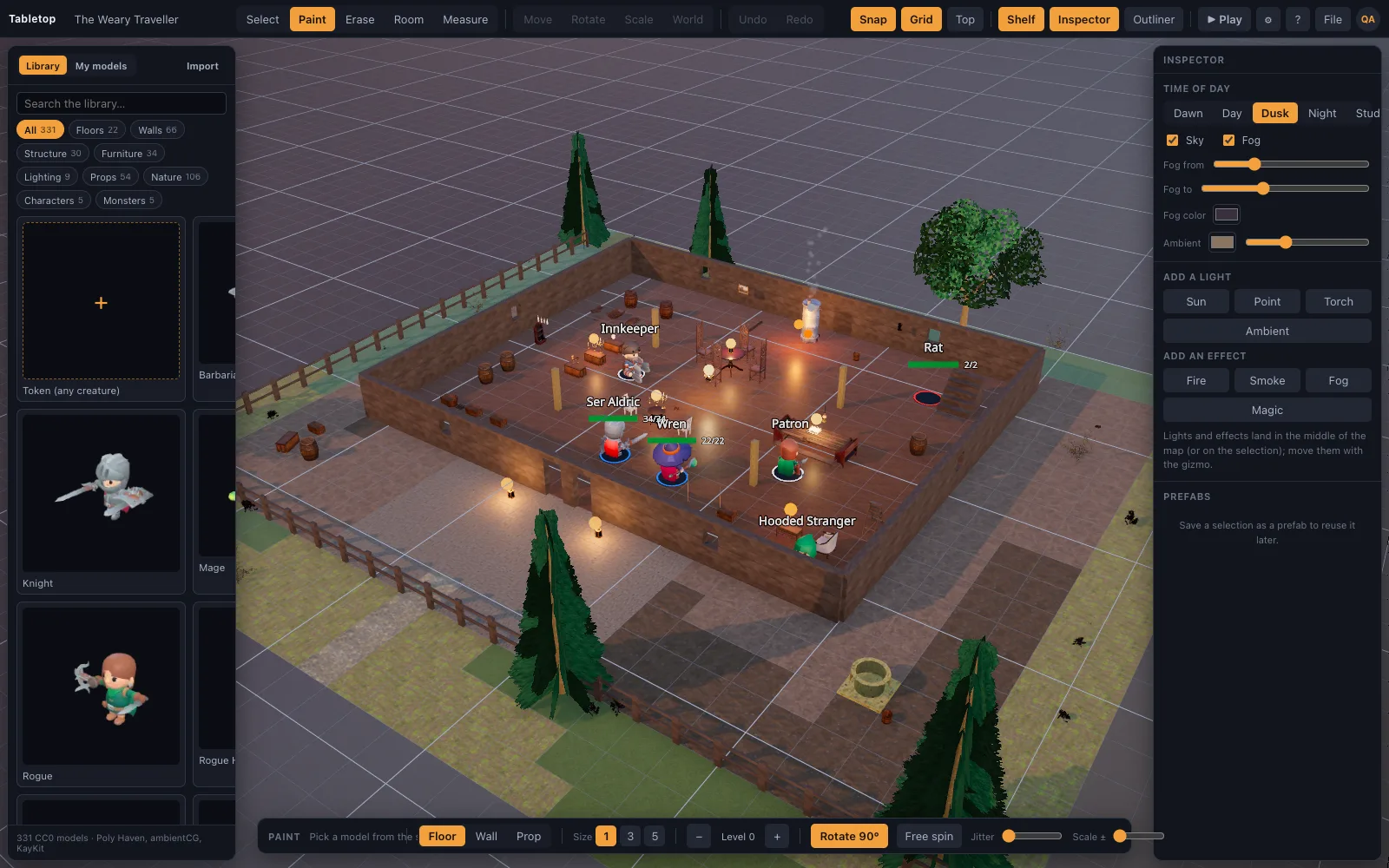
The tile brush paints floors and walls cell by cell; walls snap to grid edges and orient themselves, so a corridor is a stroke. Doorways, archways and windows replace a wall segment and line up with the family they belong to; an iron gate or a heavy castle door closes an entrance. The shelf then dresses the place: a treasure chest, barrels, crates and buckets, daggers, maces and a kite shield, a gothic statue, a fire pit, mossy rocks and a rat or two, all photoscanned and all on the 5-foot grid, plus a ghoul, a zombie and a goblin from the D&D monster set.
Light it like a dungeon
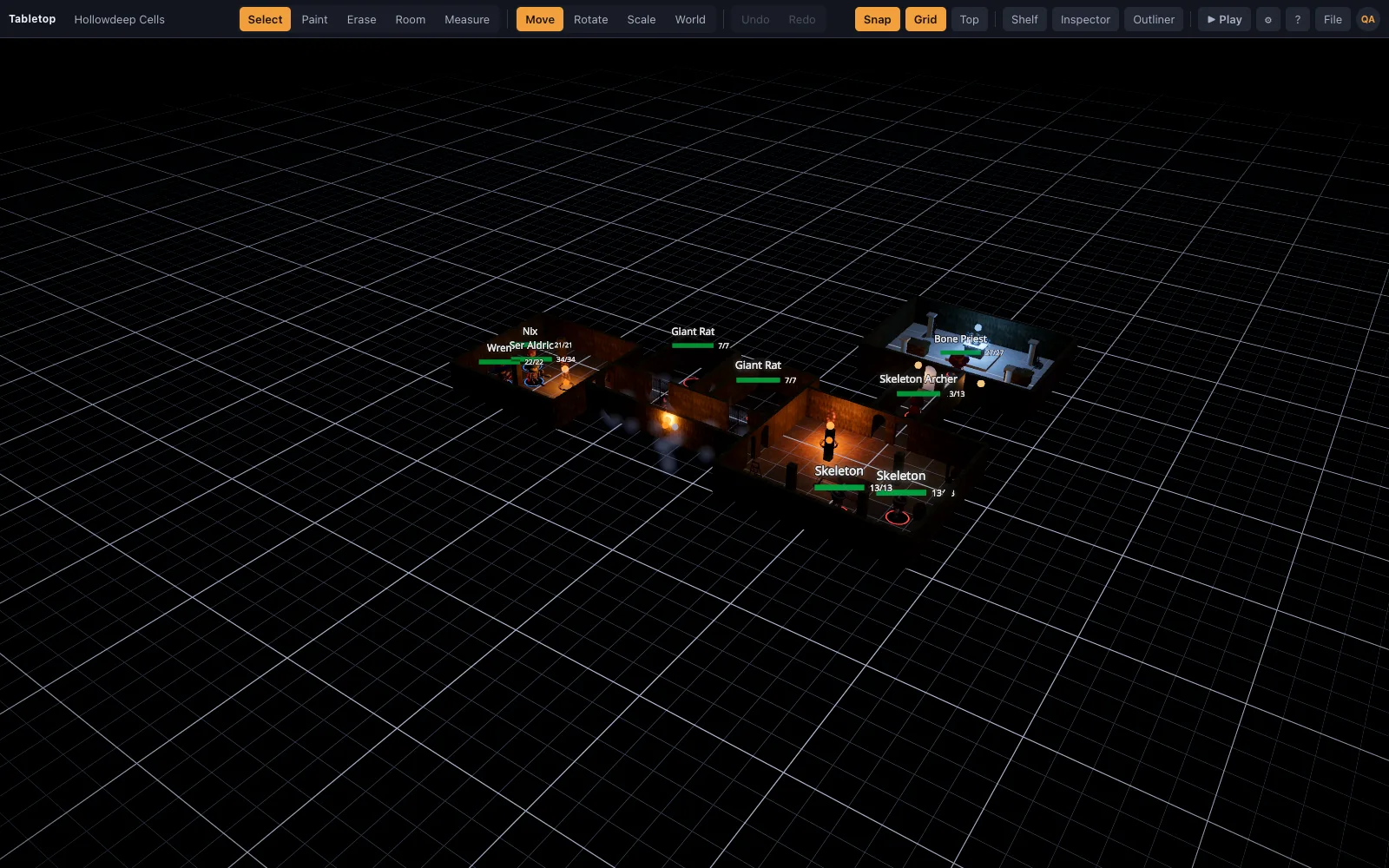
Attach a torch light to a wall sconce, a hanging lantern or a fire pit and it casts real shadows. Set the time of day to night and the corridor beyond the last torch is genuinely dark. Bloom on the flames and soft shadows on the flagstones make the difference between a diagram and a place.
Then play on it, with nothing to export
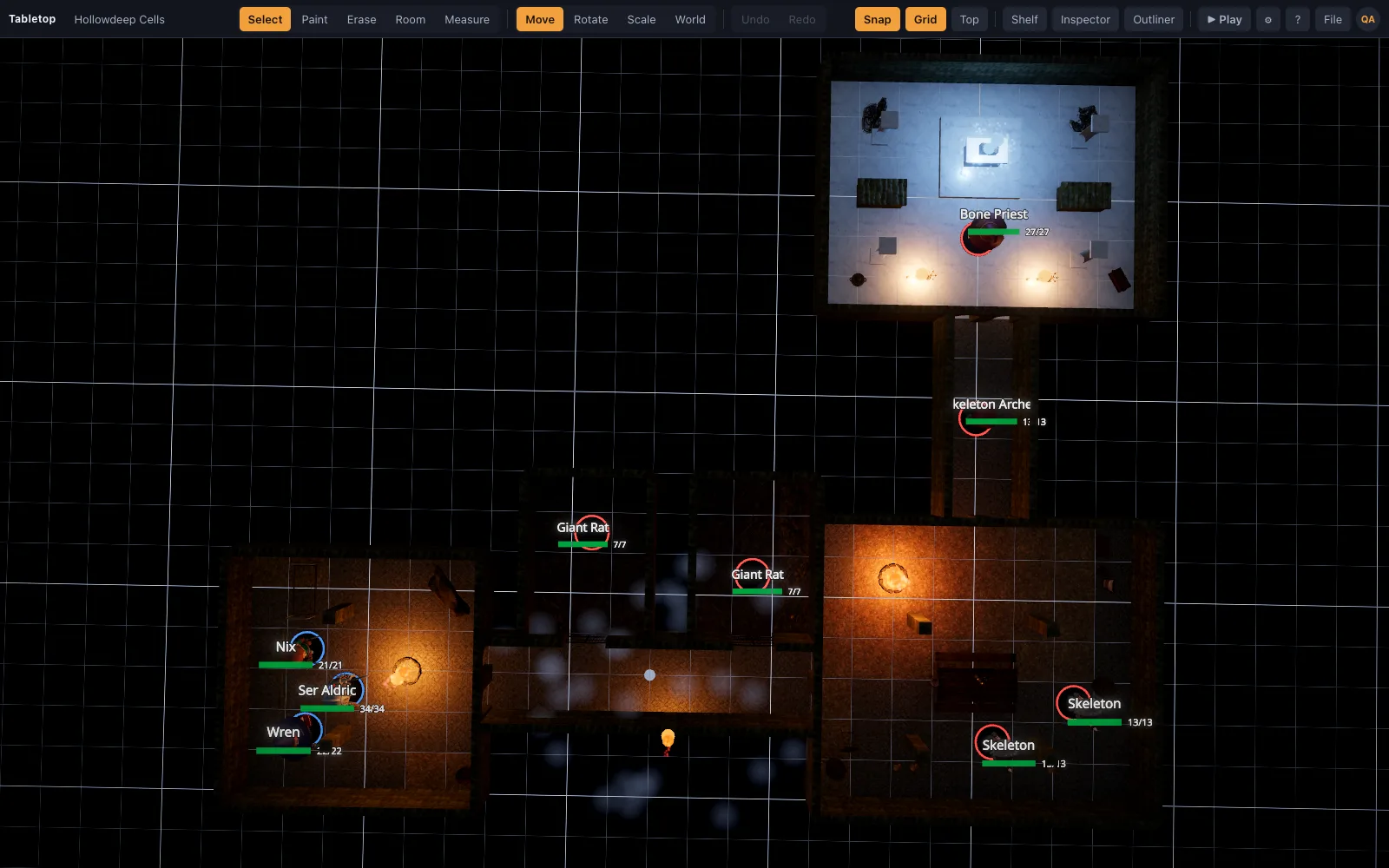
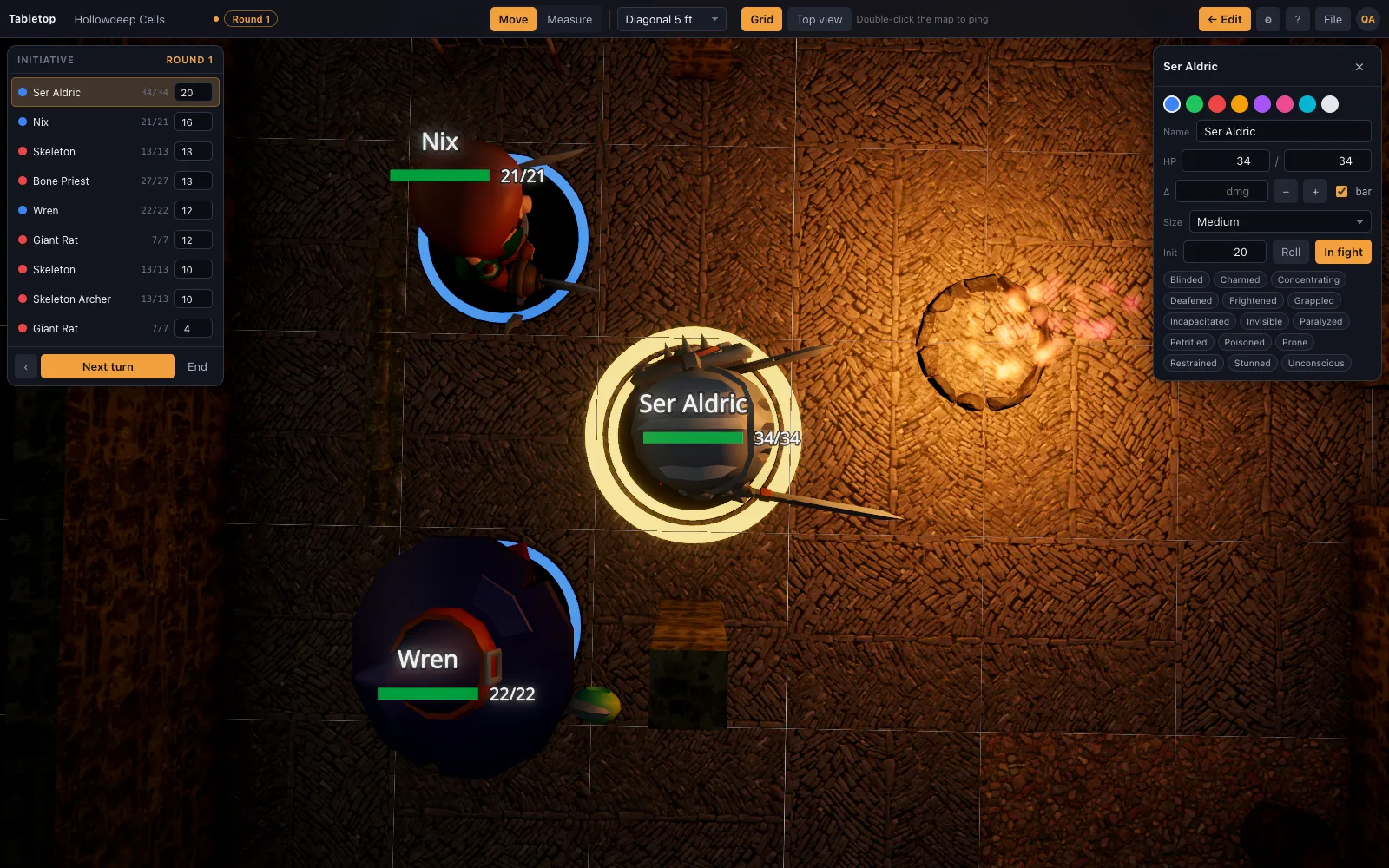
Press Play and the editor disappears: minis, a ruler in feet with height, initiative, HP and conditions. The door you placed is the door the rogue listens at. The top-down view (T) with the grid on is a clean overhead for a TV or a projector, and a screenshot of it is a printable map if you want one.
Or describe the dungeon and import it
Scene recipes describe a map as operations: fill this rectangle with flagstones, wall its perimeter with the dungeon family, cut a doorway on the east edge, place torches every four cells. The starter dungeon is a recipe, and the repository ships a guide so an AI assistant can write one from "a flooded cellar under a temple with a hidden vault".
Questions
Can I export the dungeon to Roll20 or Foundry?
Not as a native scene. The top-down view with the grid on screenshots cleanly at your screen resolution, and that image works as a map anywhere. The full 3D dungeon exports as scene JSON for other TerrainTale users.
Does it generate random dungeons?
No. It builds what you drag or describe. For a dungeon from a sentence, a scene recipe written by an AI assistant is the closest thing, and it is grid-correct by construction.
Does it support hex grids?
Not yet. The grid, brush and ruler are built around the 5-foot square.
Can I use my own dungeon tiles?
Yes. Drop any .glb on the window; large single-mesh maps and individual tiles both work, and the grid and ruler apply on top.
Is there fog of war for exploring room by room?
Yes. Fog everything, then brush each room clear as the party reaches it; players are not sent what the fog hides.
Keep reading
Battle Map Maker: Build a Map in Minutes
A fast battle map maker in the browser: drag a room, paint tiles, drop props and lights, then play on the same map with miniatures, a ruler and initiative.
3D Battle Maps for Tabletop RPGs
Make 3D battle maps in the browser from a realistic, CC0/CC BY library: PBR floors and walls, photoscanned props, trees and lights.
Hollowdeep Cells
Torchlit stone corridors, a guard room, cells and a treasure vault.
Build with AI
Scene recipes, and how an assistant writes them.
From the blog
Cave battle maps: building caverns that do not look like rooms
How to make cave and cavern battle maps for D&D that feel organic: irregular chambers, stalagmites as cover, water and rubble as terrain, ledges and pits for height, and light that shapes the dark.
· 6 min read
Twelve dungeon map ideas that are not just corridors and boxes
Flooded vaults, collapsed floors, a chapel with a balcony, a mine cart line, a room that changes between rounds — dungeon shapes that create decisions instead of hallways.
· 8 min read
Castle and siege battle maps: gates, walls and the courtyard fight
How to build a castle map that plays well — the gatehouse, the parapet, the killing ground, the postern — and how to run a siege without tracking a hundred soldiers.
· 7 min read
All articles on battle maps, grid rules and running the game
Ready to put a map on the table?
Open the builder and start, no account needed. Sixteen starter scenes are on the welcome screen; sign up free when you want to save one or play it with your group.