Put your Hero Forge character on the table
Hero Forge is where most players' characters already live. Getting that character onto a virtual tabletop depends on what Hero Forge exports and what the VTT accepts, and the answers are less obvious than either site makes them sound. Here is what works with TerrainTale today, and what each route needs from Hero Forge.
What Hero Forge actually exports
Three things, as we understand it at the time of writing. Free: a screenshot of your design as a PNG, from the editor. Paid, per mini: a 3D Digital download for virtual tabletops, distributed as a .unity3d asset bundle for Tabletop Simulator, plus an Access Key that lets partner VTTs (TaleSpire and others) sync your minis directly. Paid, per mini: an STL for 3D printing, which carries shape but no colour.
TerrainTale imports .glb, the standard web 3D format, along with .stl, .obj, .fbx and other model files, and images. So there are two honest routes.
The quick route: a standee token in a minute (Premium)
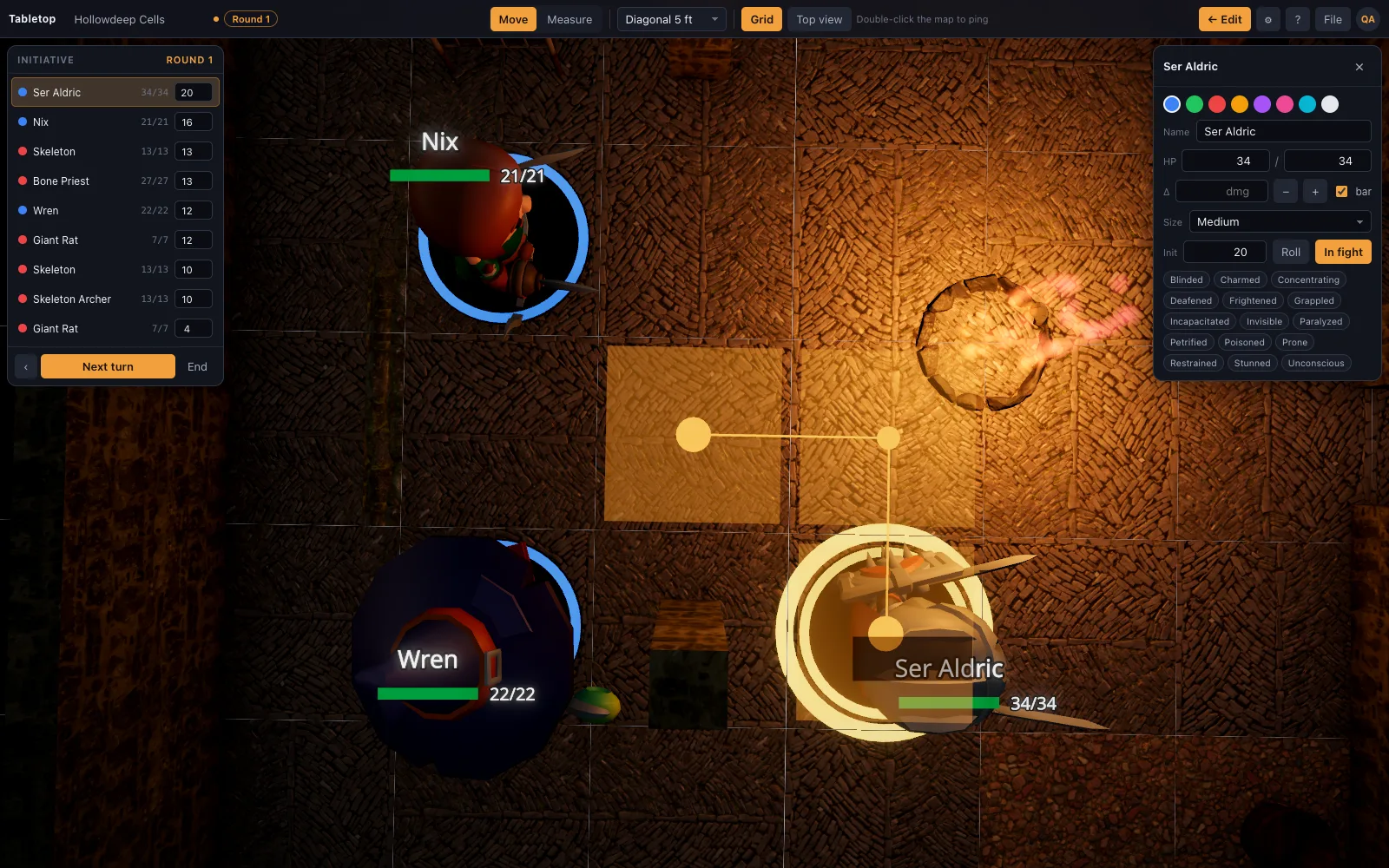
In the Hero Forge editor, take a screenshot of your character with a plain background and save the PNG. Add a token on the TerrainTale table, choose the image as its portrait, and it becomes a standee: a base, a name, HP, a size, a place in initiative, and a figure that faces the camera like a cardboard pawn. Most players stop here; it is their exact character, in colour, and it took less time than reading this paragraph.
The 3D route: drop the STL (Premium)
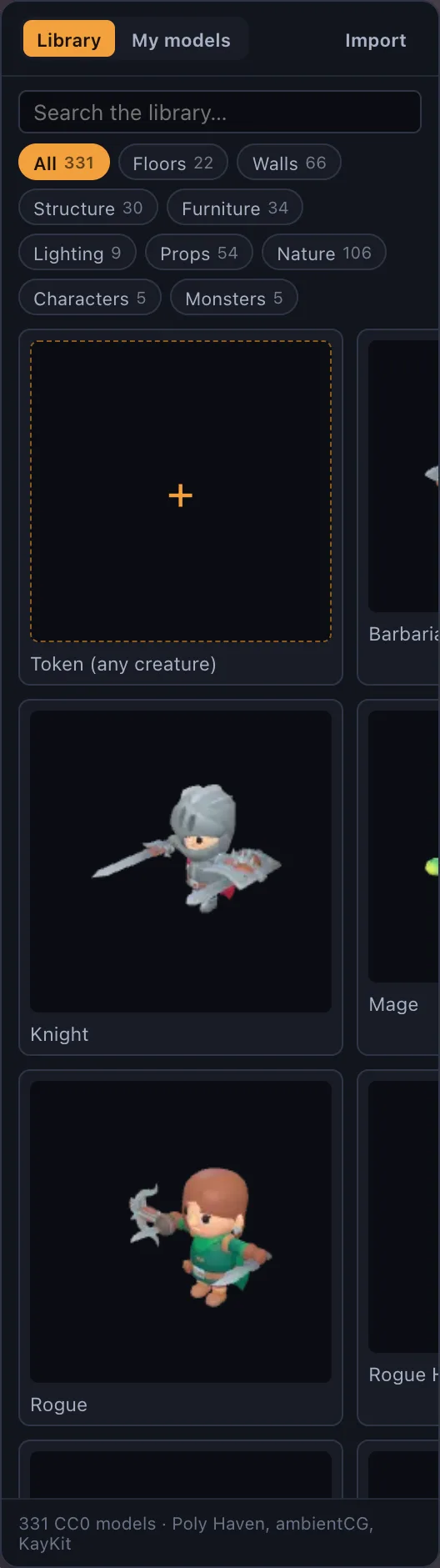
If you have bought the STL and are on Premium, drop it on the window. It is read as a 28 mm print, so it stands at a person's height in its five-foot square, gets a neutral grey material (the STL carries no colour), and is simplified to the detail budget so a dense print file does not slow the table. It stands with a base, lit by the scene's torches, and casts a shadow. For colour, open it in Blender (free), paint or assign materials, and export as glTF Binary (.glb) instead. It stands still, like the library's own minis, which are static painted-miniature models too.
What is not built
There is no Hero Forge Access Key integration, so purchased 3D Digital minis do not sync automatically the way they do into TaleSpire, and the .unity3d bundle cannot be imported. That is the honest gap, and this page will change if it closes.
Questions
Can I import a Hero Forge .unity3d file?
No. That format is for Tabletop Simulator. On Premium, use the free screenshot as a standee portrait, or drop a purchased STL on the window.
Does the free screenshot really work as a token?
Yes, on Premium. Any image becomes a standee portrait with a base; a PNG of your character on a plain background looks right on the table.
Will my Hero Forge mini be animated?
No. A converted STL is a static figure, and so are the library's built-in minis; a .glb with its own animation plays it.
How big should the model be?
About one square wide and roughly 1.2 units tall for a Medium character, matching the library. Scale in Blender before export, or set the size on the mini afterwards.
Will Access Key sync be added?
It is not built today. If it is, it will appear here first.
Keep reading
Digital D&D Miniatures: 3D Minis and Tokens in the Browser, Free
Digital miniatures for D&D with nothing to paint: realistic 3D minis with bases, standee tokens, your own images and .glb models on Premium, all on the 5-foot grid.
The library
Realistic, CC0/CC BY, and all on one grid.
3D Virtual Tabletop (3D VTT): Free, in the Browser
A 3D virtual tabletop that runs in a browser tab: realistic battle maps with walls, light and height, painted-miniature figures, a ruler in feet and initiative.
TaleSpire alternative
A browser-based TaleSpire alternative: realistic 3D battle maps with photoscanned props, no download or purchase, a free sign-up, and a builder that makes a map in minutes.
From the blog
What Hero Forge actually exports
Hero Forge's three exports explained plainly — the free screenshot, the paid 3D Digital download, and the paid STL — and which ones a general 3D virtual tabletop can actually import.
· 6 min read
Lighting and vision: making darkness do tactical work
Bright, dim and darkness as game mechanics rather than mood — plus darkvision, light sources with real range, and how to light a map so players walk where you want them to.
· 6 min read
Theatre of the mind vs battle maps: the answer is both, on purpose
When narration beats a grid, when a grid beats narration, and a simple rule for switching between them mid-session without anyone losing the thread.
· 6 min read
All articles on battle maps, grid rules and running the game
Ready to put a map on the table?
Open the builder and start, no account needed. Sixteen starter scenes are on the welcome screen; sign up free when you want to save one or play it with your group.