Realistic 3D tabletop, no download
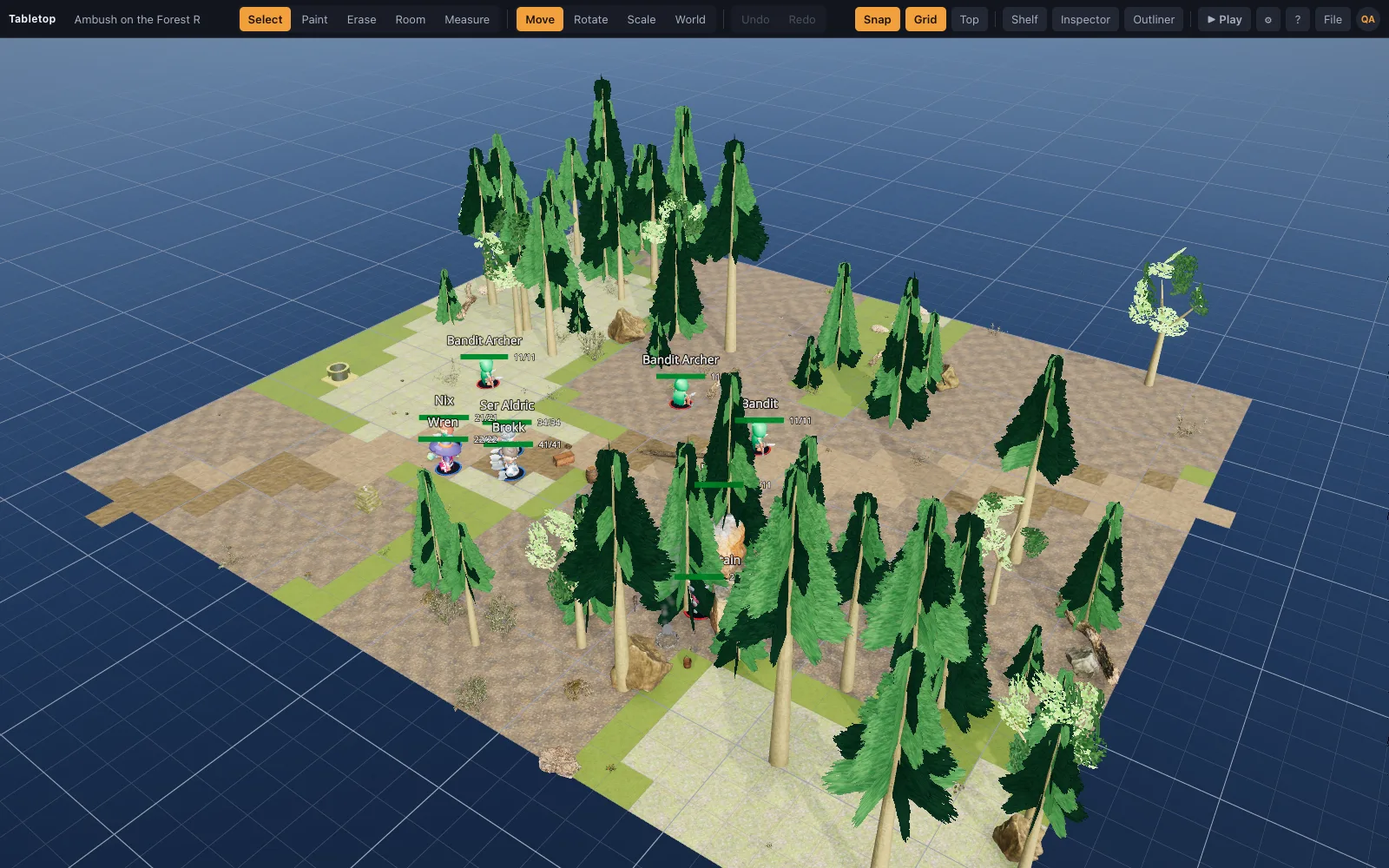
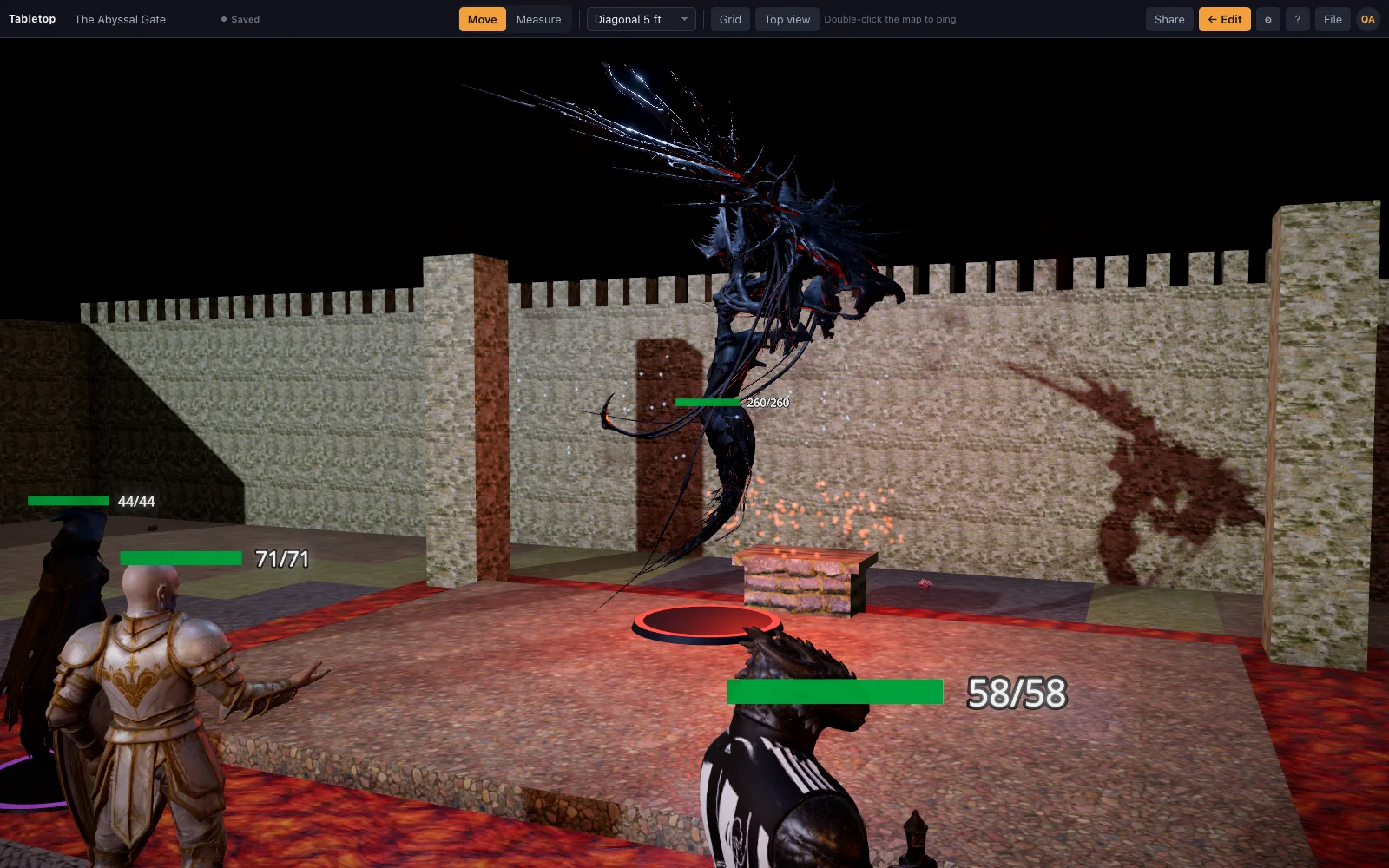
TaleSpire proved that players love a 3D board. TerrainTale takes the same premise into a web page with a realistic rather than stylised look: scanned materials, photogrammetry props and a lighting model tuned for a miniature table.
Side by side
| Topic | TerrainTale | TaleSpire |
|---|---|---|
| Platform | Browser, any OS | Desktop application |
| Art style | Realistic (PBR scans, photogrammetry) | Stylised |
| Building | Room tool, tile brush, recipes | Tile placement and slabs |
| Custom models | Drop any .glb | Limited to the built-in set |
| Multiplayer | Shared rooms: a link, players sign in and see the table live | Yes |
| Price | Free sign-up | Paid per seat |
| Install | Nothing: open a browser tab | Download and install the client |
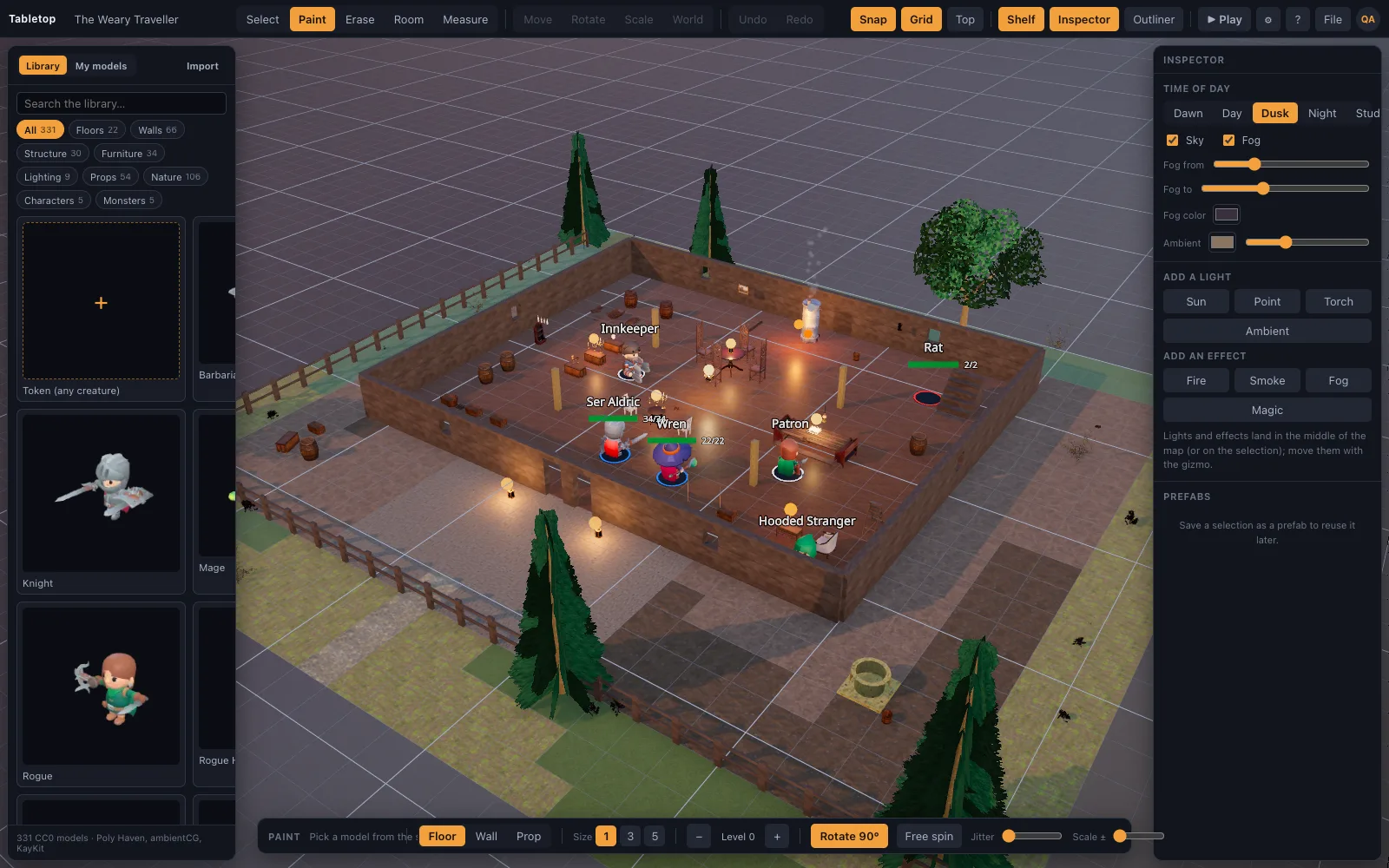
| Lighting | A time-of-day slider, sun shadows that follow it, torches that light a room | Stylised lighting to match the art style |
| Measuring | Feet on the grid, diagonal-rule setting, height between points | Grid-based placement |
| Saving and sharing maps | A scene exports as one JSON file, models fetched on import | Boards saved in its own client |
| Hardware | Quality picked from the GPU; runs on integrated graphics | A dedicated desktop client |
TaleSpire is a trademark of its owners and is not affiliated with TerrainTale. Feature notes describe the other product in general terms as we understand it at the time of writing; check its site for current details.
Your own miniatures
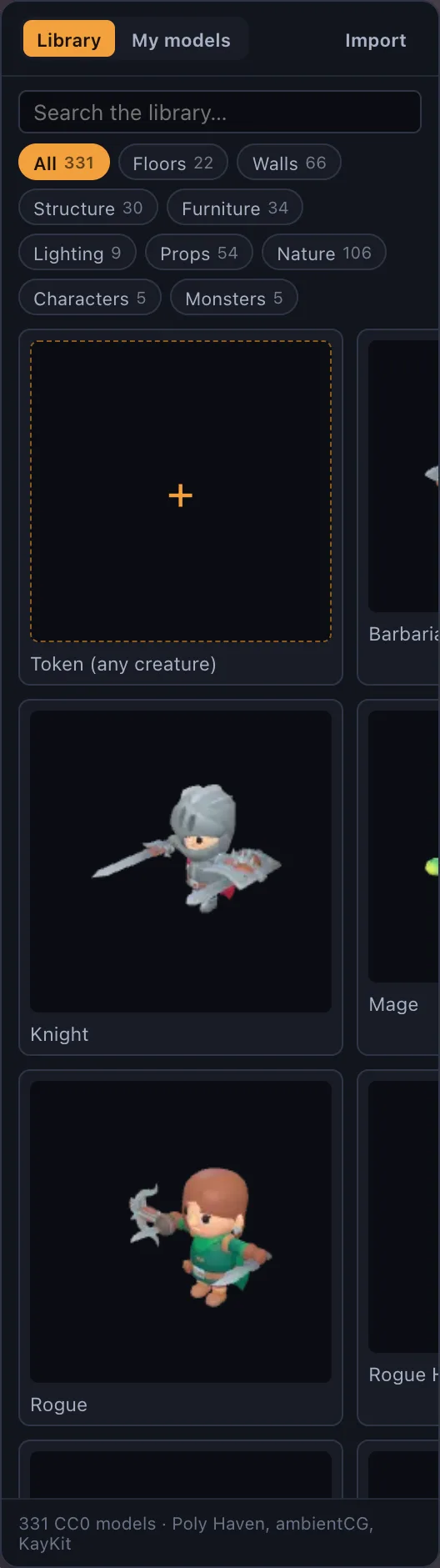
Meshy, Sketchfab and Blender exports drop straight onto the table, and a Hero Forge character works as a standee from its free screenshot. The library adds a party, a dozen monsters and tavern and dungeon dressing made in Meshy, and a large set of CC0 scanned props.
Fast to build
A room in one drag, a tavern from a template, a forest from a scatter op. You are dressing the scene within a minute of opening it.
Where TaleSpire is still the better pick
A polished, consistent stylised look and a large community of shared builds and Workshop-style boards are real strengths of a dedicated client. TerrainTale's shared rooms now put a remote party on the same live table, but the aesthetic is realistic scans rather than TaleSpire's house style, and there is no board community to browse yet.
Why people switch from TaleSpire
Groups that move over are usually after one of two things: a browser tab instead of a client to install and update on every machine at the table, or a realistic look instead of a stylised one for a game that leans gritty. Bring-your-own-models plays a part too — a TaleSpire board is built from its own kit, while TerrainTale takes any .glb you already own, from Meshy, Sketchfab or Blender, straight onto the table.
Moving your maps across
TaleSpire boards do not export to a format TerrainTale reads, so a board is rebuilt rather than imported. The room tool reproduces the shape in one drag per room, the tile brush fills detail, and the shelf carries scanned furniture, lighting and nature to dress it. Any custom .glb minis you already collected for TaleSpire (Meshy generations, Sketchfab downloads, Blender exports) drop onto the new table the same way they would have onto the old board; the sixteen starter scenes cover the common rooms while the rest gets rebuilt.
Questions
Does TerrainTale run on a Mac?
Yes. It is a web page and runs on macOS, Windows, Linux and ChromeOS, with quality picked from the GPU.
Is there a community board library?
Scenes export as JSON and import anywhere, with library models fetched automatically. There is no hosted gallery yet.
Can my TaleSpire group play remotely?
Yes: share a saved scene by link, players sign in and join, and once let in they see the table live and can drag their own minis. There is no separate desktop client to install.
Can I bring my TaleSpire-era 3D minis over?
Any .glb, .obj, .fbx or similar model you own the rights to, from Meshy, Sketchfab, Blender or elsewhere, drops onto the table on Premium.
Keep reading
Foundry VTT alternative
A lightweight Foundry VTT alternative: 3D battle maps out of the box, no modules to install or maintain, a free sign-up and a self-hostable server.
Sigil alternative
D&D Beyond's Sigil 3D VTT closes at the end of October 2026.
3D Virtual Tabletop (3D VTT): Free, in the Browser
A 3D virtual tabletop that runs in a browser tab: realistic battle maps with walls, light and height, painted-miniature figures, a ruler in feet and initiative.
The library
Realistic, CC0/CC BY, and all on one grid.
Import Your Own 3D Models Into the VTT
Drop your own .glb, .obj, .fbx, .stl and more onto the table: Meshy, Sketchfab and Blender exports, Draco/meshopt files.
TaleSpire vs Foundry VTT
TaleSpire vs Foundry VTT compared: a 3D tabletop on Steam against a self-hosted 2D platform with automation.
From the blog
What Hero Forge actually exports
Hero Forge's three exports explained plainly — the free screenshot, the paid 3D Digital download, and the paid STL — and which ones a general 3D virtual tabletop can actually import.
· 6 min read
How to make a D&D battle map without losing a weekend
A repeatable method for building battle maps fast: block the shape, floor and wall it, light it, then dress it. With the three mistakes that cost the most table time.
· 8 min read
Using a virtual tabletop on a TV at an in-person game
A flat TV, a laptop and one HDMI cable gets you a digital battle map for a table that meets in person. Screen size, viewing angle, scale, glare and the settings that make it readable.
· 6 min read
All articles on battle maps, grid rules and running the game
Ready to put a map on the table?
Open the builder and start, no account needed. Sixteen starter scenes are on the welcome screen; sign up free when you want to save one or play it with your group.