Every scene is a file you can hold, not just a save slot
TerrainTale autosaves as you build, but a scene is also just JSON: something you can export, back up, check into a repo, generate with an AI assistant, or hand to another DM. Nothing about it is locked inside the app.
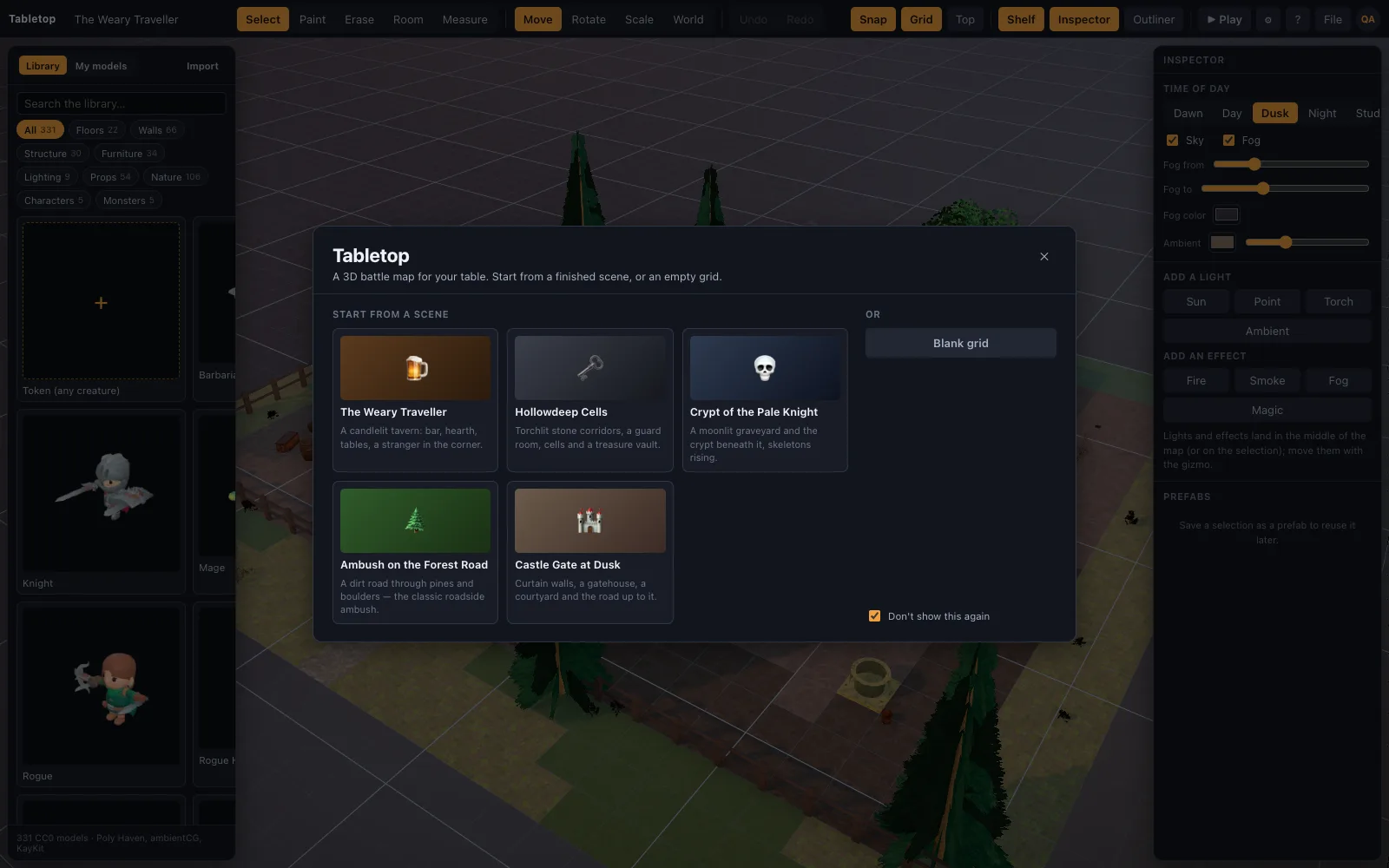
Autosave you do not think about
The open scene saves to your account automatically as you build, backed by IndexedDB locally so the table survives a reload or a lost connection; the autosaver pauses rather than retrying in a loop if a save is refused, and resumes once the reason clears.
Export and import as plain JSON
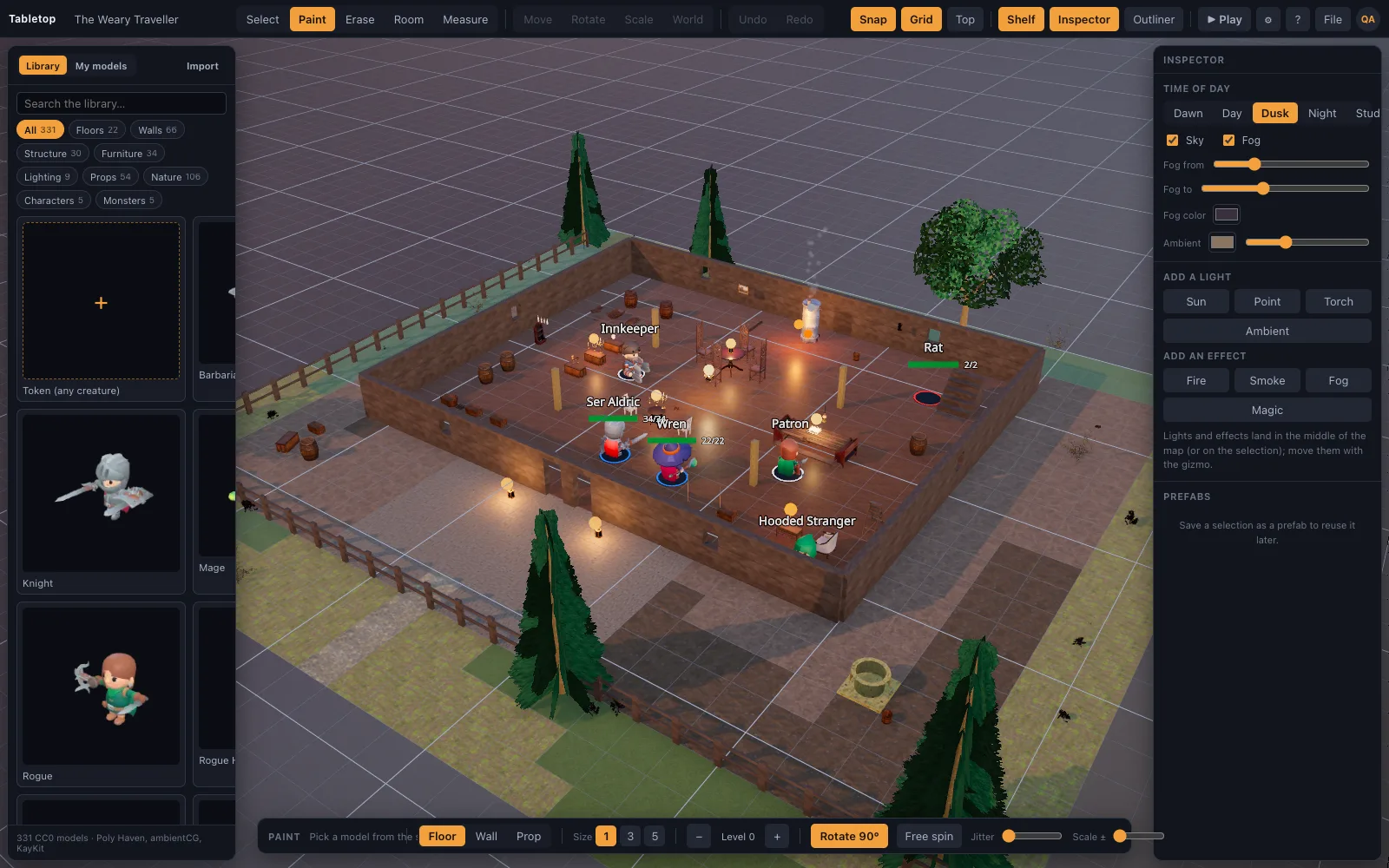
File ▸ Export gives you the scene as a JSON document; File ▸ Import Scene JSON loads one back, with models auto-downloading from the built-in library as needed. That makes a scene portable between accounts, easy to back up outside the app, and simple for an AI assistant to author directly as a "recipe" — high-level operations like fill this rectangle, wall this perimeter, scatter trees here.
How many scenes you can keep
The free plan keeps one saved scene in your library; Premium keeps up to 200. Copying a scene at the limit, or opening a new one when the slot is full, opens a dialog to upgrade or delete one — your unsaved work stays on the table either way.
Different from sharing a live room
Exporting and importing JSON moves a scene between accounts or machines at rest. Playing together live at one table — miniatures moving for everyone, a shared ruler, pings — is a separate feature, shared rooms, reached from the Share button once a scene is saved.
Questions
Is my work ever at risk of being lost?
Autosave runs continuously and is backed by IndexedDB locally, so a reload or a dropped connection does not lose the open scene.
Can I edit a scene's JSON by hand or generate one with AI?
Yes, the JSON format is documented (ai/scene-format.md) specifically so it can be authored by hand or by an AI assistant, then loaded with File ▸ Import Scene JSON.
How many scenes can I keep saved?
One on the free plan, up to 200 on Premium ($6/mo or $48/yr); re-saving, renaming and deleting an existing scene are never limited.
Is exporting a scene the same as sharing a live room?
No — export/import moves a scene as a file. Playing live with others at one table is shared rooms, a separate feature reached from Share.
Keep reading
Import Your Own 3D Models Into the VTT
Drop your own .glb, .obj, .fbx, .stl and more onto the table: Meshy, Sketchfab and Blender exports, Draco/meshopt files.
Play D&D with Friends: Start a Group and Run Your First Night
How to get a D&D group going with friends: who runs it, what to buy (almost nothing), a first adventure, a schedule that survives adult life, and a free 3D battle map for the first fight.
Pricing
Free and Premium side by side, and what changes between them.
Self-Hosted 3D Virtual Tabletop
Run TerrainTale yourself: one Node process serves the app, the API and the sign-in gate.
From the blog
Autosave and scene slots: never losing a map mid-session
How TerrainTale keeps the open scene safe as you build: continuous autosave backed by IndexedDB locally, what happens when a save can't go through, and how many scenes a plan actually keeps.
· 5 min read
Customizing a starter scene for your own campaign
How to take a TerrainTale starter scene and make it your own: renaming, dressing for your NPCs, saving a copy, and when to build from scratch instead.
· 5 min read
Exporting a scene as JSON: what it's for
A TerrainTale scene isn't locked inside the app — File ▸ Export gives you the whole thing as plain JSON. What that's actually useful for, and how it differs from autosave and from sharing a live room.
· 5 min read
All articles on battle maps, grid rules and running the game
Ready to put a map on the table?
Sign up in a minute, no card needed. Five starter scenes are waiting on the welcome screen.