Your own models, on the same grid as the library
The built-in library covers a session-one dungeon, but sooner or later you want the boss you generated, the map you scanned, or the miniature you sculpted. TerrainTale takes real model files straight onto the table, at the same 5-foot scale as everything else.
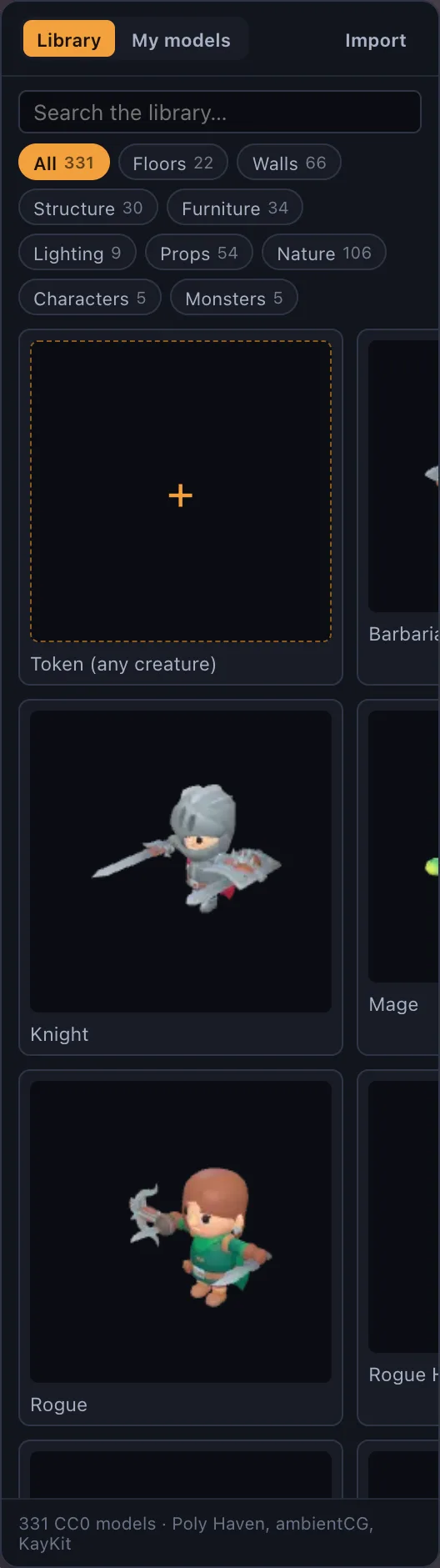
Drop it on the window
A wide range of formats works as-is: .glb, .gltf, .obj, .fbx, .stl, .ply, .dae, .3mf, .usdz and more. Meshy generations, Hero Forge and Sketchfab exports, and Blender exports all import directly, including files compressed with Draco or meshopt.
Heavy files are simplified automatically
Everything is converted to a GLB and simplified to the detail budget in Settings (triangle count and texture size), so a raw photoscan or a dense sculpt does not stall the table. Any imported model can be reduced further from its own menu after the fact.
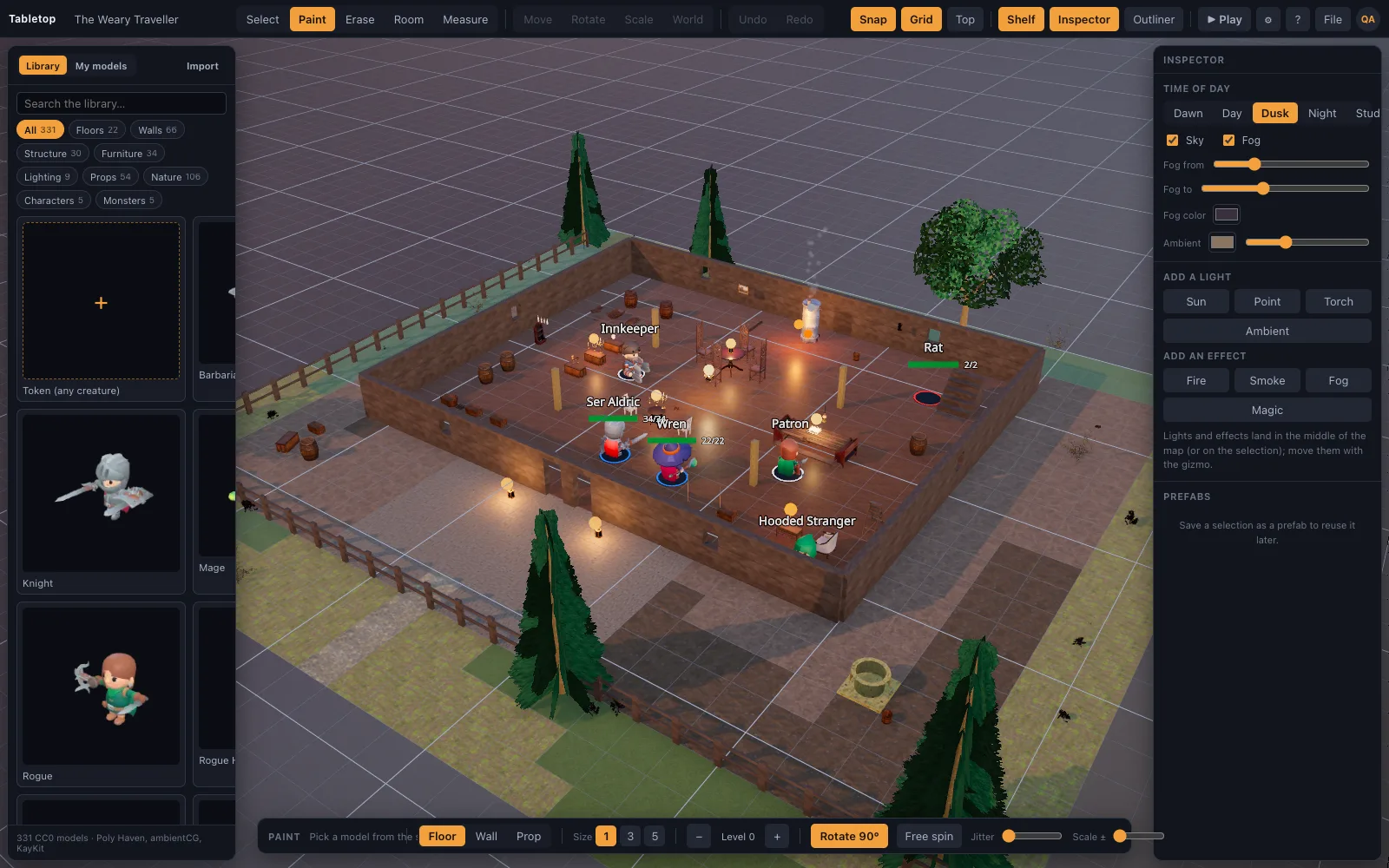
No model? Use a picture
Any image can become a standee token with a base for a creature you have not modelled yet, no import step required.
Where this sits on the plans
On the hosted site, importing your own model files (and your own token portrait pictures) is a Premium feature — $6 a month or $48 a year — while the built-in library, the builder, play mode and shared rooms are the same on both plans. On a self-hosted copy, importing your own models is available on every plan; nothing is gated unless you turn billing on.
Questions
What file formats can I import?
.glb, .gltf, .obj, .fbx, .stl, .ply, .dae, .3mf, .usdz and more, including Draco- and meshopt-compressed files.
Will a heavy photoscan crash the scene?
No — everything imported is converted to a GLB and simplified to a detail budget automatically, and you can reduce it further afterwards.
Is importing models free?
On the hosted site it is a Premium feature ($6/mo or $48/yr); a self-hosted copy has no such gate on any plan unless billing is explicitly turned on.
Can I use a model without a rig or animation?
Yes, a static mesh works fine as a prop or terrain piece; the KayKit characters in the built-in library are the ones that idle and animate.
Keep reading
A Realistic 3D Asset Library for D&D Maps
A free, CC0 library of realistic 3D battle-map pieces: PBR-generated floors and walls, Poly Haven photoscanned props, and animated KayKit characters.
3D Dungeon Map Maker: Rooms, Corridors and Torchlight in Minutes
Make a 3D dungeon map in the browser: drag rooms with the Dungeon kit, paint corridors with the tile brush, add doorways, torches, a treasure chest and a skeleton, then play on it.
Save, Export and Import D&D Scenes as JSON
Scenes autosave to your account and are also plain JSON: export a scene to a file, import one back, or hand a recipe to an AI assistant.
Pricing
Free and Premium side by side, and what changes between them.
From the blog
Exporting from Blender for a virtual tabletop
What export settings actually matter when taking a Blender model to a browser-based 3D table: format, colour, and what happens automatically once the file lands.
· 5 min read
Free vs. Premium: what actually changes
Two things change between TerrainTale's Free and Premium plans: how many saved scenes you keep, and whether you can bring your own model files and portraits. Everything else is the same table.
· 5 min read
Bring your own miniatures: importing .glb, .obj, .fbx and .stl
Which 3D model formats a virtual tabletop can take directly, what happens to a heavy file on import, and where model import sits on the free and Premium plans.
· 5 min read
All articles on battle maps, grid rules and running the game
Ready to put a map on the table?
Sign up in a minute, no card needed. Five starter scenes are waiting on the welcome screen.