Running a D&D map from a ceiling projector instead of a TV
A TV in the table tops out around 43 to 55 inches before the far side of the map is out of reach and the price climbs fast. A projector aimed down at the table sidesteps that limit entirely — the map is as big as the table, for the price of a bulb and a mount, with its own separate set of things to get right.
· 5 min read · TerrainTale
Mounting height and throw distance
An ultra-short-throw projector mounted 20–40 cm above the table surface fills a typical 4-foot table without spilling light onto the players' laps, and a ceiling bracket or an arm clamped to a shelf both work — the mount just needs to be rigid, since a projector that drifts an inch shifts the whole grid out of alignment. A regular short-throw model needs more like 60–120 cm of height to reach the same size, and a standard-throw projector needs considerably more distance again, which usually pushes the mount up near the ceiling instead of just above the table.
What the table surface needs to be
Project onto a plain white or light grey mat rather than a wooden tabletop — wood grain and stains show through the image and mute the colours a scene relies on for lighting and mood. A cheap white foam-core sheet or a projector screen fabric cut to the table's size both work, and either survives spilled drinks far better than the table's actual finish would.
A matte finish matters more here than it does for a TV: a glossy surface under a projector throws back a hot spot of reflected light exactly where the bulb is aimed, which a matte mat avoids entirely.
Keep the room dim, not dark
A projected image needs a dimmer room than a TV does — a bright overhead light will wash the map out almost completely. Aim for a warm lamp off to the side rather than the main ceiling light, bright enough to read a character sheet by, dim enough that the projected scene stays readable. This is the trade a TV setup doesn't have to make, since an LED panel stays bright under normal room lighting.
Match the grid the same way a TV setup does
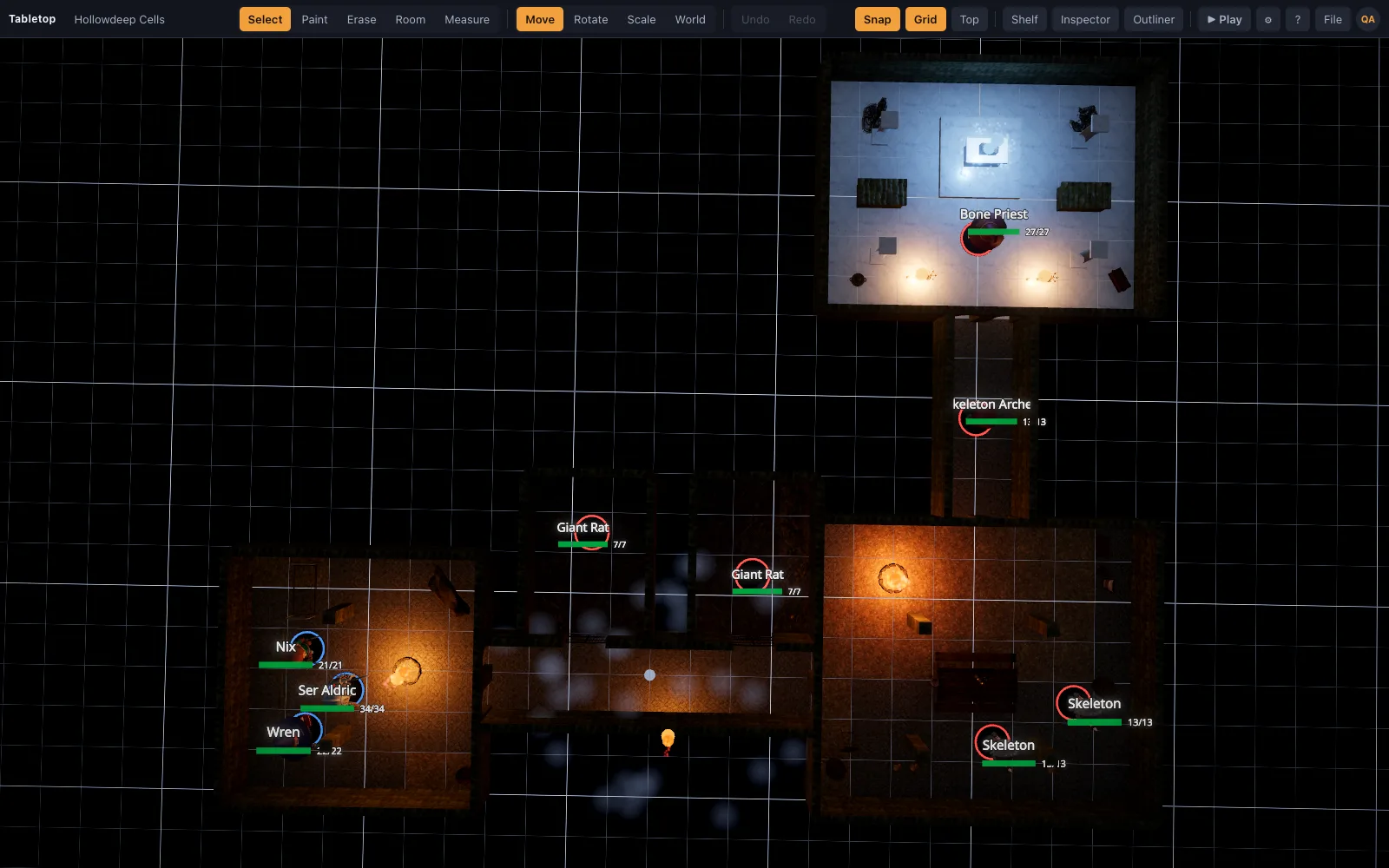
Switch to the top-down view, turn the grid on, and zoom until one square measures one inch against a ruler held to the mat — the same process as scaling a map to physical minis on a TV, just measured on the projected surface instead of a screen. Minis cast a small shadow from directly overhead with a projector, which a TV setup never has to account for; it's minor and most tables stop noticing it after the first session.
Driving it and what it costs
The computer side is identical to a TV setup: any laptop or mini PC over HDMI runs the browser tab, nothing installs, and quality adapts to the GPU. A decent short-throw projector and a mount run somewhat more than a comparable TV up front, but the map size isn't capped by screen size the way a TV's is, so it's the better trade for a table wider than about four feet.
A bulb also has a lifespan a TV panel doesn't — budget for a replacement every couple of thousand hours of use, which for a weekly table is a fairly distant concern, but worth knowing about before committing to the setup for the long run.