Turning any image into a standee token
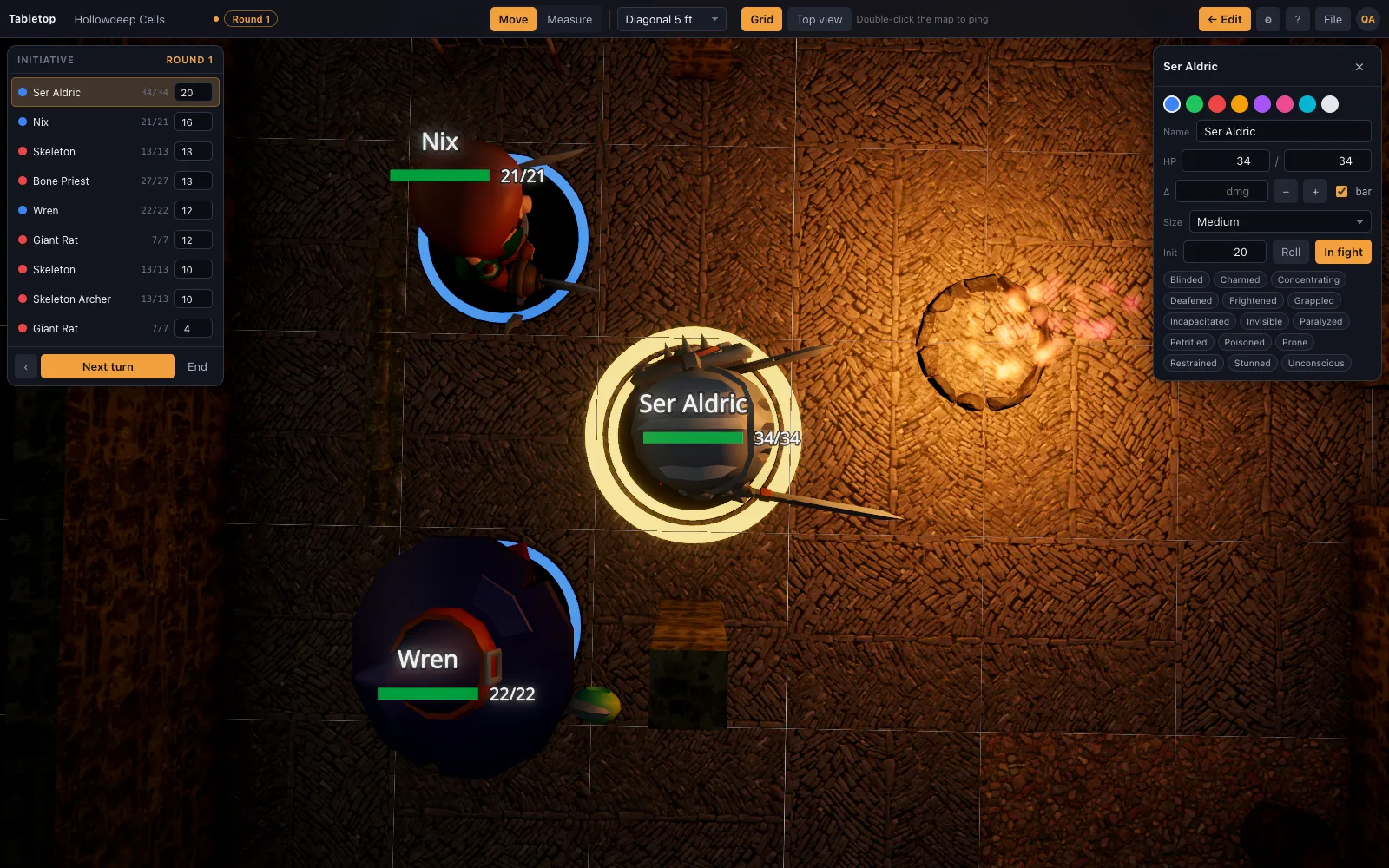
Most encounters need a monster that isn't in any library — a homebrew boss, a piece of art from the book, a photo of a mini you already own. TerrainTale's answer is the standee: drop an image on the window and it becomes a flat figure on a base that turns to face the camera, so it reads as a miniature from every angle without anyone having to model one.
· 5 min read · TerrainTale
Drop the image, get a mini
Drag an image onto the table and it becomes a standee token: a cut-out on a base, sized to the grid, that turns to always face the camera — the same trick a cardboard pawn pulls by just standing there. It gets a name, HP and a place in initiative like any other mini, and a base ring in ally, hostile or neutral colour.
What actually makes a good standee source
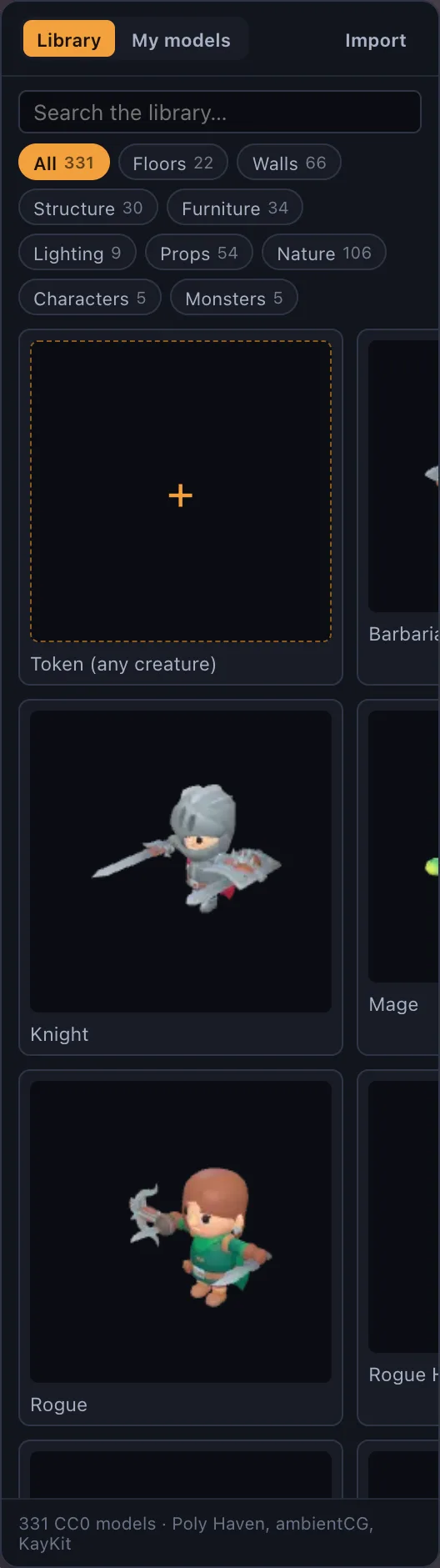
Monster art scanned or screenshotted from the book, a character portrait, a photo of a physical miniature shot against a plain background, or a quick doodle for an NPC nobody planned for. A plain or transparent background reads best, since the cut-out is what stands on the base — but a busy background photograph still works, it just carries a faint rectangle.
- Monster manual art for anything without a built-in model
- A portrait for an NPC or a player's own character
- A photo of a physical mini, for players who own one but are playing online
- A Hero Forge screenshot for a character built there
A standee versus a full 3D model
A standee is flat and always faces the camera; a .glb model (Premium) is a real 3D shape you can walk around and that casts a proper shadow from any angle. For most of a session the difference barely matters — combat is mostly viewed from a working angle, not a fly-by — which is why standees carry most tables' monster rosters even when full models are available.
Where this sits on the plans
Standee tokens made from your own images are free, on every plan. Importing full 3D model files like .glb, .obj, .fbx and .stl is a Premium feature on the hosted site; it's open on every plan on a self-hosted copy unless billing is turned on.
Building a whole bestiary this way
Most tables end up with a folder of monster art or a few browser tabs open to reference images, which makes standees the fastest way to fill out an encounter nobody planned a model for — a random wandering monster, a reskinned stat block, an NPC invented at the table. Each one takes the time it takes to drag an image, not a modelling session.
It's also the practical route for a homebrew creature that will never get an official mini: draw or commission one piece of art, drop it in, and it has a base, a name and a place in initiative like everything else on the table.
Consistency matters more than polish
A table of standees cut from wildly different art styles — one photo, one hand-drawn sketch, one screenshot of a miniature — still reads fine at the table, because the base and the facing-the-camera behaviour do most of the work of making it feel like a figure. It's a forgiving format: you don't need matching art direction across a monster roster the way a curated 3D model set would, which is part of why it's the fastest way to fill out an encounter.