分步指南
- Capture what you cannot export. Before the servers go dark, screenshot every Sigil map from above and from a low angle, and write down room sizes in squares, door positions and where the elevation changes. Those notes are what you rebuild from; Sigil has no export.
- Make a free account. Sign up at TerrainTale with email, an email link or a social login. Nothing to install: it runs in the browser on Windows, macOS, Linux and ChromeOS.
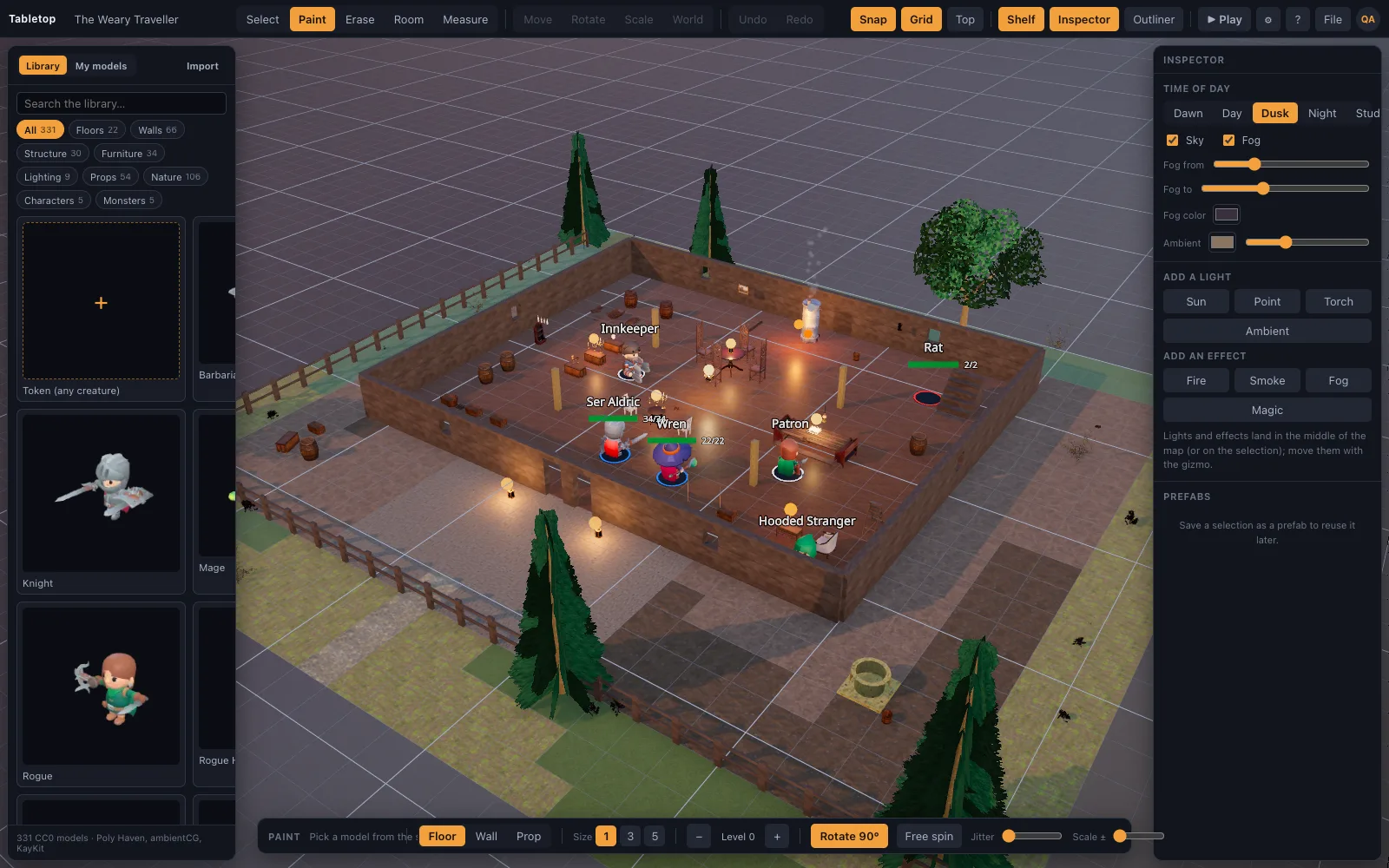
- Start from the closest starter scene. Open the scenes list and pick the starter nearest your map: tavern, dungeon cells, graveyard and crypt, forest road or castle gate. Editing a lit, finished scene is faster than starting empty.
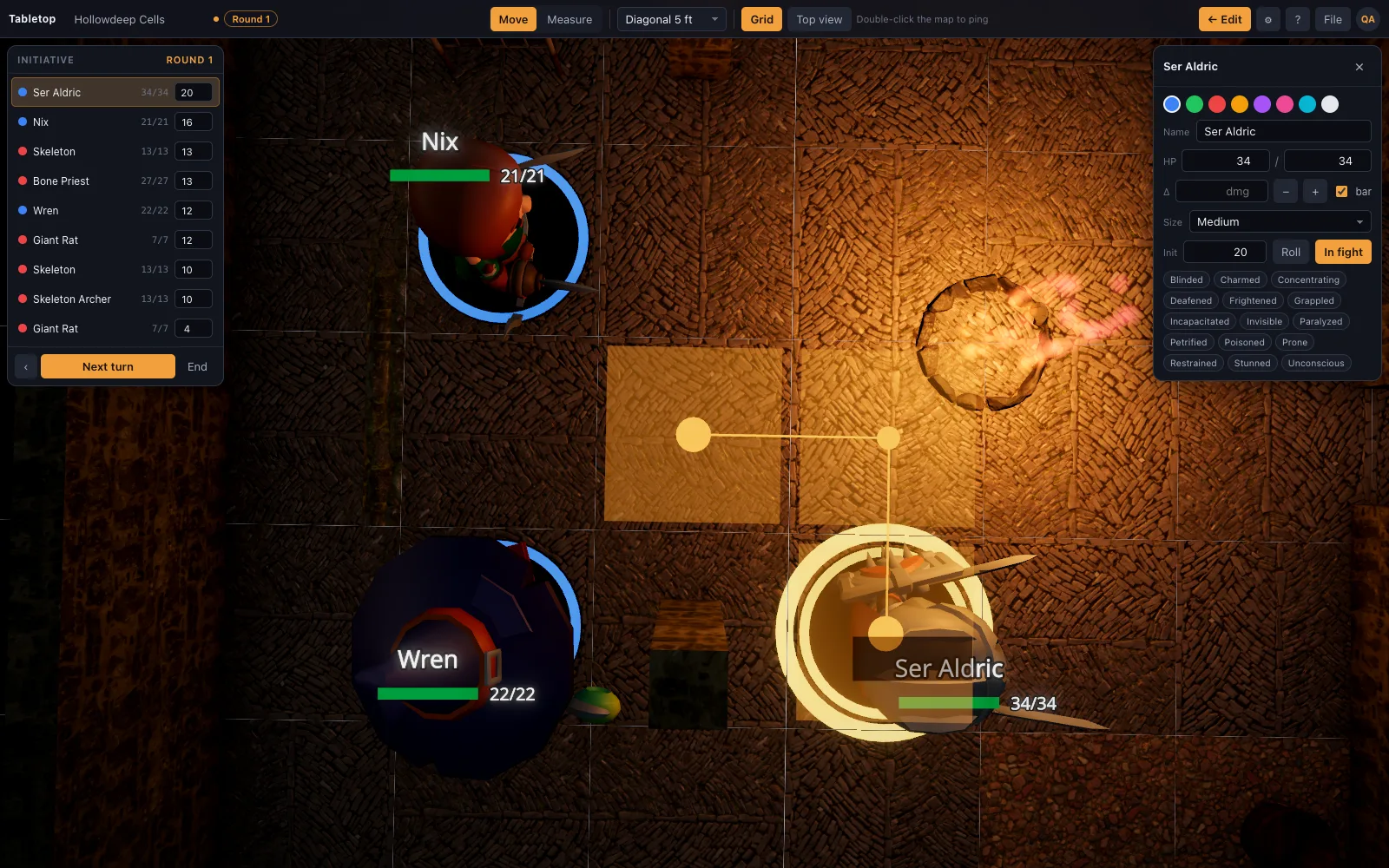
- Block out the rooms. Use the room tool: pick a kit, drag a rectangle, and get a floored and walled room in one motion. Doors and windows snap onto walls. Raise ground with the terrain brush where your Sigil map had height.
- Or describe the map and import it. Describe the map to an AI assistant using the published scene-recipe format, then load the JSON with File, Import Scene JSON. Models download from the built-in library automatically.
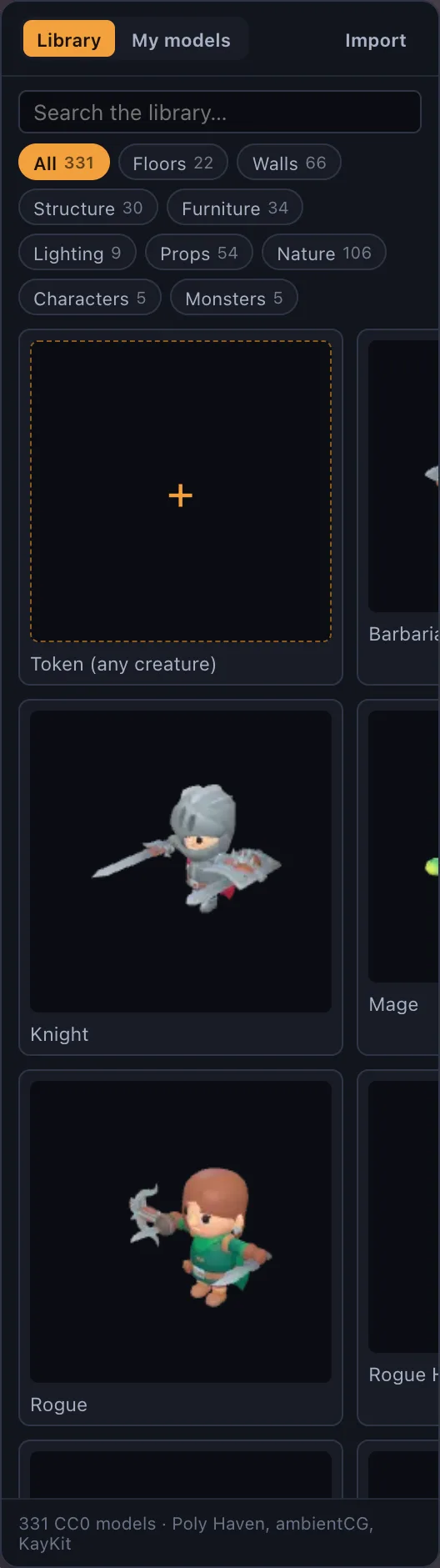
- Bring your miniatures. Place minis from the library, or turn any portrait into a standee. On Premium, drop your own .glb, .obj, .fbx or .stl files on the window, including Hero Forge exports.
- Set the light. Set the hour on the time-of-day slider and place torches or braziers; the sun and every light cast real shadows, which is most of what made Sigil fights read well.
- Save, share and play. Save the scene, press Share to create a link, and let players in from the door card. Switch to Play: they see the table live and drag their own minis while the ruler counts feet, height included.
- Keep a copy you own. Export the scene as JSON from the File menu and keep it with your campaign notes. It imports into any copy of the app, including one you host yourself.
Sigil 会怎样,什么时候
Sigil 于 2025 年 3 月作为与 D&D Beyond 绑定的 3D 虚拟桌面上线。2025 年 10 月,Wizards of the Coast 宣布将关闭它,服务器在 2026 年 10 月底关停。D&D Beyond 的平面 Maps 工具会继续。在 Sigil 中搭建的场景和微缩模型以其自有格式存放在其服务器上,所以稳妥的假设是:任何你没记下来或截图的东西,在关闭日期之后都会消失。
什么能带过来,什么不能
核心理念完整保留:在一个有高度、掩体和光线的真实场所里战斗,可拖动的微缩模型,一把知道弓箭手站在城墙上的量尺。带不过来的是 D&D Beyond 集成。TerrainTale 记录 HP、状态和先攻,并有掷骰器,但它不读取你的角色卡,也不同步怪物,而且没有内置语音。战争迷雾是 DM 涂刷和揭开的笔刷,没有自动视线。大多数团队把它和已经在用的通话工具搭配,角色卡继续放在 D&D Beyond。
- 能带过来:带高度的 3D 地图、实时光照和阴影、写实微缩模型、通过链接共享游玩
- 有变化:地图需要重建而不是导入;微缩模型来自素材库、立牌或你自己的文件
- 带不过来:D&D Beyond 角色和怪物同步、法术特效
重建需要多久
用房间工具做一个战斗房间只需几分钟。多房间地下城手工搭建接近半小时,如果让 AI 助手根据你的笔记写配方、你再整理结果,则只需几分钟。先重建接下来两次团要用的地图,而不是整个战役;入门场景能覆盖数量惊人的一次性遭遇。
费用是多少
免费方案拥有完整的牌桌功能,包括共享房间,并保存一个场景。玩家永远不用付费。Premium 最多保存 200 个场景并可导入你自己的 3D 模型;价格见定价页,取消订阅也绝不会删除场景。自托管服务器免费,你自己的副本完全没有计费。
这次不会被锁定
一次关停之后的担忧是它会再次发生。每个 TerrainTale 场景都能导出为你自己保存的 JSON 文件,内置素材库随应用一起提供,服务器也可自托管,所以无论托管版本发生什么,团队都能继续运行自己的副本。
常见问题
Sigil 到底什么时候关闭?
Wizards of the Coast 宣布服务器将在 2026 年 10 月底关停。确切日期和任何变动请查看 D&D Beyond。
能导出我的 Sigil 地图吗?
不能导出为其他虚拟桌面可读的文件。把每张地图截图,记下布局和高度,然后重建;让 AI 助手根据这些笔记写场景配方是最快的方法。
我的 Sigil 微缩模型还能用吗?
Sigil 微缩模型留在 Sigil 里。任何 .glb、.obj、.fbx 或 .stl 格式的模型,包括 Hero Forge 导出的文件,在 Premium 上都能放到 TerrainTale 牌桌上,任何图片都能变成立牌。
我的玩家需要付费或安装什么吗?
不需要。他们在浏览器中打开分享链接、登录,然后由你放他们进来。共享房间在免费方案中就有。
D&D Beyond Maps 能取代 Sigil 吗?
它是 D&D Beyond 的平面 2D 地图工具,在 Sigil 关闭后继续运营。如果你的团队想留在 3D 中,3D 虚拟桌面是更接近的替代品。
继续阅读
Sigil 替代品
D&D Beyond 的 Sigil 3D VTT 将于 2026 年 10 月底关闭。
D&D Beyond Maps 替代品
想要的不止一张平面地图?一个以 3D 搭建战斗地图的 D&D Beyond Maps 替代品:真实的墙、火把光和高度、写实的微缩模型、英尺量尺和先攻。
3D 虚拟桌面(3D VTT):免费,在浏览器中
在浏览器标签页中运行的 3D 虚拟桌面:有墙、有光、有高度的写实战斗地图,手绘风格的微缩模型,英尺量尺,先攻。
AI 生成
场景配方,以及助手如何编写它们。
在 VTT 中使用 Hero Forge 微缩模型:把你的角色放上 3D 桌面
如何把 Hero Forge 角色放到虚拟桌面上:用 PNG 截图做立牌标记,或用购买的 STL 做完整的 3D 微缩模型(两者均需 Premium),以及 Hero Forge 实际导出什么。