Why your 3D models get simplified: detail budgets explained
A photoscan or a dense sculpt can carry millions of triangles and textures sized for a film render, and that's exactly right for the tool that made it. It's also exactly wrong for a browser tab trying to render a whole battle map at sixty frames a second, which is why an imported model doesn't land on the table exactly as it left the source file.
· 5 min read · TerrainTale
What happens on import
Everything imported is converted to a GLB and simplified to the detail budget set in Settings — triangle count and texture size — automatically, regardless of the format it arrived in. That's one consistent step for every import, whether it's a Meshy generation, a Sketchfab download, a Blender export or a raw STL, so no file needs manual optimization before it's usable on the table.
Why a budget, not just "import everything as-is"
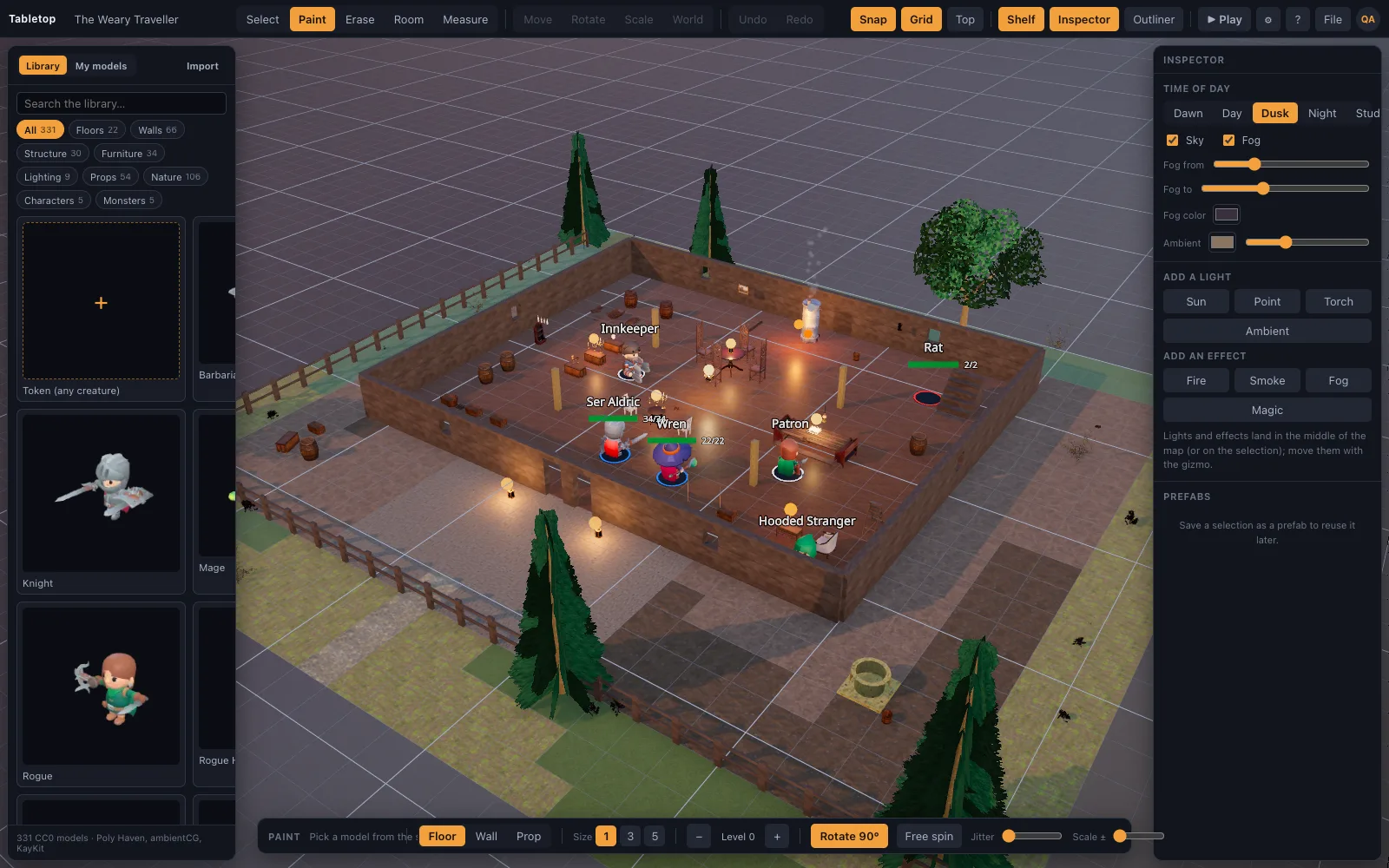
A single battle map can have a dozen props, several miniatures, walls, floors and lighting all rendering in the same browser tab at once. A model that's fine on its own — say, a museum-quality scan at several million triangles — is not fine multiplied by everything else already on the table. A detail budget caps what any one import can cost, so the table stays responsive as more gets added to it rather than degrading unpredictably as scenes grow.
The budget is a setting, and it's adjustable
Triangle count and texture size are set in Settings, so the budget isn't a fixed, invisible ceiling — it's a value you can raise if your machine can handle more detail, or lower if the table needs to run on lighter hardware. Any imported model can also be reduced further from its own menu after the fact, independent of the global setting, for a specific model that's still heavier than you want it to be.
What simplification does and doesn't change
Simplification reduces triangle count and texture resolution; it doesn't change the model's shape, materials or (where present) rig and animation in any way that would be visible at battle-map distance — the goal is a lighter version of the same model, not a different one. A model that looked right in its source tool should still look right once it's on the table, just without the render-time cost the source file never needed to pay.
The tradeoff, stated plainly
This is a real tradeoff, not a free lunch: a model simplified to a lower triangle budget genuinely has less fine detail than the source file, and at close range on a very large screen, that can be visible on the sharpest edges of the densest sources. In exchange, a whole battle map full of imported props, minis and terrain renders at a stable frame rate in an ordinary browser tab instead of degrading as more gets added to the scene.
For the vast majority of tabletop use — a mini on a five-foot square, a prop on a shelf, viewed at the distance a battle map is actually played at — the reduction is not something players notice. It becomes worth adjusting the budget upward mainly for a hero prop meant to be looked at up close, or downward for a table running on genuinely weak hardware.