Bring your own miniatures: importing .glb, .obj, .fbx and .stl
The built-in library covers session one. Sooner or later you want the boss you generated somewhere else, the mini a friend sculpted, or the print file you already own — and the question is whether the table you're playing on will actually take the file you have.
· 5 min read · TerrainTale
Formats that work as-is
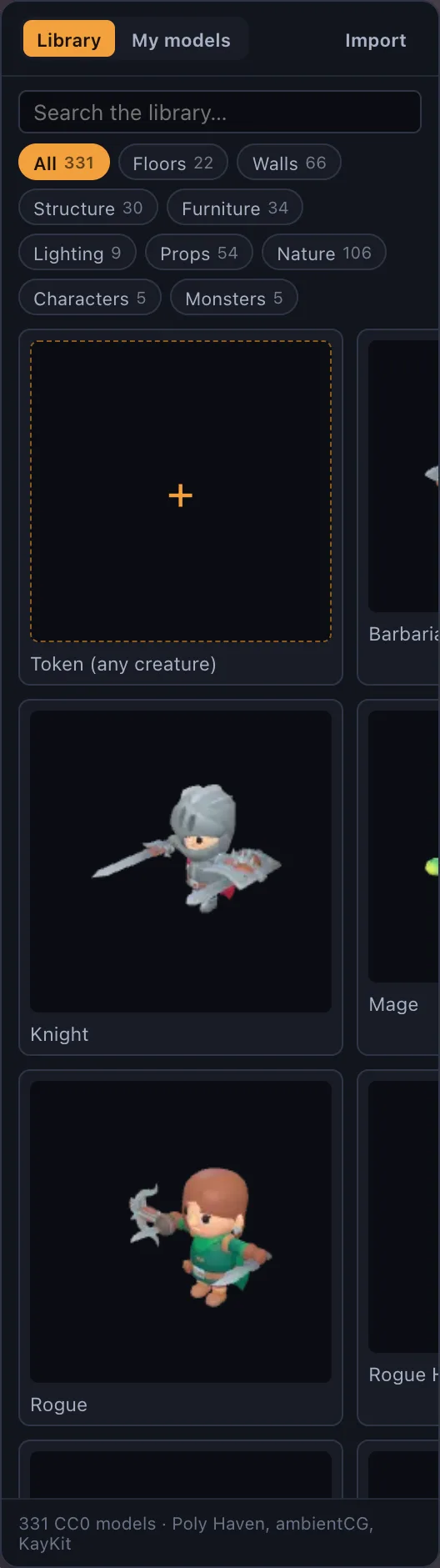
A wide range of formats imports directly: .glb, .gltf, .obj, .fbx, .stl, .ply, .dae, .3mf, .usdz and more, including files compressed with Draco or meshopt. That covers the common export targets of most 3D tools without asking you to convert anything first — a Blender export, a Meshy generation, a Sketchfab download, or an STL meant for a 3D printer all land the same way, by dropping the file on the window.
What happens after you drop it
Everything imported is converted to a GLB and simplified to the detail budget set in Settings — triangle count and texture size — so a raw photoscan or a dense sculpt doesn't stall the table the way it would if it were left at its original resolution. If a model still looks heavier than you want after that first pass, it can be reduced further from its own menu afterward, without re-importing it from scratch.
No model yet? Use a picture
Not every creature needs a 3D file. Any image can become a standee token with a base — a screenshot, a piece of fan art, a portrait you already have — which covers a monster you haven't modeled and a player character whose player would rather see their own art than a generic mini.
This is often the faster route in practice: a standee takes seconds to set up and reads clearly on a battle map, whereas sourcing or building a proper 3D model of a specific character takes real time. Reach for a full model import when the shape and scale genuinely matter — a boss whose size in the room is part of the encounter — and reach for a standee everywhere else.
Where this sits on the plans
On the hosted site, importing your own model files (and your own token portrait pictures) is a Premium feature — $6 a month or $48 a year — while the built-in library, the builder, play mode and shared rooms are the same on both plans. On a self-hosted copy, importing your own models is open on every plan unless billing is explicitly turned on.
Getting the scale right
The built-in library is authored to a consistent 5-foot grid, so an imported model needs to land at the right real-world size to sit convincingly next to it — a miniature that reads as person-sized rather than doll-sized or giant-sized. Most exports carry real-world units already, so this mostly takes care of itself for files that came from a proper 3D pipeline; a scan or a file with unusual export settings occasionally needs a manual scale check once it's on the table, the same way it would in any 3D tool.
It's worth a glance the first time a new source's export lands on the table — Meshy, Sketchfab and Blender all tend to behave consistently once you've checked one file from each, so this isn't something to re-verify on every single import afterward.