Running a session with players who can't be in the same room
A group scattered across time zones or just too far apart for a living room still plays the same game a room full of people does — the difference is entirely logistics. Here's how to run it: get the table onto everyone's screen, handle latecomers without stopping the fight, and keep the DM's own reveals under control.
· 6 min read · TerrainTale
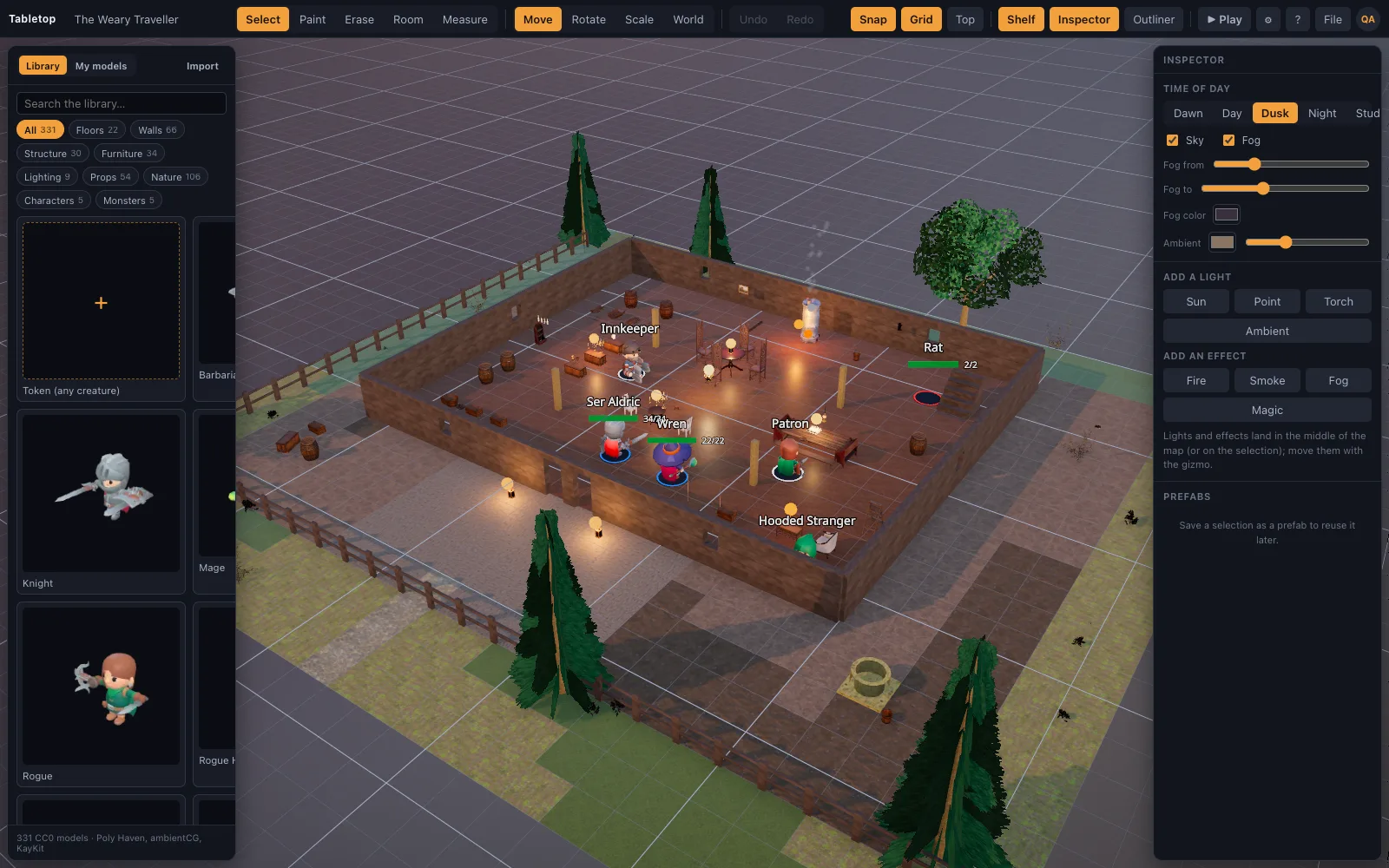
Get the whole table on one link
Save the scene, Top bar ▸ Share, Create share link, and send that one link to the group. Anyone who opens it signs in and knocks; you let them in from the At-the-door card without leaving the map. There's nothing to install on the player's end — they're playing in the same browser tab they clicked the link in.
Latecomers don't stall the table
Because approval happens from a floating card over the map, a DM mid-encounter doesn't have to pause and dig through a menu to seat someone who joins fifteen minutes late. Once approved, a returning player is seated automatically next time — they don't have to knock again.
Hide what the party hasn't found yet
A miniature marked Hidden from players is left off the players' screens entirely, not just visually dimmed — it isn't in the data their browsers hold. That's how an ambush stays a surprise over a shared room: the DM sees a ghosted marker on their own screen, and presses Show the moment the trap springs.
Keep the DM's tab as the table
The DM's browser is the single source of truth for a live room — there's no separate server copy of the game. Running a remote session comfortably means picking one stable device to be 'the table' for the night (plugged in, on a real connection) rather than hopping between a laptop and a phone mid-session, since only one tab can host at a time.
What players can and can't do on their own
A seated player can drag their own mini with the same live ruler the DM sees, nudge it with arrow keys, measure distances, ping the map, read a mini's card, and add conditions to an unlocked mini. They can't edit the scene, change HP directly, run the tracker, or reach the editor — those stay with the DM, which keeps a remote table from drifting out of sync.
Set expectations before the first remote session
A quick note to the group before the first shared session saves confusion later: everyone needs an account, everyone joins from the same link, and only the DM edits the scene — a player's own mini, the ruler and pings are theirs to use, nothing else. Spelling that out once avoids the 'why can't I move that' message mid-fight.
It's also worth agreeing on a backup plan for a dropped connection — a voice channel that stays open regardless of the map's state means a hiccup in the room doesn't stall the table talk, even while the shared view catches back up.
The first remote session is the roughest one
The very first shared session is where a group works out its own rhythm — who checks the door, how quickly to let people in, whether the DM narrates while approving requests or waits for a lull. It gets smoother fast: returning players don't have to knock a second time, and most of the friction in session one simply doesn't exist by session three. Treat the first night as a dry run rather than a verdict on whether remote play works for your table.