Sharing a table by link: how live rooms work
Any saved scene can be shared by a single link. Players open it, sign in, and knock; the DM lets them in from the app; from then on everyone watches the same table live, on whatever device they opened the link on.
· 6 min read · TerrainTale
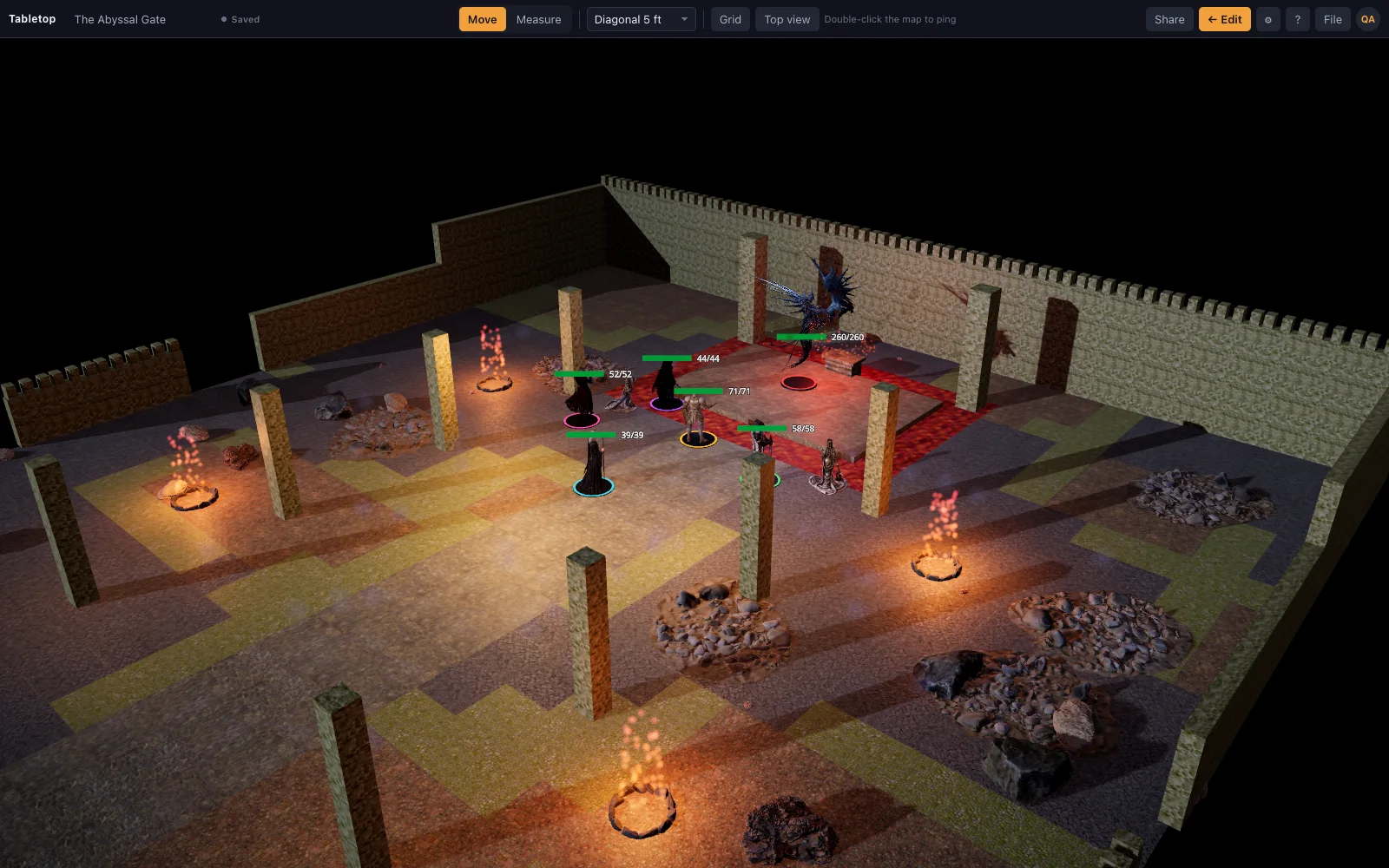
Turning a scene into a room
Top bar ▸ Share opens the Players panel. The first time, Create share link saves the scene if it hasn't been saved yet and generates the link. That panel is also where the DM copies the link, sees whether the table is live, and reviews everyone who's used it.
The waiting room
A player who opens the link signs in (or signs up) and asks to join. While the panel is closed an 'At the door' card floats over the map with Allow and Deny for each request, so the DM never has to stop mid-fight to open a menu just to let a late player in — a toast announces who knocked.
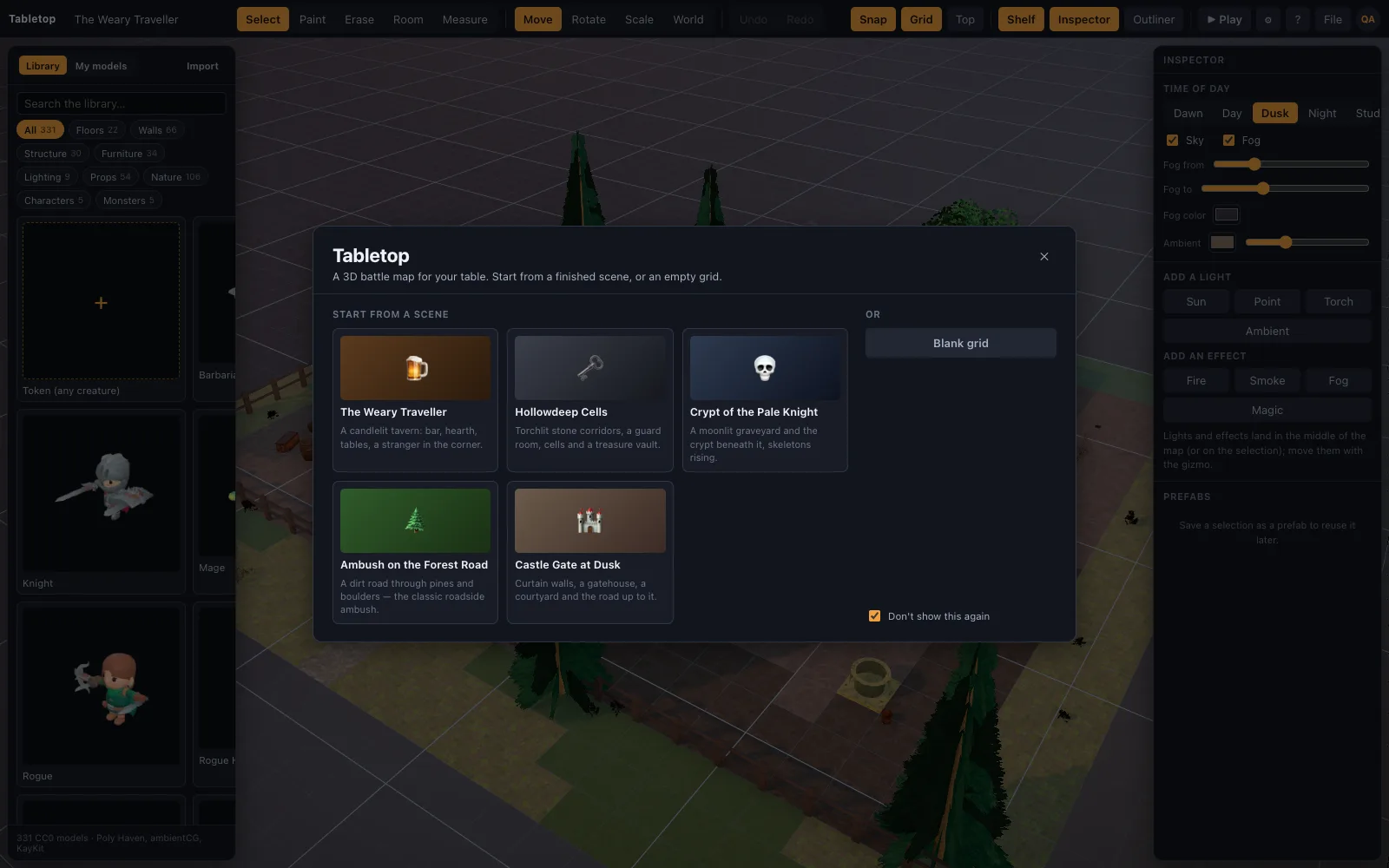
The table only exists while the DM's browser is open
There's no server-side copy of the game: the DM's browser holds the live scene and streams it to players over a WebSocket connection. Pressing Play (▶) is what makes the table visible to players; in Edit mode, or when the DM's tab is closed, players see 'the game hasn't started yet, or is paused' and it updates on its own once the DM returns.
What travels live
Once seated, a player sees miniatures move as the DM (or another player) moves them, watches every ruler measurement appear on their own screen, sees pings ripple, and follows the initiative order — all without a refresh. Dice rolled with the real 3D dice are relayed the same way: everyone sees who rolled and what landed.
Hosting from one device at a time
Only one DM tab hosts the table at a time — opening the scene in a second tab moves hosting there. That's a deliberate limit, not a bug: the host's browser is the single source of truth for the live game, so there's exactly one place the table can be running from.
Who can see what on the door
The Players panel lists everyone who's ever used the link, with a clear status for each: waiting at the door, seated and allowed, or denied. The DM can allow a previously denied player later, remove someone mid-session, or stop sharing entirely, which ends the room for everyone at once.
None of this needs a scheduled event or a special invite flow — the link itself is the whole mechanism, and it keeps working across sessions as long as the scene it points to still exists.
Nothing to configure beyond the link
There's no room name to pick, no separate invite system, no server to spin up — the link the Share panel generates is the entire mechanism for turning a private scene into a live table. That simplicity is deliberate: setting up a session should take the time it takes to click Share and paste a link into a chat, not a separate setup step before every game night.
The link keeps working between sessions
A room's link doesn't expire after one game night — it's tied to the scene, so the same link works the following week without the DM regenerating anything. Deleting the scene or the account is what ends a room; simply closing the laptop at the end of a session just pauses it until next time.