Reusing homebrew stat blocks across sessions and campaigns
A recurring villain has to be the same monster every time it shows up, or the players notice. The stat block generator doesn't save a library for you, but copying a finished block as Markdown makes it easy to keep the exact same creature — numbers and all — and bring it back whenever the campaign needs it.
· 4 min read · TerrainTale
Once it's generated, it's yours to keep
Every generation produces a finished, internally-consistent block, and it's yours the moment it exists — nothing about reusing it later needs another generation. Copy it as Markdown right away and keep it in whatever your table already uses for campaign notes: a shared doc, a folder of files, a wiki page for the recurring villain.
Keep the exact block, not a re-generated one
If a villain returns three sessions later stronger, or with an item the party gave up, don't describe the same creature again and expect an identical result — a fresh generation is a fresh roll of the same dice, with its own ability scores and wording, even from a near-identical prompt. Keep the original Markdown copy as the canonical version, and only generate a new one when you deliberately want the creature to change: "the same hag, but CR 9 after she's had the crown three sessions."
Print it once, use it every time it shows up
Print or save the block as a PDF the first time the creature appears, and that copy is what you pull out again for its next appearance — no regenerating, no risk of the numbers drifting between sessions. It's the same approach as keeping a printed page for any recurring NPC or monster, just generated once instead of built from scratch by hand.
One creature, one place on the table
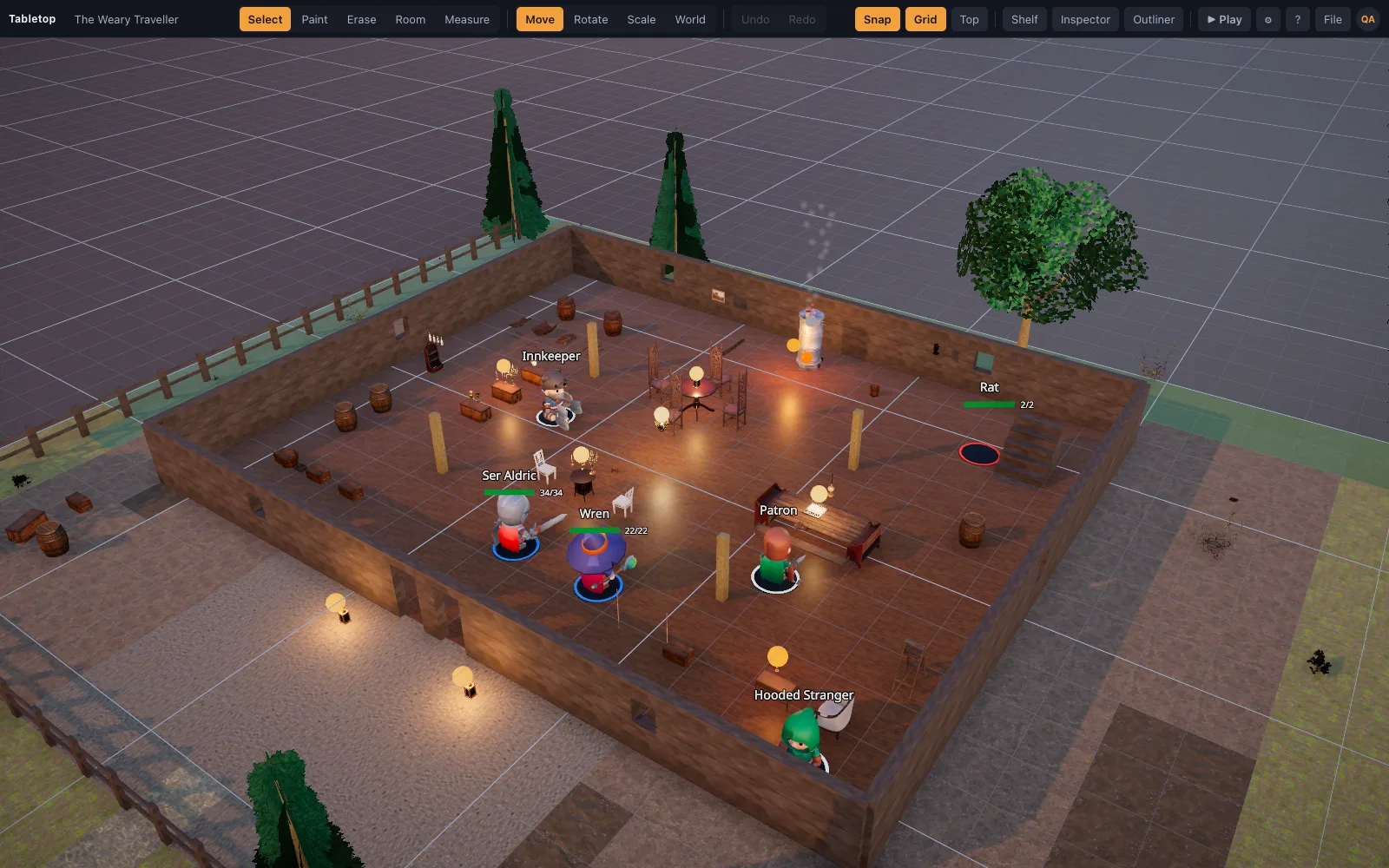
With a free account, drop the monster onto a saved 3D scene once its stats are locked in, with HP and an initiative slot ready to go. Save that scene, and the next time the villain shows up you're loading a scene that already has it in place — HP reset, same numbers, same map if the location's the same — rather than rebuilding the encounter from the stat block each time.
What the generator doesn't do for you
There's no built-in library of past generations inside the tool itself — it's a generator, not a monster database. The reuse comes from what you do with the output: keeping the Markdown copy, printing the page, or saving the scene it's placed on. That's a deliberate trade for a tool whose first job is turning a sentence into a correct stat block fast, not managing a campaign's roster of monsters.
Building a campaign's bestiary the simple way
In practice, most tables end up with the same kind of folder they'd keep for any homebrew content — a running document of every named villain and recurring monster, each pasted in as Markdown the first time it was generated. That folder becomes the campaign's own bestiary over time, built one real encounter at a time instead of drafted up front, and every entry in it is already in the exact format the rest of your table's stat blocks use — no reformatting needed when a new player joins and starts reading through the campaign's back catalog of monsters.