Five starter scenes: what's actually in the library
The welcome dialog offers five finished scenes instead of a blank grid, and each one is a real, lit, dressed map you can drop players into today: The Weary Traveller, Hollowdeep Cells, Crypt of the Pale Knight, Ambush on the Forest Road, and Castle Gate at Dusk. Here's what's actually built into each.
· 5 min read · TerrainTale
In this article
- The Weary Traveller — a tavern
- Hollowdeep Cells — a dungeon
- Crypt of the Pale Knight — a crypt
- Ambush on the Forest Road — an outdoor encounter
- Castle Gate at Dusk — a fortification
- Picking one from the welcome dialog
- Why five, and why these five
- Starting with one, then keeping the others in reserve
- Browsing them outside the app
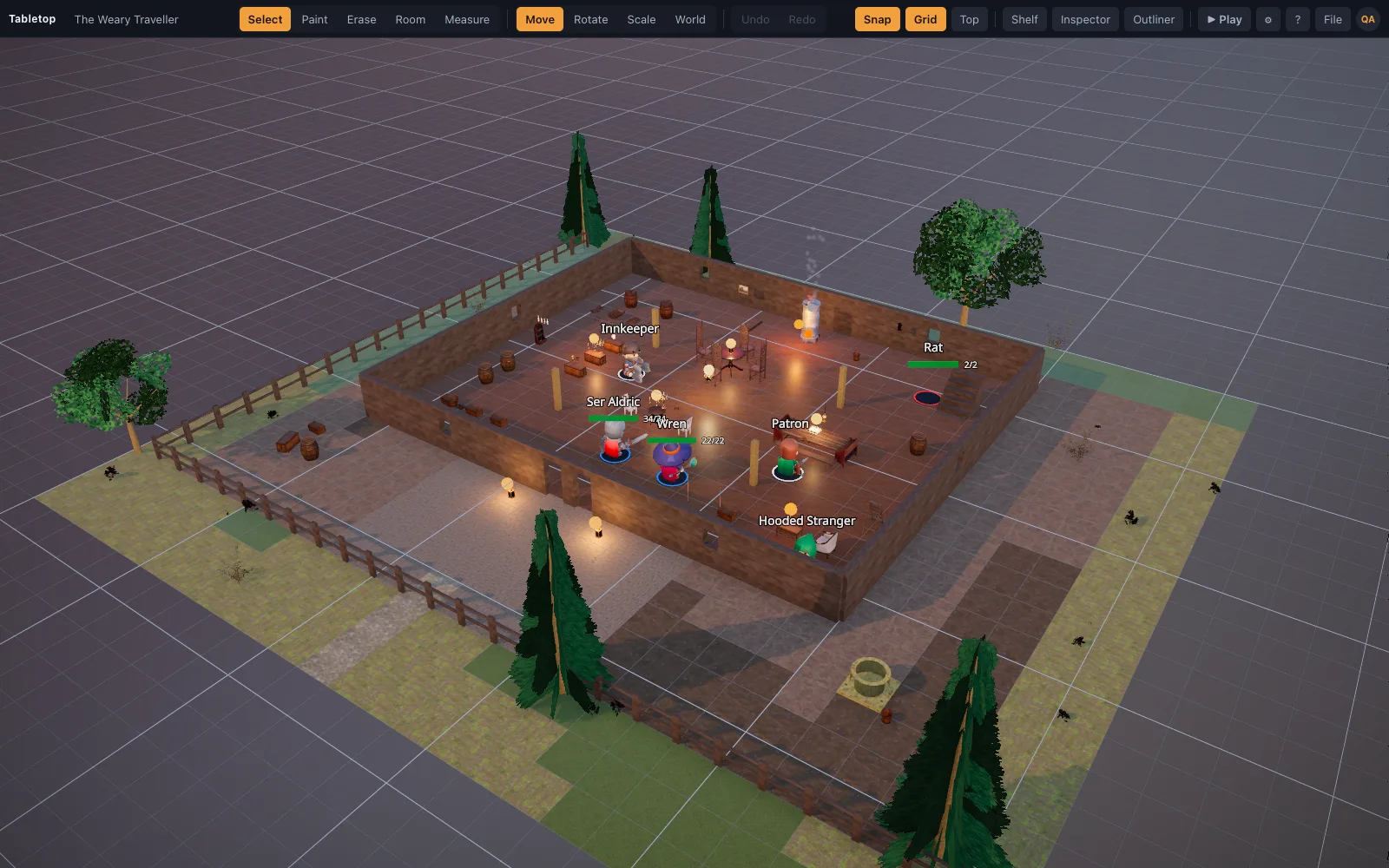
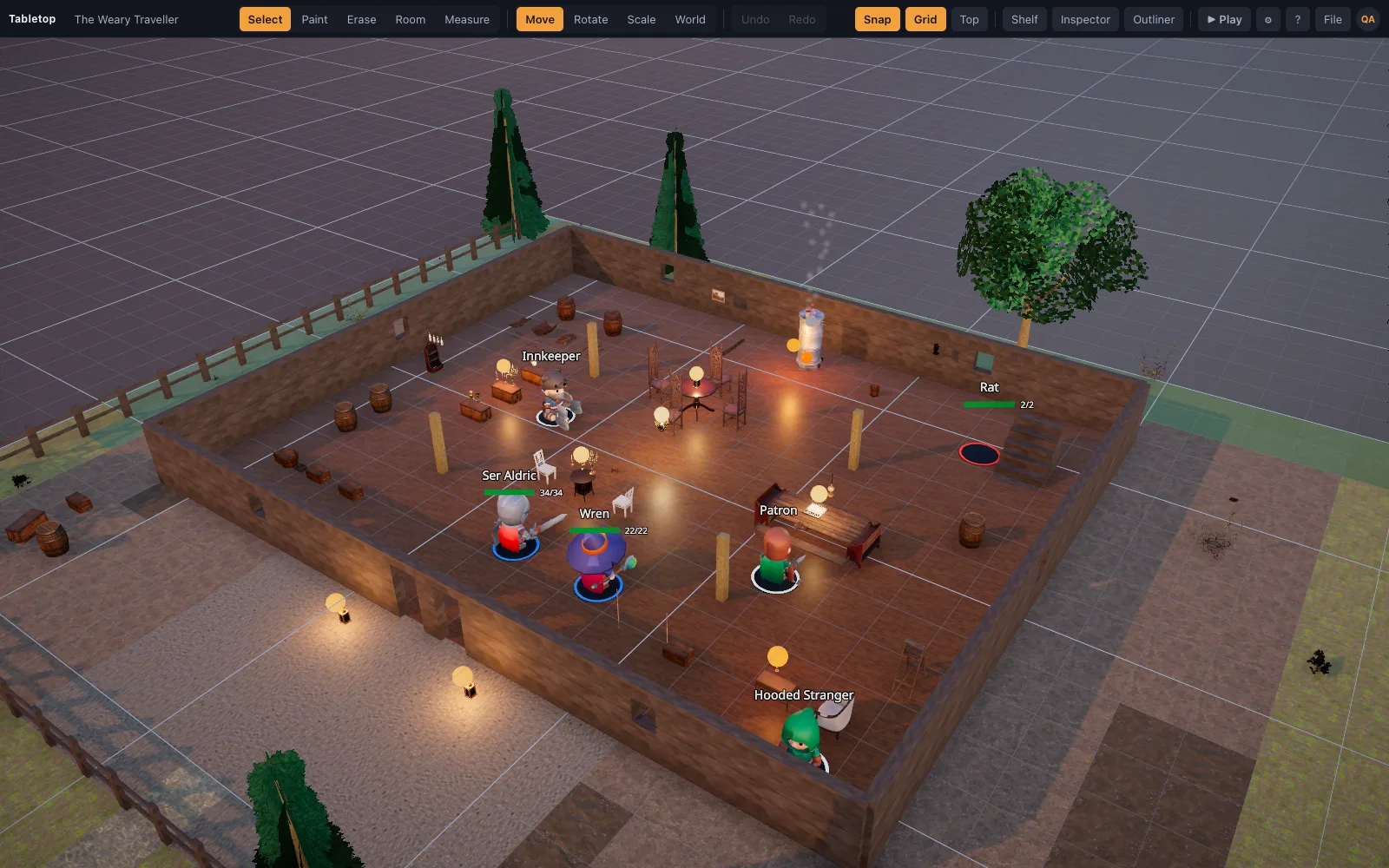
The Weary Traveller — a tavern
A candlelit common room built for the session-zero talking scene or a brawl that gets out of hand. It's the scene the play-with-friends guide points new DMs to for exactly that reason: put the first fight somewhere warm and lived-in, and newcomers lean in instead of asking how the map works.
Hollowdeep Cells — a dungeon
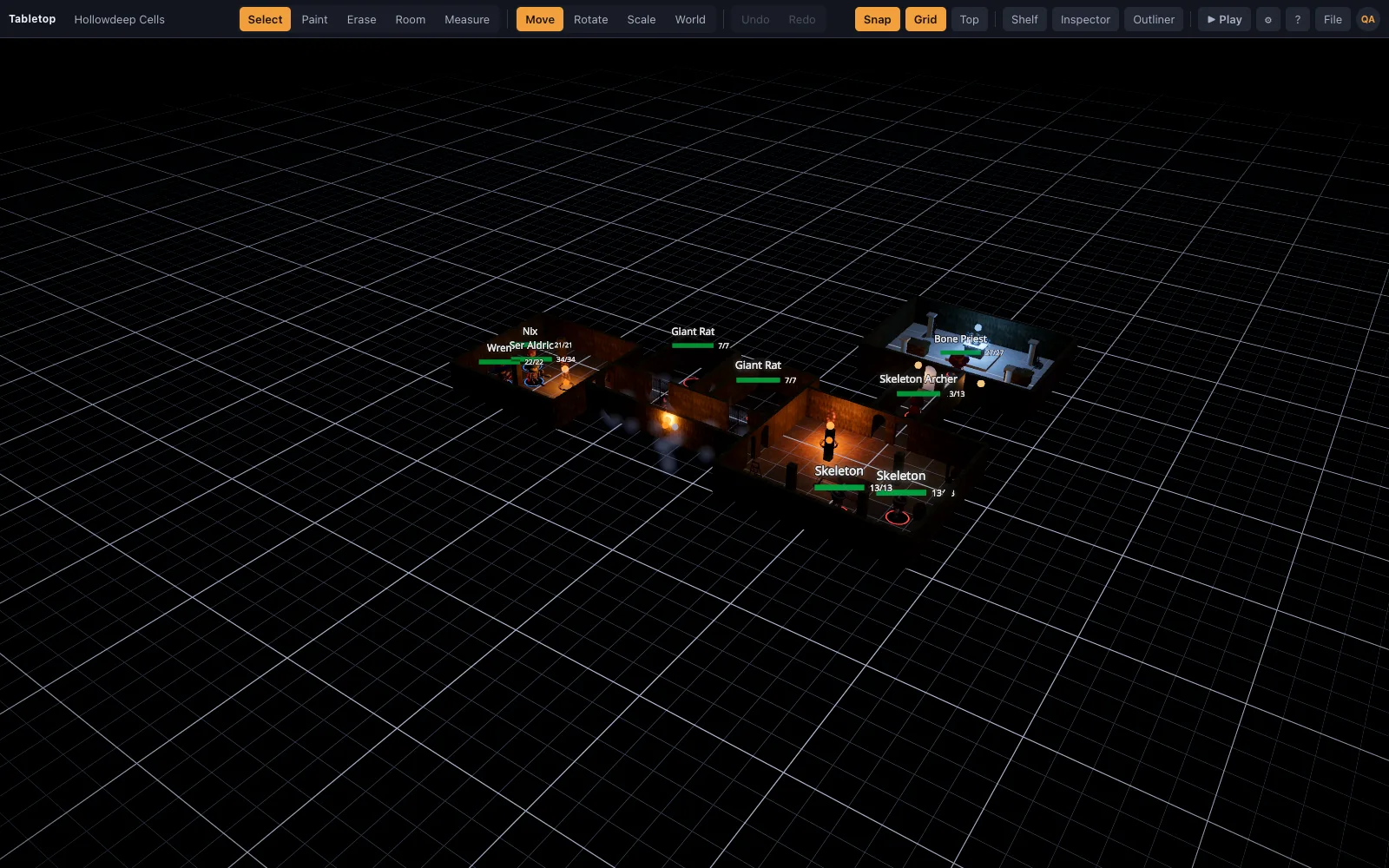
Stone corridors and cells, torchlit, built from the library's dungeon wall family with doorways that line up on the grid. A straightforward first dungeon crawl — corridors that funnel, rooms that open up, nothing exotic.
Crypt of the Pale Knight — a crypt
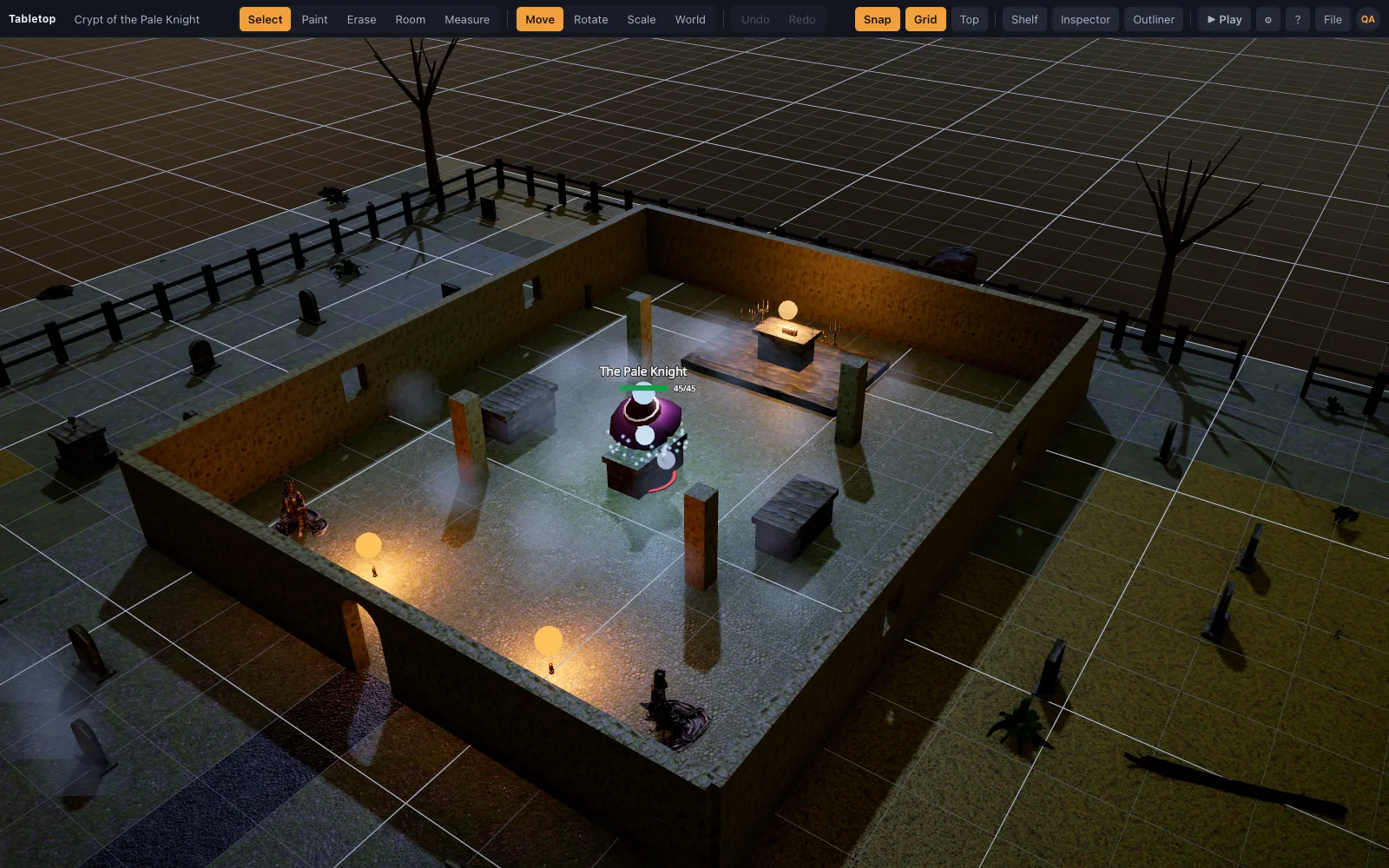
A tighter, gloomier space — stone brick, a sarcophagus, gravestones — built for a boss encounter with less room to maneuver than the open dungeon scene. Good for the fight where the party corners something, or something corners them.
Ambush on the Forest Road — an outdoor encounter
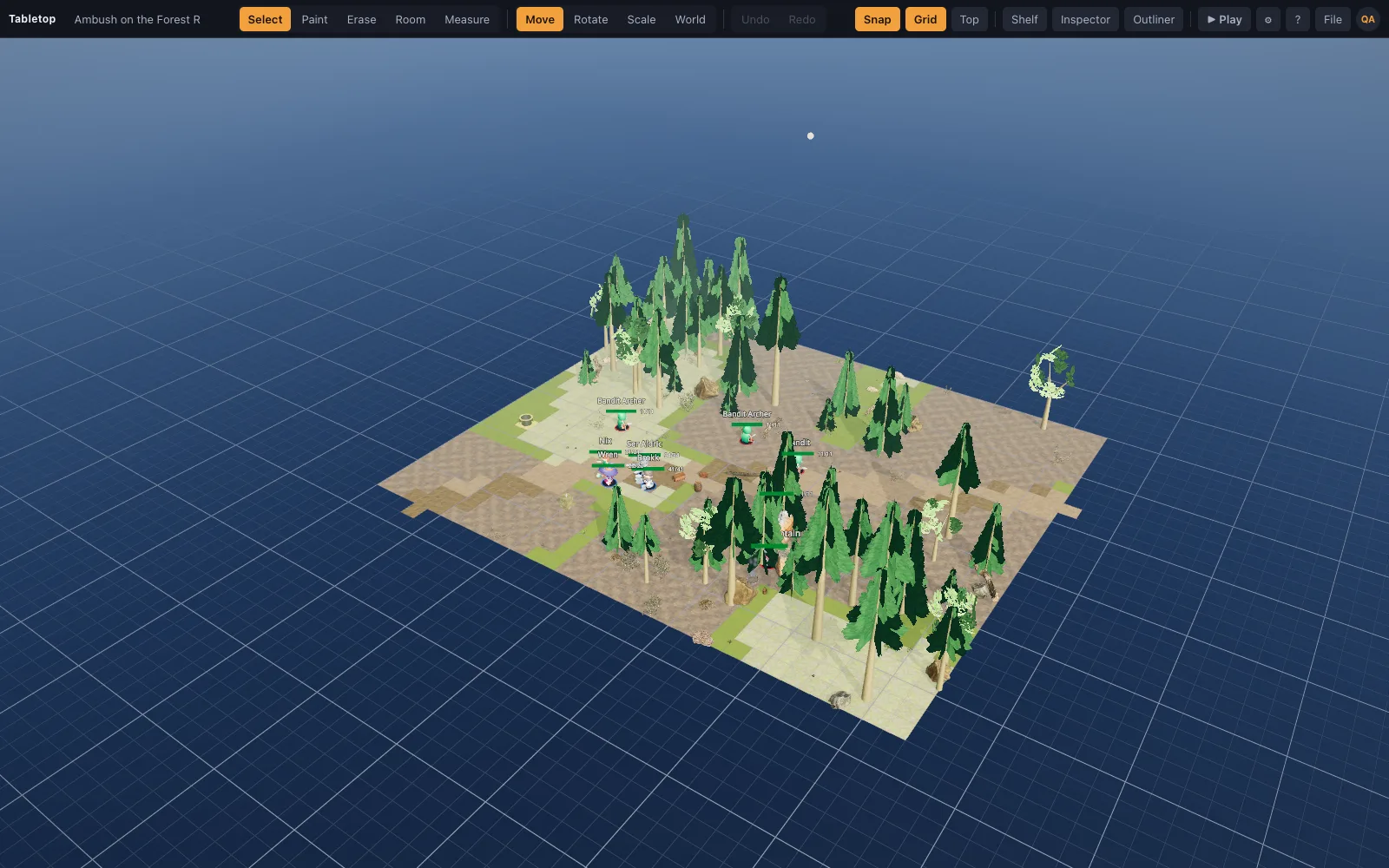
Trees, rocks and open ground built from the library's outdoor pieces, for the classic road ambush: cover on both sides, nowhere flat and empty for long, and a name that tells you exactly what the fight is about before you open it.
Castle Gate at Dusk — a fortification
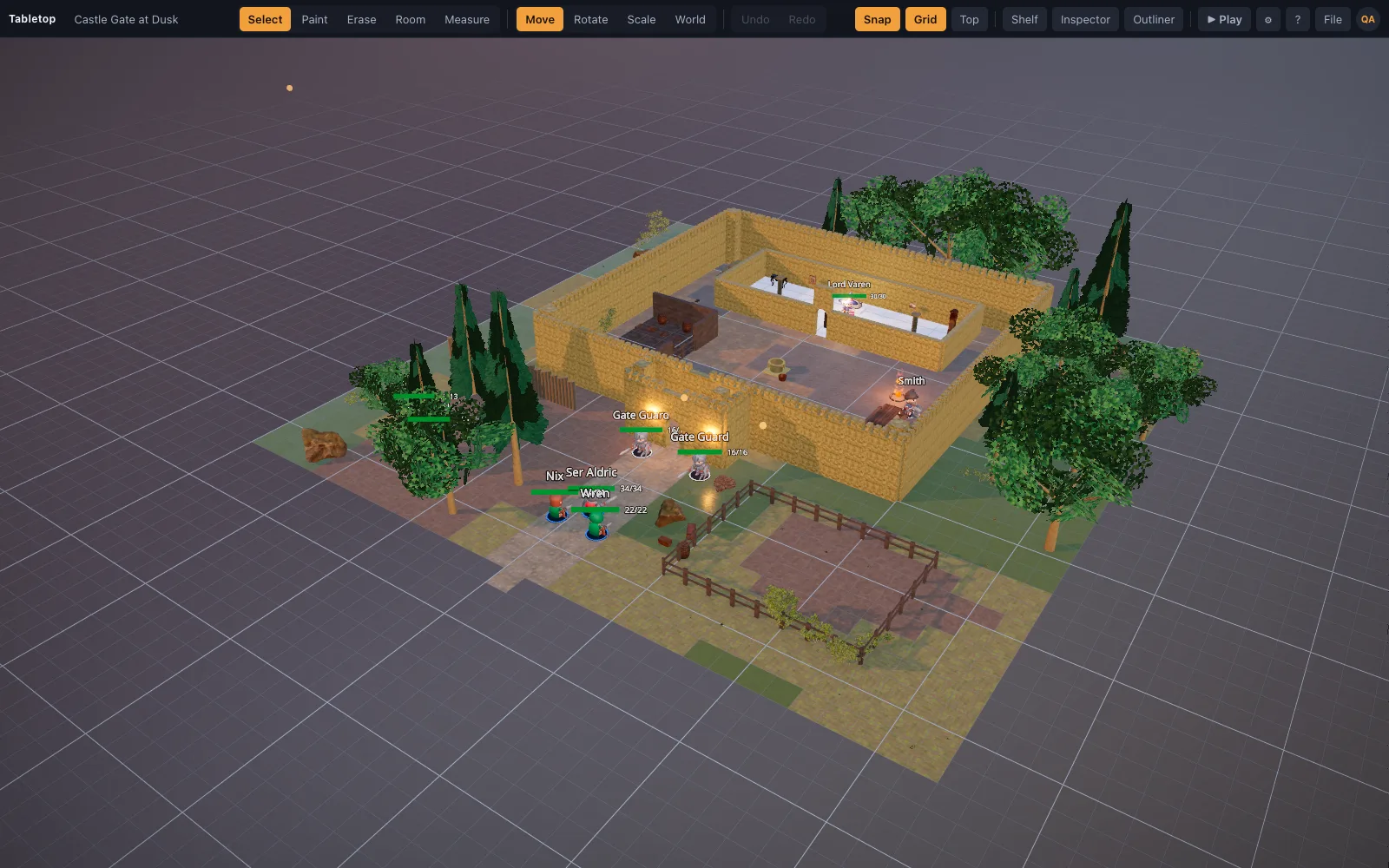
Battlements, parapets and stonework at a gate, for a siege moment or a fight fought partly on a wall. It's the largest-feeling of the five and the one most worth walking through in the top-down view before a session, to plan sightlines.
Picking one from the welcome dialog
File ▸ New from Template opens the same picker as the welcome dialog on a new account: choose a scene and it's built and saved in one step, ready to open in Play mode. Every starter scene is built from the same realistic, CC0 asset library as everything else on the table, so they sit together believably if a campaign uses more than one.
Why five, and why these five
The five cover the encounter shapes a campaign hits most often in its first several sessions: a social scene that can turn into a brawl, a dungeon crawl, a boss fight in a tight space, an outdoor ambush, and a fortification. That's not every kind of scene a game will ever need, but it's enough variety to get a new DM through the first few sessions without building anything from scratch, and enough range that a campaign can lean on more than one of them without repeating itself.
Starting with one, then keeping the others in reserve
Most groups don't need all five in the first month — a table running a dungeon-focused opening chapter might only touch Hollowdeep Cells and Crypt of the Pale Knight for weeks. Knowing the other three exist matters for later: when the campaign suddenly needs a tavern brawl or a road ambush on short notice, the scene is already built, saved and one click away instead of being a Thursday-night scramble.
Browsing them outside the app
All five are also browsable on the site at /scenes without opening the editor, which is a fast way to decide which one fits an upcoming session before committing File ▸ New from Template to your own account's scene list.