Customizing a starter scene for your own campaign
A starter scene is a finished map the moment it loads, but 'finished' and 'yours' aren't the same thing. Five minutes of dressing turns Hollowdeep Cells into your dungeon, with your campaign's props in the right spots and a name your players will recognize next session.
· 5 min read · TerrainTale
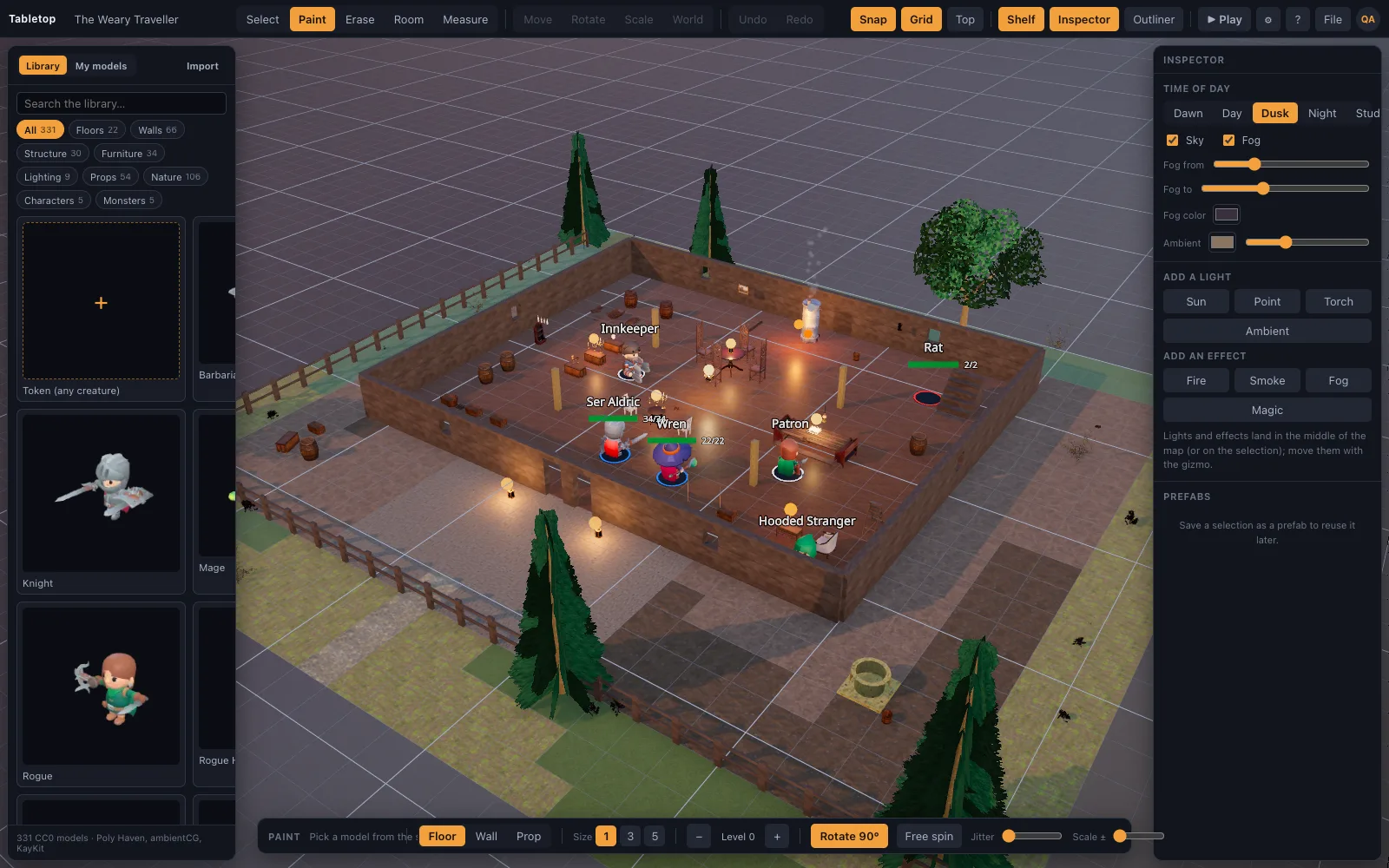
Save a copy before you touch it
File ▸ Save a Copy… saves the open scene under a new name and switches to the copy, leaving the original starter scene untouched in your library. That means you can build a second variant of a starter scene later — a daytime version of the tavern, a flooded version of the dungeon — without losing the clean original.
Rename it to fit your world
The Weary Traveller is a fine placeholder name; it isn't your tavern's name. Renaming a scene from the My Scenes library card is a one-click fix that does more for immersion than any amount of dressing — players remember a place by its name faster than by its furniture.
Dress for the specific scene, not the generic one
A starter scene is dressed for the shape of encounter it's named for, not for your specific NPCs or plot. Adding a handful of scene-specific pieces — a wanted poster on the tavern wall, a very particular altar in the crypt, a banner with your antagonist's sigil at the castle gate — is usually enough to make a template feel bespoke without redoing the floor and walls that already work.
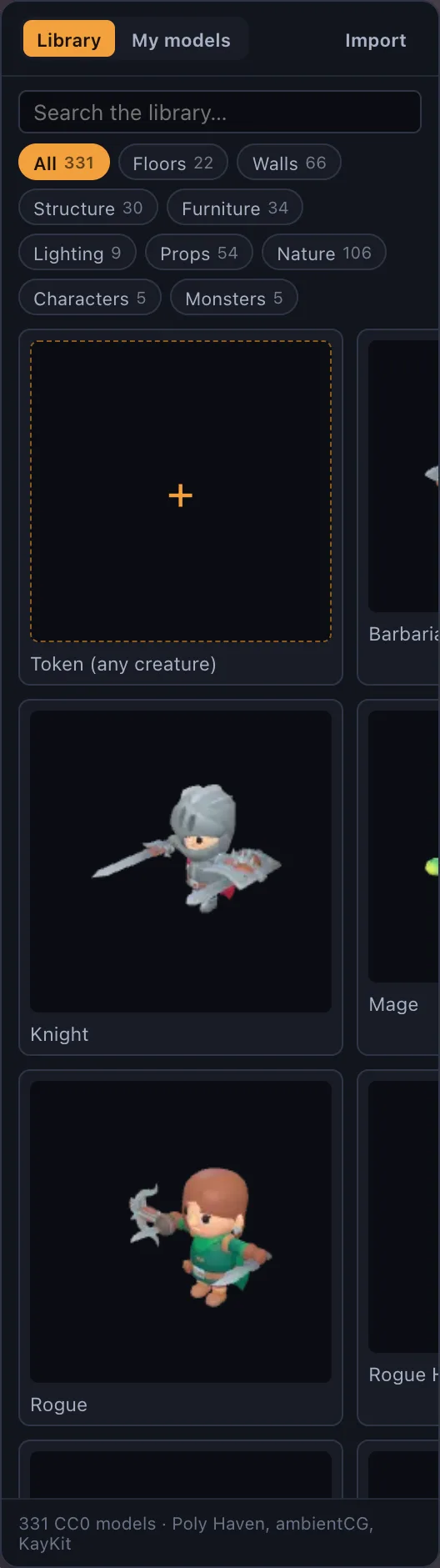
This is where the library's roughly 225 photoscanned props earn their keep: a starter scene rarely uses more than a fraction of what's available, so there's plenty of unused furniture, clutter and terrain to pull from without ever leaving the built-in library.
Lighting is the fastest mood change
Swapping a scene's time of day or light sources changes its feel more than moving furniture does. A crypt lit by a single guttering torch reads very differently from the same crypt lit evenly, and it's a lighting change, not a rebuild. The renderer's dynamic shadows do the rest of the work automatically once a light is added or moved, so the mood shift is visible the moment you place it, not after a separate baking step.
When to stop customizing and start from scratch
A starter scene is built around one shape of room. If your campaign's version of that location needs a genuinely different floorplan — a second floor, a river running through it, a layout your encounter actually depends on — it's faster to start a blank grid using the same shape-first method than to fight a template's floorplan into something it was never built to be.
Recurring locations are worth the extra ten minutes
A tavern the party only visits once doesn't need much beyond a rename. A tavern that's their home base for a whole campaign is worth the extra ten minutes of dressing, since players will notice the same table, the same hearth and the same regulars session after session — and that recognition is exactly what makes a digital map feel like a real place instead of a background. The same logic applies to a recurring dungeon, ship or camp: the more a group returns to a scene, the more the small, specific details pay off.