PBR materials vs. flat textures: why the floors look real
A flat texture is a single picture stretched across a floor; it looks the same from every angle and under every light because it has no actual surface to respond to. PBR — physically based rendering — gives a material real bumps, real roughness and real light response, which is the difference between a floor that looks painted on and one that looks like stone you could kneel on.
· 5 min read · TerrainTale
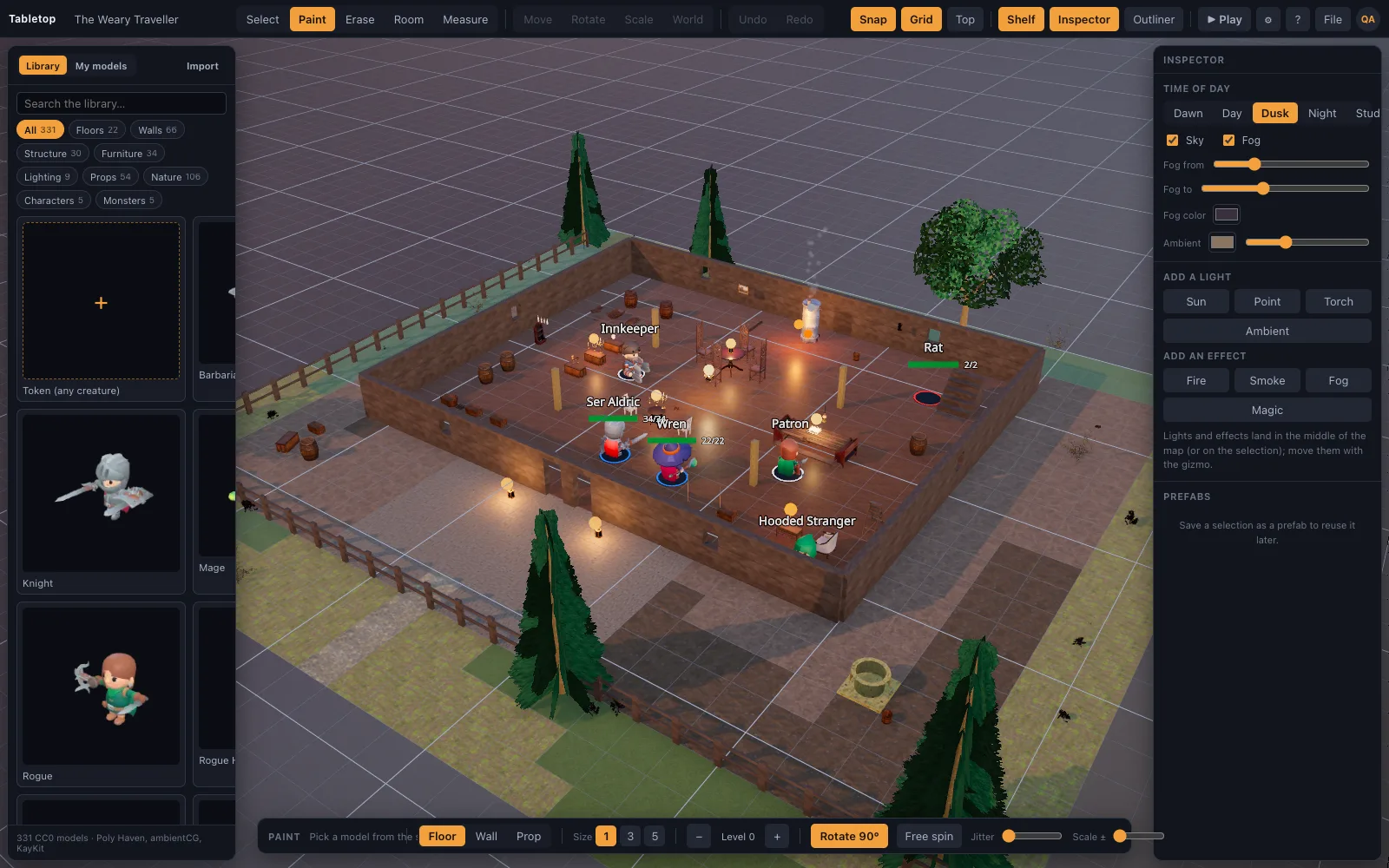
A flat texture is one flat picture
A stylised or 'flat' map texture is a colour image and nothing else: it doesn't know where the grout lines dip, doesn't know which parts of a cobblestone catch a torch and which sit in its shadow. Rotate the light and the floor looks exactly the same, because there was never any actual height or roughness data behind the picture.
What PBR actually adds
A PBR material carries several data layers at once — colour, surface height, roughness, and normal direction — so a renderer can calculate how light actually bounces off it. A torch moved across the room makes real highlights slide across real bumps in the stone; a wet-looking cobble reflects differently than a dry plank, because the material genuinely encodes that difference rather than faking it in one flat image.
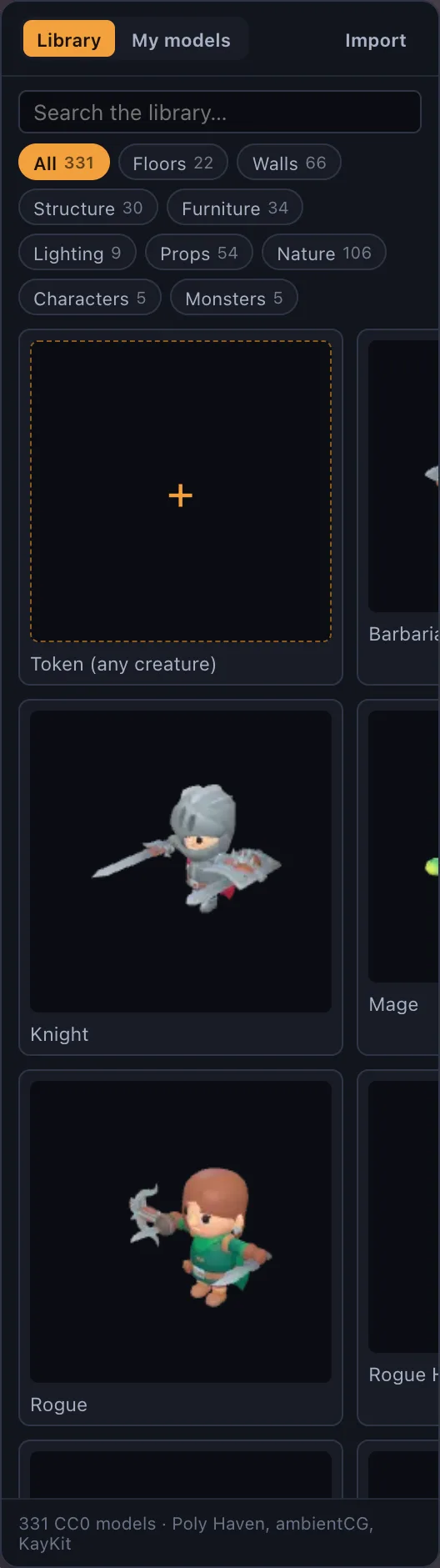
Built from ambientCG scans, not drawn by hand
TerrainTale's 96-piece surface and structure library (`realistic-surfaces`, built by `scripts/build-surfaces.mjs`) is generated from ambientCG materials: PBR floor tiles in grass, forest floor, mud, cobbles, flagstones, marble and planks, and wall families in stone, stone brick, dungeon, brick, plaster, timber, cave and castle, with matching doorways, archways, windows, parapets and battlements so an opening always lines up with the wall it replaces.
Why it matters at the table, not just in a screenshot
The payoff of PBR floors shows up mid-session, not in a marketing shot: as a scene's lighting shifts — a torch flickering, dynamic shadows moving as a mini crosses a doorway — a PBR floor keeps responding correctly, while a flat texture would just sit there looking identical regardless of what the light is doing above it.
One consistent look across the whole library
Because every surface piece comes from the same generation pipeline over real material scans, a dungeon corridor, a tavern floor and a forest road all sit together believably under the same lighting — the library is deliberately realistic-only, with no stylised low-poly pack mixed in to break that consistency.
What to look for if you're comparing map builders
The tell is simple: move a light source over the floor and watch what happens. A flat texture stays exactly the same, because there's nothing underneath it to respond. A PBR floor shows highlights sliding across real bumps, shadows pooling in real grout lines, and a genuinely different sheen between, say, wet cobbles and dry planks — because the roughness and height data are actually there, not implied by a clever paint job.
It's also worth checking whether openings actually sit flush with the walls around them — a doorway that floats slightly off a wall's surface, or a window frame that doesn't quite meet the stone, is a common tell of assets that were never built to a shared grid. TerrainTale's wall families ship with matching doorways, archways and windows for exactly that reason.